About this app
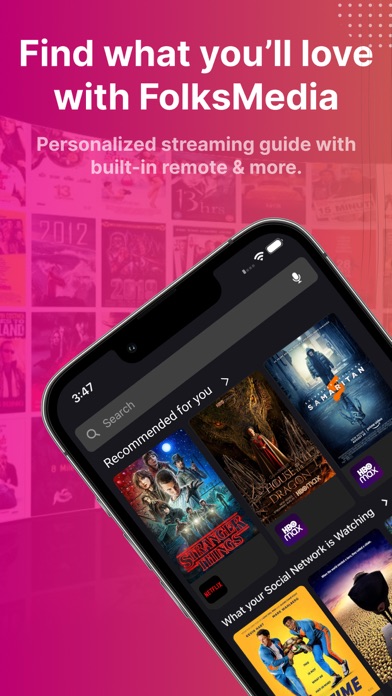
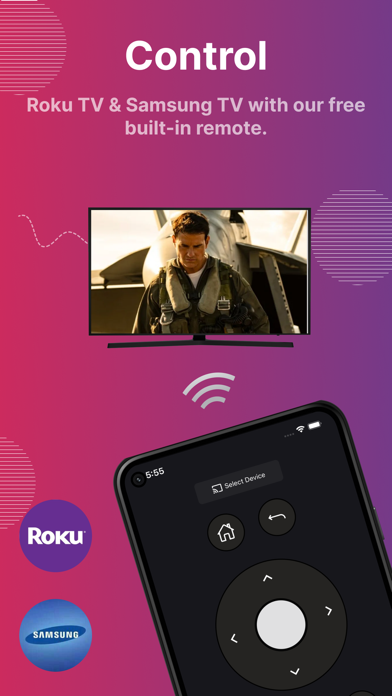
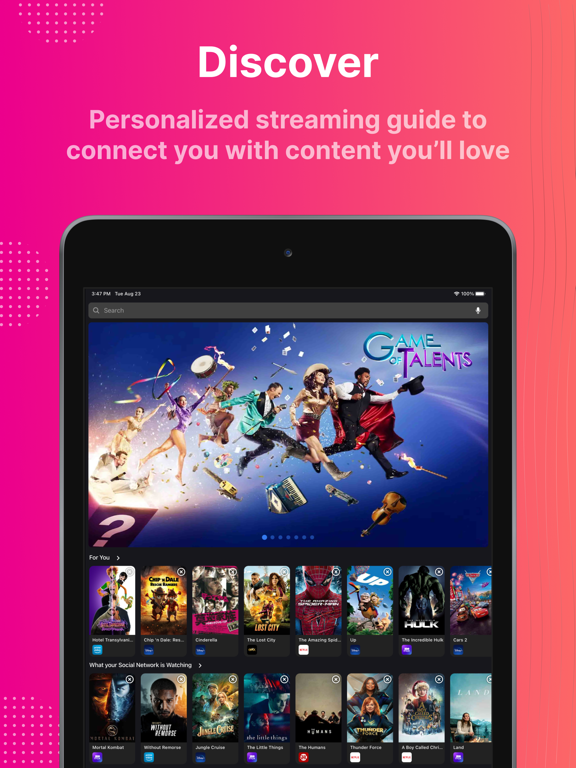
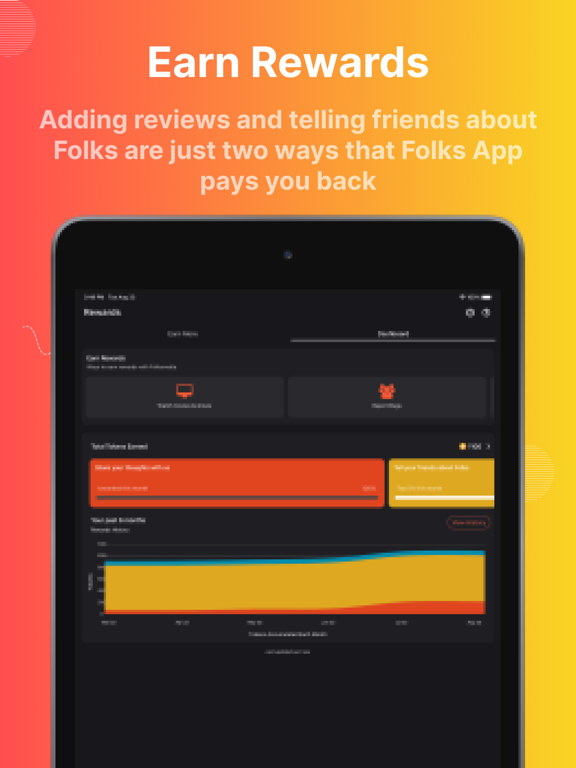
We connect you to your content directly on your smart phone or use the built-in remote control for your TV/streaming device. Discover movies & TV shows on Netflix, Amazon Prime Video, Disney+, HBOMax, Hulu, Showtime, Starz, Paramount+, and more. Find free movies & TV shows from Tubi, Pluto, Vudu, and others. Use our remote control feature now with Roku TV, Fire TV, AndroidSmart TVs, and Samsung Smart TVs. Plus you’ll earn rewards for being part of the FolksMedia Community. Discover the best movies and shows for you: > Select your streaming subscriptions and FolksMedia goes to work finding titles just for you > Personalized movies & TV show recommendations across all of your streaming services in one place > Search for titles across all popular streaming services > Long press on any title to watch on your phone or connect to smart TV/device > Get organized by creating Playlists > Use built-in remote to navigate streaming services directly from the app Built-in remote control: Supports Roku, Fire TV, Samsung Smart TV, and Android Smart TVs Press to Play: Long press on any FolksMedia title icon connects you directly to content either on your phone or with your selected streaming device/TV Missing your remote? Now you can control streaming on your smart TV from your smartphone. TV Brands Supported by FolksMedia Universal Remote control: > Smart TV Remote for Samsung TV > TV Remote for Fire TV > TV Remote for Sony TV > TV Remote for Philips TV > TV Remote for TCL TV > TV Remote for Panasonic TV > Smart TV Remote for Roku TV > TV Remote for Xiaomi TV > TV Remote for Toshiba TV > TV Remote for Android TV > TV Remote for Google TV How to Use Universal Smart TV Remote Control App: > Install Folksmedia app > TV and phone should be connected to same wifi > Open Remote Tab in app > Click on Connect Device > Choose the TV/device to connect > Follow steps in connection guide > Click on Connect > Now your remote is ready to use. Smart Remote functionalities > Play / Stop / Reverse / Fast Forward. > Up / Down / Left / Right Navigation. > Back > Home > Power off button (only for Samsung TV) > Mute / Volume Control.( Not all brands/models) > Change inputs (Not all brands/models) > Simple UI with visually appealing design. Earn rewards with FolksMedia: There are many ways to earn rewards by doing things like: > Using FolksMedia daily to find what you’ll love > Reviewing movies and shows to let Folks know how you feel > Building watchlists and sharing with friends and other FolksMedia users > Referring friends to grow the FolksMedia Community > Reporting bugs to help us provide the best experience for you and FolksMedia users everywhere Get started: > Download the FolksMedia App > Create a secure account using your email address > Connect with your supported TV streaming device/smart TV > Start watching your favorites and discover new ones Reach out to us: We’re glad you’re here and hope that you’ll join the FolksMedia App. For more information check us out at www.folksmedia.com, and feel free to drop us a line at support@folksmedia.com, we’d love to hear from you. Note: > For Smart TVs / devices, both the smartTV device and user's mobile device must be connected to the same network. > This app is compatible with (Samsung TV, Fire TV, Sony TV,Philips TV, TCL TV, Panasonic TV, Roku TV, Xiaomi TV, Toshiba TV, Google TV). This is an unofficial TV remote application for these TV brands. > Support for more TV brands coming soon
Latest release
What’s New
bug fixes & enhancements
Audience growth
Ratings growth
Baseline captured. Growth appears after the crawler observes a changed rating count.
Momentum comes from crawler snapshots for the tracked storefront. “Viral growth signal” means unusually fast recent rating gains; it is an indicator, not download data.
Price tracking
Price intelligence
- First observed Aug 13, 2026 · 10:37 AM Free
Screenshots