About this app
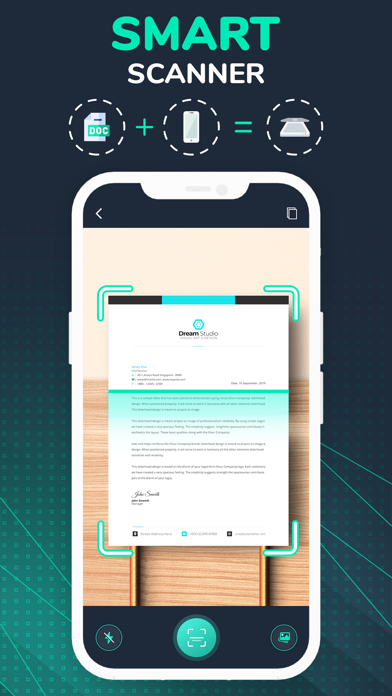
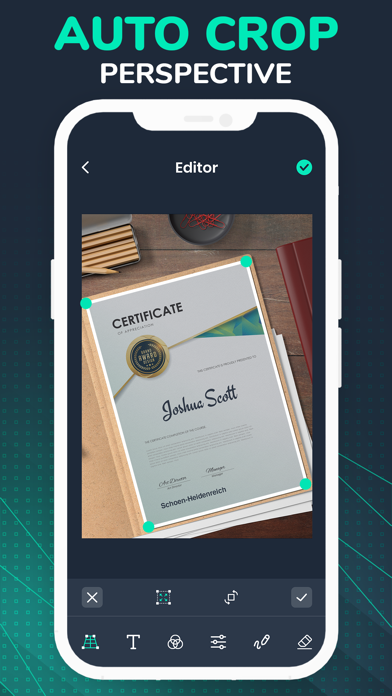
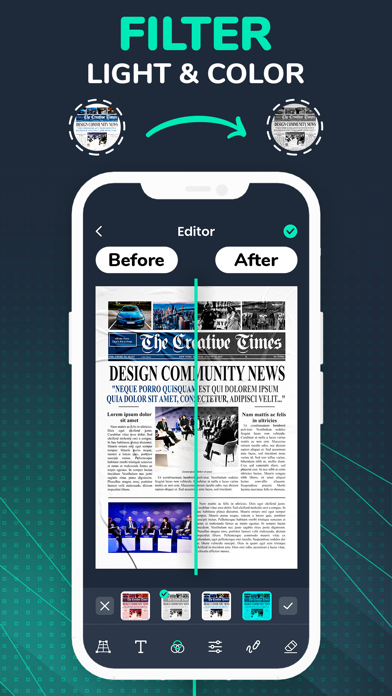
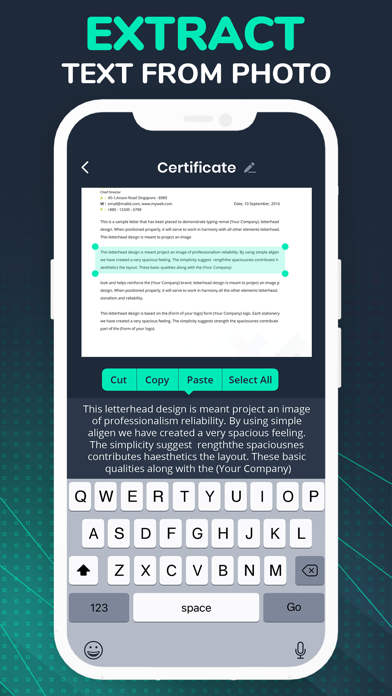
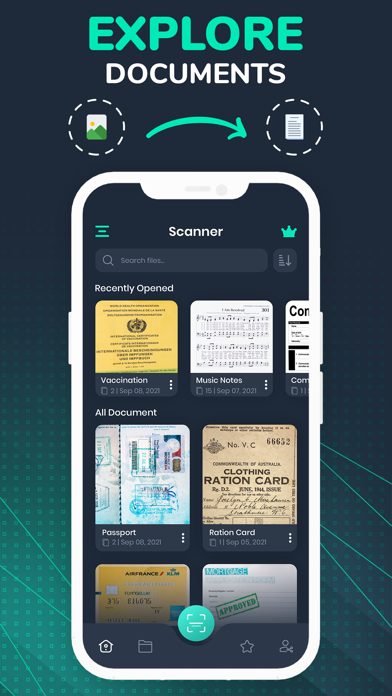
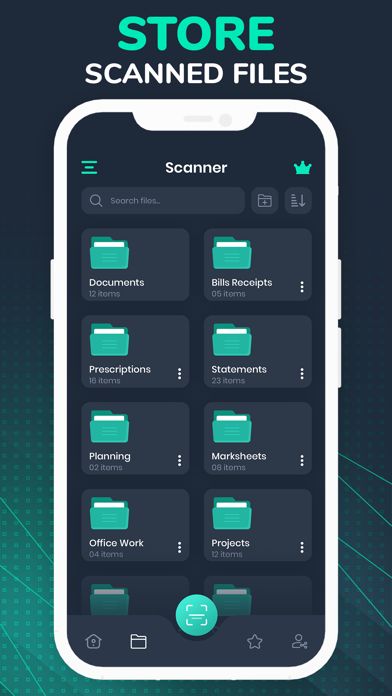
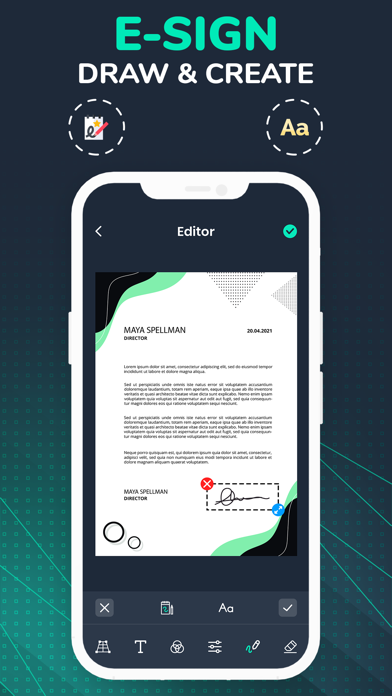
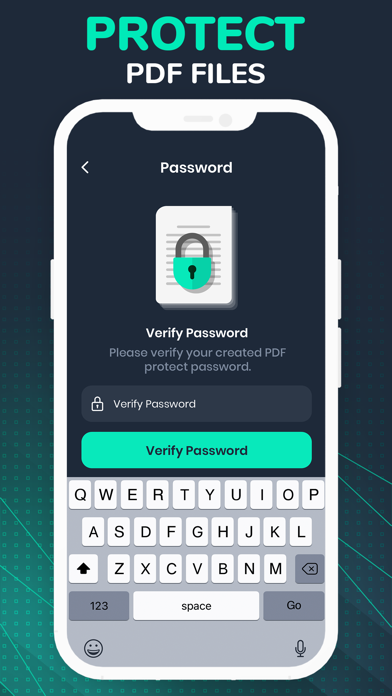
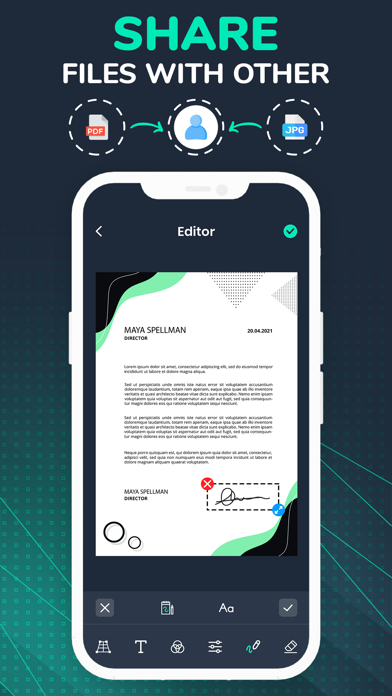
Create instant PDFs of your paper documents. Doc scanner lets you scan and create PDF files on your device using photos and camera. This mobile scanner helps you scan and digitize all your documents, bills, photos, passport, receipts, notes, ID cards and business cards. App Features - Automatic document edge detection - Scan, Print OR Share any document to PDF - High quality image option for PDF - Convert multiple images into single PDF - Rotate, crop, and rearrange scanned images - OCR Text Recognition feature recognizes texts from images UNLIMITED PREMIUM SUBSCRIPTION Subscriptions can be weekly, monthly and annual** Payment will be charged to iTunes account at confirmation of purchase Subscription automatically renews unless auto-renew is turned off at least 24-hours prior to the end of the current billing period ** Subscription amounts are equal to the value that the "Apple's App Store Matrix" determines to be the equivalent of the subscription price of your local currency in $USD. Terms of Use: https://sites.google.com/view/krterms/home Privacy Policy: https://sites.google.com/view/krapps/home
Audience growth
Ratings growth
Baseline captured. Growth appears after the crawler observes a changed rating count.
Momentum comes from crawler snapshots for the tracked storefront. “Viral growth signal” means unusually fast recent rating gains; it is an indicator, not download data.
Price tracking
Price intelligence
First snapshot captured. The trend line starts after the next crawler price observation.
- First observed Sep 4, 2026 · 6:34 AM Free
Screenshots