About this app
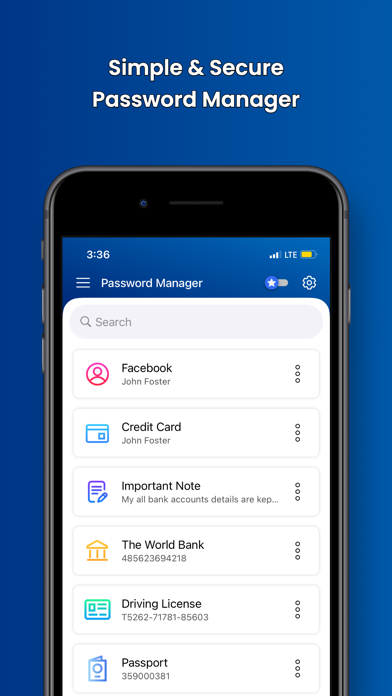
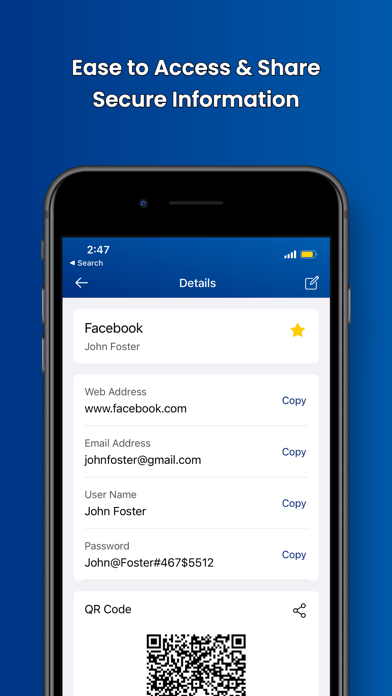
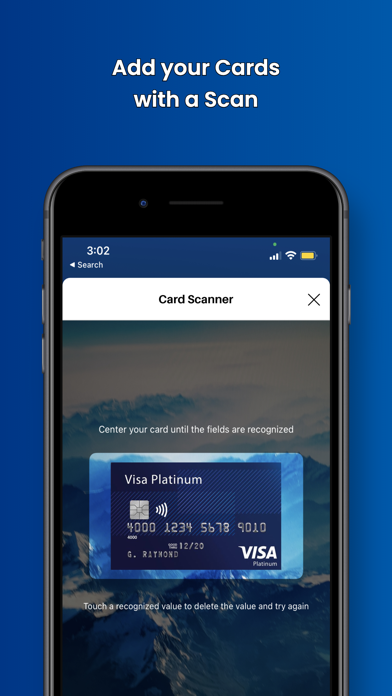
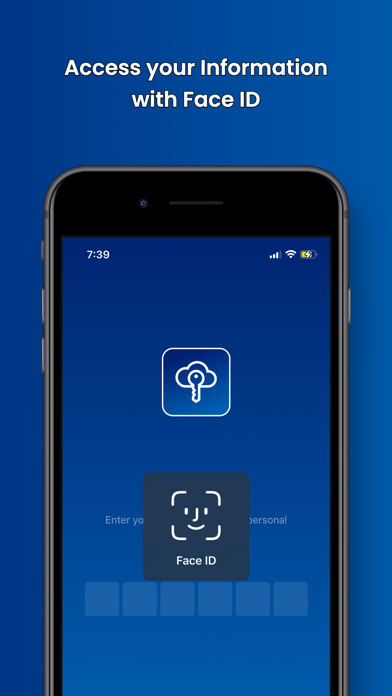
Safeguard your most valuable assets—your passwords and private information—with our highly secure and user-friendly Password Manager - Secure Manager. Protect your data with AES-256 encryption and enjoy the convenience of easy access. Our feature-rich password manager is your best companion for storing and managing sensitive information. Key Features: - Generate unique and robust passwords with a built-in password generator for all your online accounts. - Seamlessly store and access your credit/debit card details using scanning functionality. - Manage your daily life and keep important notes secure. - Organize bank account information and maintain all the crucial details. - Effortlessly handle your driver's license and passport information with user-friendly scanning capabilities. - Access and store personal emails of friends and family with peace of mind. - Securely share passwords with your family or private team via QR codes. - Conveniently unlock the app using Passcode, Touch ID, or Face ID. - Access your information from any device with ease. Stay safer and more secure with Password Manager - Secure Manager, featuring a user-friendly interface for efficient access. Additional Benefits: - Categorize and securely access your data, including logins, credit/debit cards, secure notes, bank accounts, driver's licenses, passports, emails, and more. - Organize your information with favorite and unfavorite functionalities. - Perform advanced searches to find secured information effortlessly. New to Password Manager - Secure Manager? Download now for protection and security for your private and sensitive online information. Your security is our priority. All your information and details are protected and secured with the standard AES-256 encryption. Join our growing community of satisfied users who have discovered the most secure and user-friendly password manager.
Latest release
What’s New
- Performance improvements - Bug fixes
Audience growth
Ratings growth
Baseline captured. Growth appears after the crawler observes a changed rating count.
Momentum comes from crawler snapshots for the tracked storefront. “Viral growth signal” means unusually fast recent rating gains; it is an indicator, not download data.
Price tracking
Price intelligence
First snapshot captured. The trend line starts after the next crawler price observation.
- First observed Aug 6, 2026 · 5:14 AM Free
Screenshots