About this app
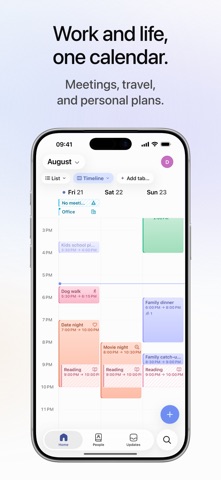
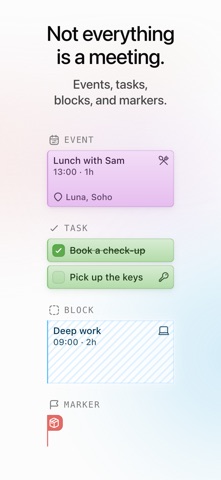
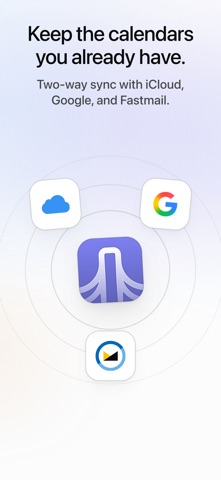
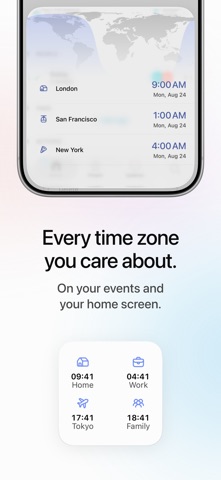
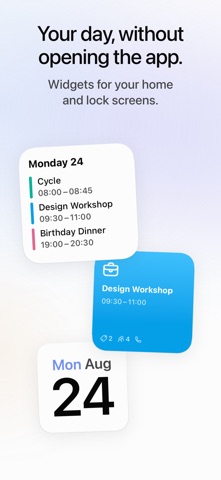
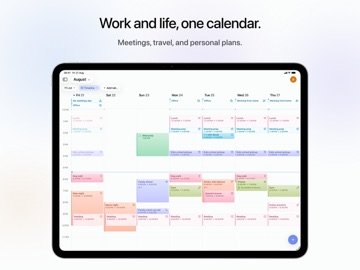
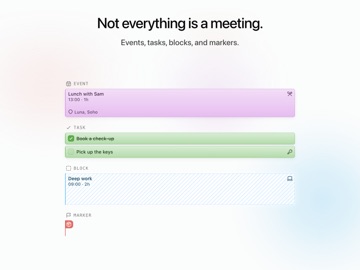
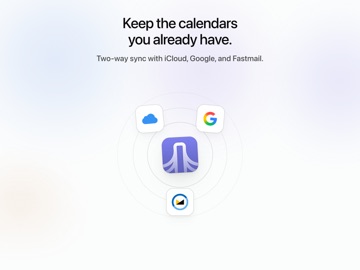
Stop juggling calendars. Daybridge puts meetings, travel and personal plans in one fast, beautiful calendar you'll actually enjoy using. Bring your events and tasks together in one place, with flexible layouts, shared calendars, customizable notifications, world clock time zones, and home and lock screen widgets. With Daybridge, you can: • Plan events and tasks side by side, so everything you need to do lives alongside everything you've got on • See your schedule your way, as a single day, several days at a glance, or a scrolling agenda list of everything coming up • Manage every side of your life in one place by categorising events with Areas • Connect your Google, iCloud and Fastmail accounts to see work and personal events together • Create shared calendars to stay in sync with friends and family - directly in Daybridge • Use widgets to see upcoming events, the local time in your saved time zones, and more, on your home screen and lock screen • Never miss a thing with fully customizable real-time notifications • Get invited to events easily by creating a profile and picking a username • Pick up where you left off across Daybridge for Web, Mac, and more, with automatic syncing Apple's standard Terms of Use (EULA) applies: https://www.apple.com/legal/internet-services/itunes/dev/stdeula/ Our Privacy Policy: https://daybridge.com/legal/privacy-policy
Latest release
What’s New
• The Next Event widget now shows a larger icon, as well as indicators for calls, participants, and tags • Added hiking and thought bubble icon to the icon picker for events, areas, tags, locations and time zones • Made declined events more visually distinct in list layout • Long-press tasks in list layout to mark them complete or incomplete • Improved compatibility with future iOS updates • Minor design and VoiceOver accessibility improvements to settings • Fixed the delete option not appearing in the long-press menu for events in list layout Recent Updates: • Timeline events have a cleaner look, now showing locations, people, calls and reminders, and making clear which invitations you haven't answered • Customize the timeline layout to show more days side-by-side on larger iPads • Give us feedback from settings • Pinch the timeline to zoom in or out
Audience growth
Ratings growth
Baseline captured. Growth appears after the crawler observes a changed rating count.
Momentum comes from crawler snapshots for the tracked storefront. “Viral growth signal” means unusually fast recent rating gains; it is an indicator, not download data.
Price tracking
Price intelligence
First snapshot captured. The trend line starts after the next crawler price observation.
- First observed Aug 29, 2026 · 10:43 PM Free
Screenshots