About this app
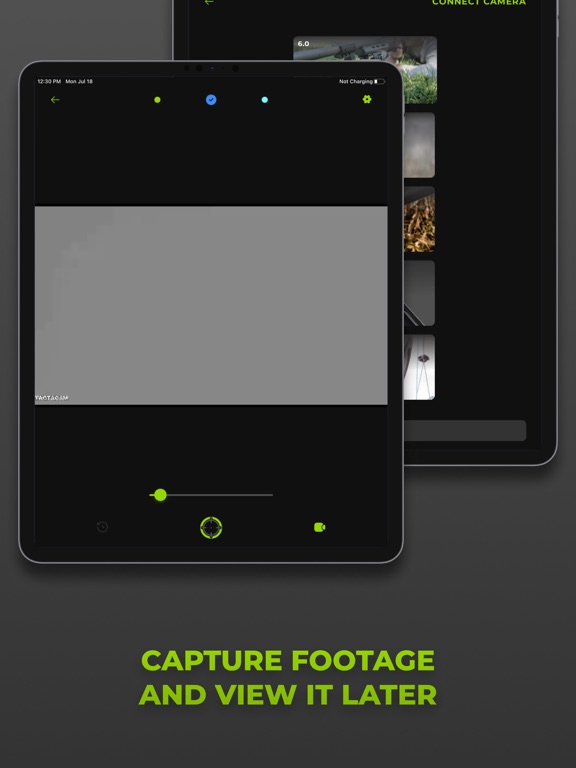
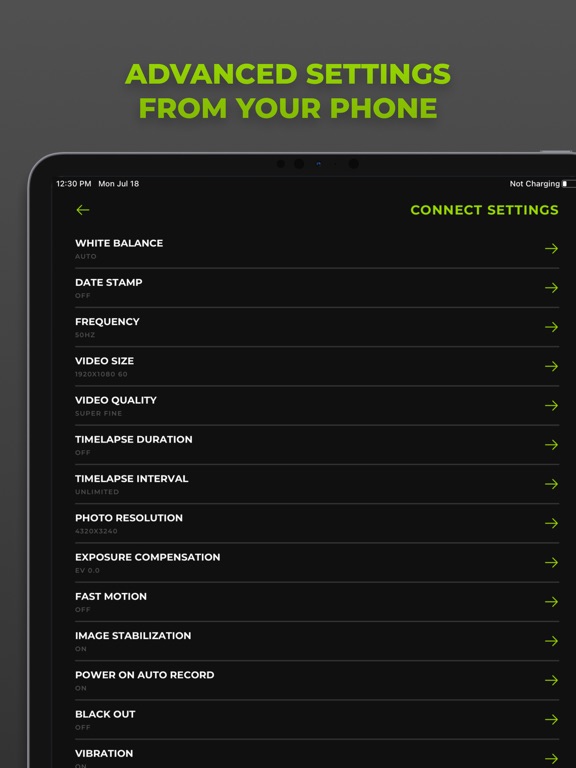
Connect and control your Tactacam POV camera using your iPhone or iPad with the app. After establishing connection, you can instantly watch your camera's feed, start or pause recording, edit or playback videos, and download them straight to your device for easy sharing on all your social media platforms. How to Connect: Open the Tactacam Connect app Select the POV camera to connect Turn on your camera’s Wi-Fi when prompted Features: View your camera's live stream Start and stop recording Adjust video resolution and frame rates Set white balance Easily edit footage with integrated video editor Format your SD card Watch, download, or remove videos Automatically add time and date with iPhone or iPad when connected Supports full video and audio playback before downloading Auto-rotate function available Slow-motion and time-lapse functions available
Latest release
What’s New
- Fixed various connection issues between camera and app - Improved recording status accuracy - Fixed various video export issues on iOS 16 - Fixed issue with stop recording button - Improved app stability when connecting to Tactacam 5.0 - Fixed issue with Solo Xtreme's live preview when using auto-rotate - Fixed various issues with recording after changing camera mode
Audience growth
Ratings growth
Baseline captured. Growth appears after the crawler observes a changed rating count.
Momentum comes from crawler snapshots for the tracked storefront. “Viral growth signal” means unusually fast recent rating gains; it is an indicator, not download data.
Price tracking
Price intelligence
- First observed Aug 17, 2026 · 5:59 PM Free
Screenshots