About this app
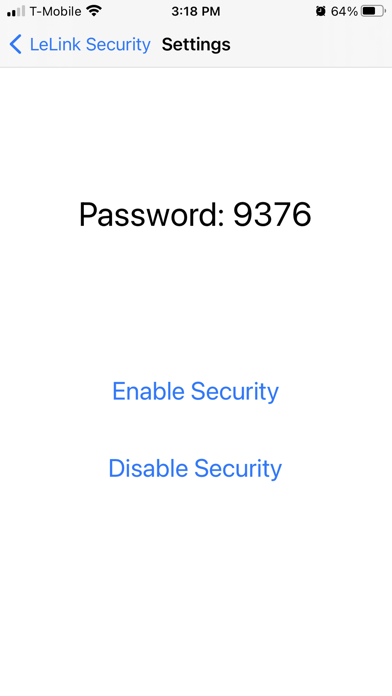
What is supported The app can enable/disable the password protection of the LeLink OBDII adapter manufactured after 2021. When the protection is enabled, user will be asked to enter pairing password to use LeLink's OBDII functions. How to use You can only configure LeLink within 4 minutes after it powers on. Please unplug and replug to power-cycle the LeLink if it has been on for more than 4 minutes. The app will scan and display a list of the LeLink devices. Click the item to configure. The app does not need the pairing password. If you are asked to enter password, you may choose cancel to skip. Please record the pairing password if you enable password protection. Without correct password the LeLink will not perform OBDII functions. After enable/disable the password protection, you should power-cycle the LeLink to make the change effective. If you need help Online FAQ page at http://www.outdoor-apps.com/enginelink.html Send us email at support@ksolution.org
Audience growth
Ratings growth
Baseline captured. Growth appears after the crawler observes a changed rating count.
Momentum comes from crawler snapshots for the tracked storefront. “Viral growth signal” means unusually fast recent rating gains; it is an indicator, not download data.
Price tracking
Price intelligence
First snapshot captured. The trend line starts after the next crawler price observation.
- First observed Aug 18, 2026 · 5:16 AM Free
Screenshots