About this app
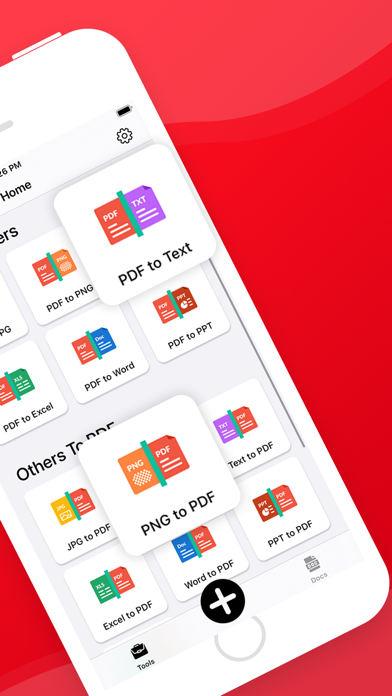
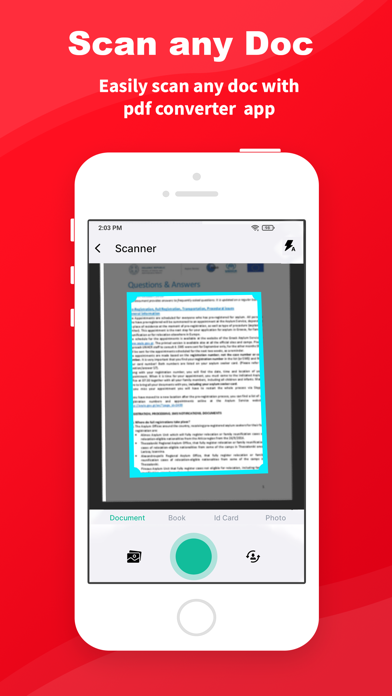
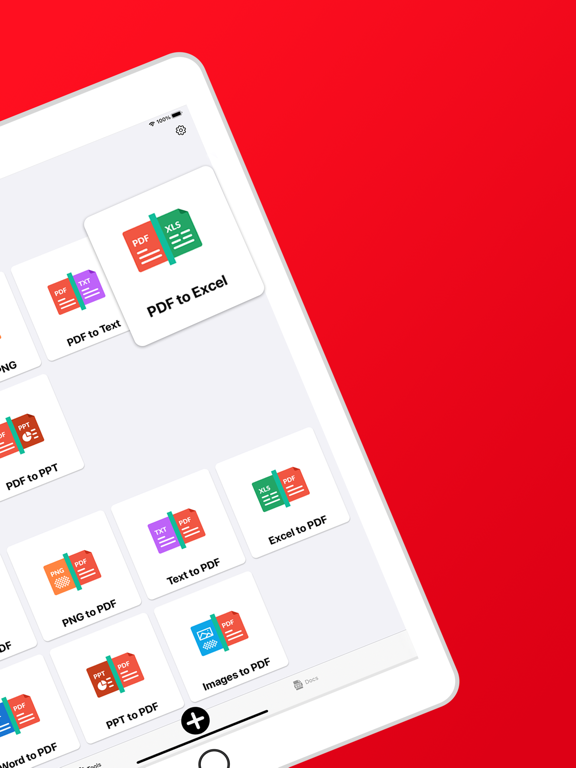
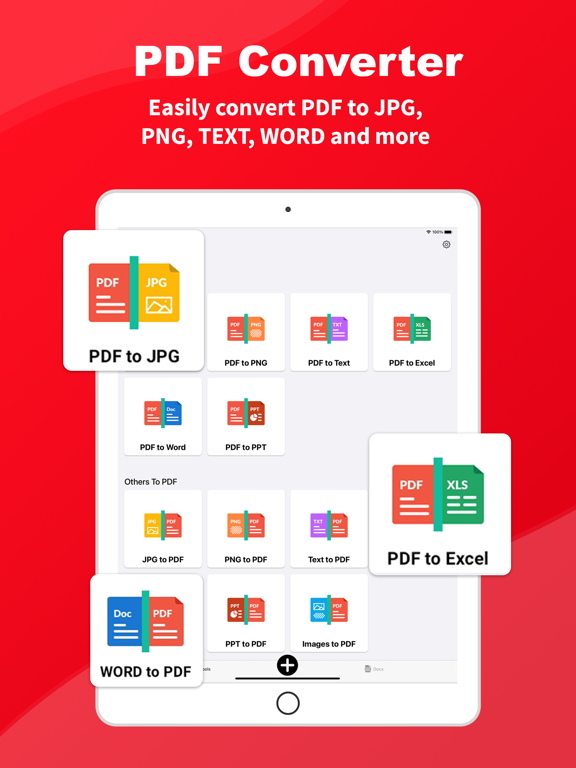
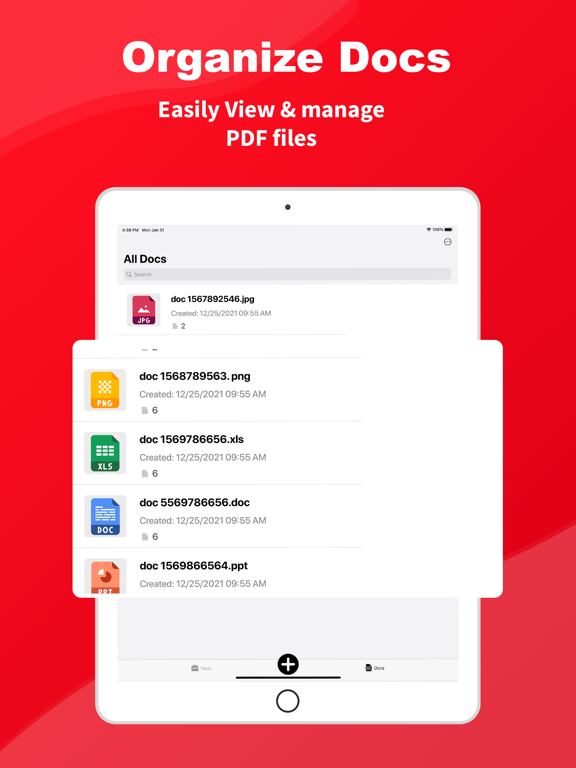
Instantly convert your PDF files into various types of formats like JPG, PPT, PNG etc. with PDF Converter with just one click. This easy-to-use PDF converter will help in quick conversion of documents to and from PDF formats online as well as offline. You can also scan and convert PDF files. Now is the time to download and start converting! With PDF Converter you can convert : PDF to others : ◾ PDF to JPG ◾ PDF to PNG ◾ PDF to Word ◾ PDF to PPT ◾ PDF to Excel ◾ PDF to Text Others to PDF: ◾ IMG to PDF ◾ Word to PDF ◾ PPT to PDF ◾ Excel to PDF ◾ TEXT to PDF Other Features of PDF converter : ◾ Convert all kinds of images to PDF Notes, receipts, invoices, forms, business cards, certificates, and other documents can all be converted to PDF documents. You may also use your camera to scan photographs and convert them to PDF. ◾ Resize images Resize, trim, and rotate the photos to meet your needs. To optimize your photographs for better PDF output, use the cropping and scaling tools. ◾ Automatic sorting This application automatically sorts images and PDF files by name, size, created date, etc. You can also sort manually if you like. ◾ Works Offline PDF converter is designed to work Offline. Offline functionality is built into the PDF converter. You don’t have to upload data to the cloud, it can convert photos to PDF on the go. ◾ Share converted PDF files Send and share converted files easily via social media applications, Bluetooth, e-mail etc. ◾ Compress PDF files Supports to reduce PDF size through compression. Set the image quality as low, medium, high and original as per the requirement. ◾ Quick Search You will easily find the files you want with this function. Just enter the keywords and results will be displayed automatically. The docs will contain all of the converted files. This app requires access to the device’s camera and storage. It allows users to take and choose photos from a gallery. Your device or original photographs will not be altered. A reliable and trustworthy PDF scanner Your files will be 100% safe in this PDF converter application. We guarantee that the files will not be transferred to the server, so you may use this free pdf converter app to convert images to PDF for work. ------FAQ----- Is there any limitations of PDF files conversions? No, you can convert and create any number of PDF files. Is there any watermark on created PDF? There is No watermark. SUBSCRIPTION PRICING AND TERMS In-App Purchase: Weekly Subscription : USD $ 01.99 Monthly Subscription : USD $ 04.99 Yearly Subscription : USD $ 49.99 The subscription will automatically renew unless turned off in your iTunes Account Settings at least 24 hours before the current period ends. You can go to your iTunes Account settings to manage your subscription and turn off auto-renew. Your iTunes Account will be charged when the purchase is confirmed. Please read our Terms and Service & Privacy Policy https://docs.google.com/document/d/19CrM_8q0dyFa7P-d2r79pZelRDsK2WsQrucPgG95twM https://docs.google.com/document/d/1coX0F1-yktrcY40ai9qz1Z-fZ71upWDB8NKss7G2J8Y Thank You!
Latest release
What’s New
- Technical Enhancement
Audience growth
Ratings growth
Baseline captured. Growth appears after the crawler observes a changed rating count.
Momentum comes from crawler snapshots for the tracked storefront. “Viral growth signal” means unusually fast recent rating gains; it is an indicator, not download data.
Price tracking
Price intelligence
First snapshot captured. The trend line starts after the next crawler price observation.
- First observed Sep 1, 2026 · 1:26 PM Free
Screenshots