About this app
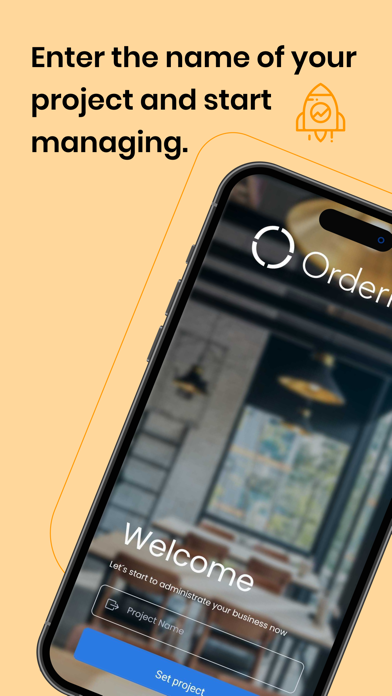
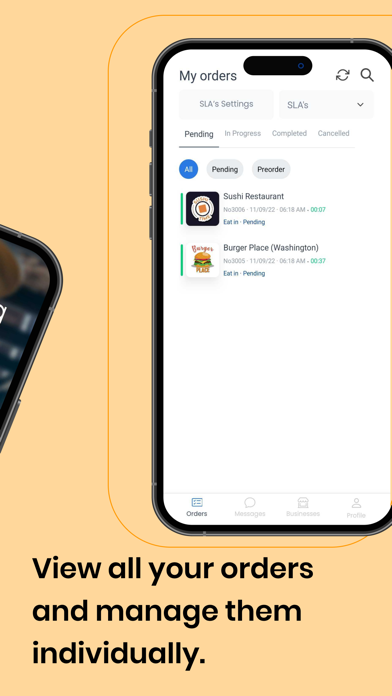
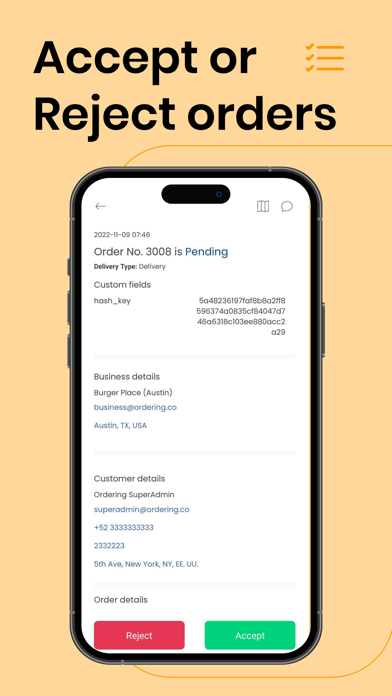
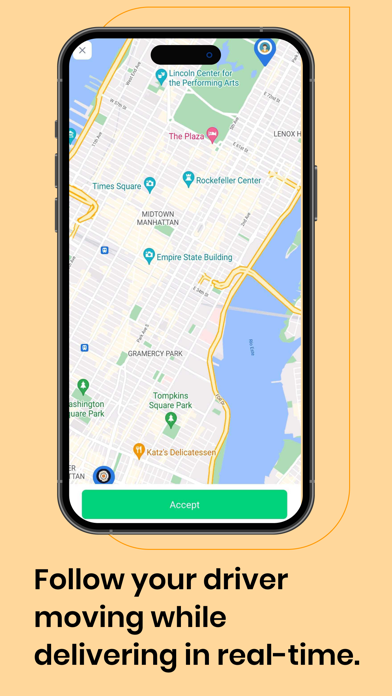
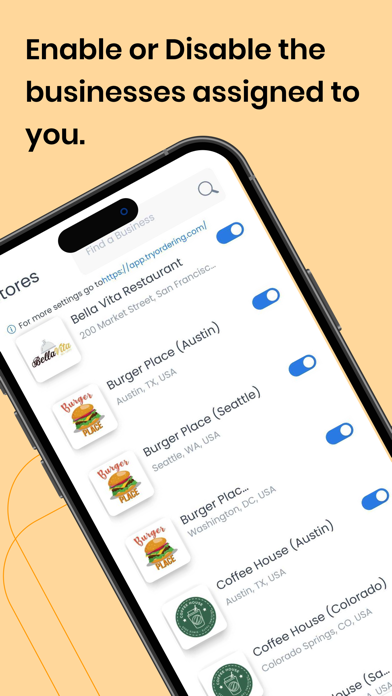
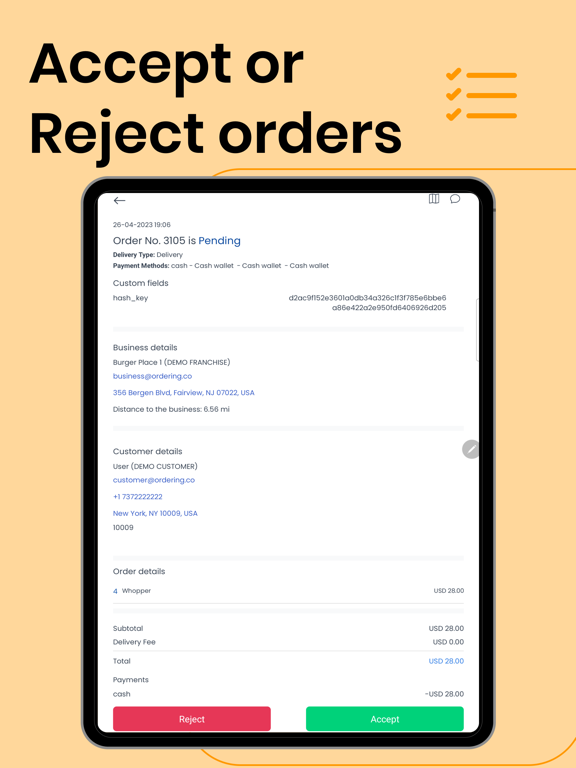
Allow your restaurants or business owners to receive their orders on your own white-labeled Orders Manager app. Use it Branded on your business at no cost. All you need to do is use the Business Owners Credentials that you currently have on your Dashboard. How it works. After the User orders on your website or native apps, the business owner will receive the order directly on his phone or tablet. After clicking on the pending order, the tablet will display all relevant details: customer details (name, phone number, address) and delivery details (address, etc.). The business fills in the estimated order pickup or delivery time and clicks on the accepted button. The customer will instantly receive an email with the confirmation of the order, together with the estimated time for pickup or delivery. Features: - The assigned tablet or smartphone becomes an order receiving machine - Affiliated businesses receive orders from your website widget or Native apps - Affiliated businesses receive visual and sound notifications when orders arrive on your smartphone or tablet, even when the app is closed - Affiliated businesses can view customer and delivery details: name, phone number, address, client location on the map - Affiliated businesses can view order details: product name, quantity, price, payment method, delivery or pickup instructions - Affiliated businesses Accept or Reject new orders: confirmation is then sent to your customer in an email - Affiliated businesses set delivery or pickup time: this info is added in the confirmation email received by the customer - Affiliated businesses can receive special requests about ordered items, for example, gluten-free, no pepper - Affiliated businesses can receive special requests about the delivery, for example, buzzer not working - User-friendly: displays all orders and other important details at a glance, on a single screen
Latest release
What’s New
Improved Store Demos Improved Performance Better UX
Audience growth
Ratings growth
Baseline captured. Growth appears after the crawler observes a changed rating count.
Momentum comes from crawler snapshots for the tracked storefront. “Viral growth signal” means unusually fast recent rating gains; it is an indicator, not download data.
Price tracking
Price intelligence
First snapshot captured. The trend line starts after the next crawler price observation.
- First observed Aug 19, 2026 · 8:36 AM Free
Screenshots