About this app
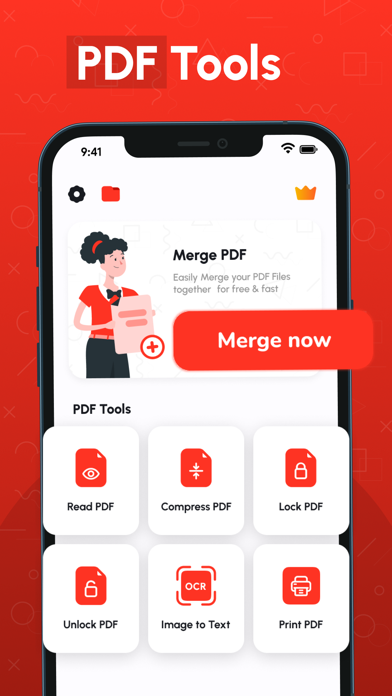
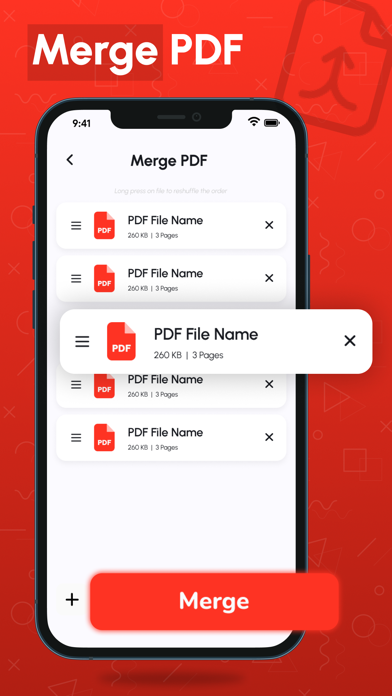
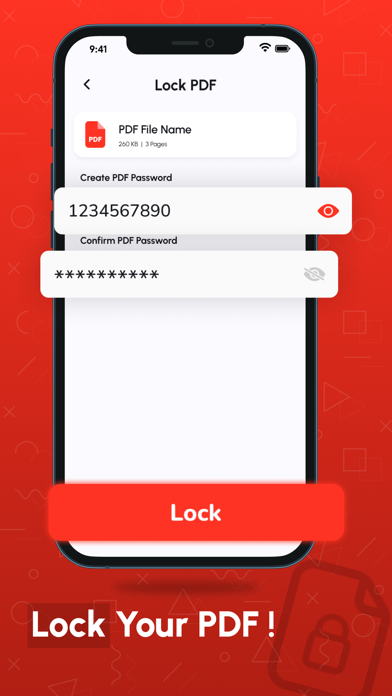
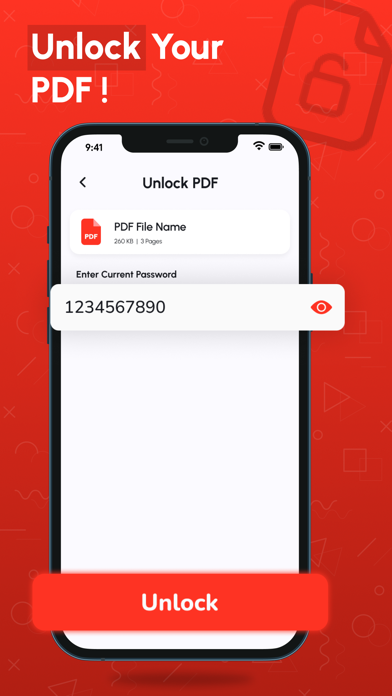
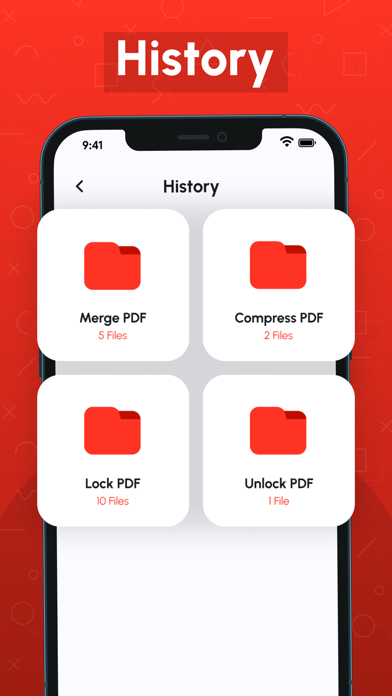
Merge PDF - Combine PDF: All-in-One PDF Management Tool Looking for a fast, simple, and reliable way to manage your PDFs? Merge PDF - Combine PDF is your complete PDF solution! Whether you want to merge, split, compress, or convert PDFs, this app makes document management effortless for students, professionals, and everyday users. Why Choose Merge PDF - Combine PDF? More than just a PDF merger, our app is a full-featured PDF toolkit. With advanced PDF tools, light & dark modes, and secure file handling, it’s the only app you’ll need to manage all your PDF files efficiently. Fast, easy, and reliable! Key Features: Merge PDF Files – Combine multiple PDFs into one file quickly and rearrange pages as you like. - Split PDF Files – Extract only the pages you need and save them as a new PDF. - Rearrange PDF Pages – Organize your documents by moving pages effortlessly. - Delete PDF Pages – Remove unwanted pages for cleaner, professional files. - Compress PDF – Reduce large PDFs without losing quality. - Lock & Unlock PDF – Protect your files with a password or unlock secured PDFs. - View & Print PDF – Open, navigate, and print your documents smoothly. - Convert PDF to PNG – Extract high-quality images from your PDFs. - Image to PDF – Turn JPG, PNG, or BMP images into PDF documents in seconds. - BMP to PDF – Convert BMP files to PDFs with ease. - History Section – Quickly access previously managed files. - Light & Dark Mode – Switch modes to reduce eye strain and improve reading comfort. Who Can Benefit? - Students: Merge lecture notes, compress files, or create PDFs from scanned assignments. - Professionals: Rearrange reports, delete unnecessary pages, or protect sensitive files. - Everyday Users: Combine bills, receipts, certificates, and more into a single PDF for easy sharing. Why It’s Convenient: - Fast & Efficient – Optimized for speed, saving you time. - User-Friendly Interface – Simple navigation for everyone. - Secure – All files are processed locally on your device. - Why Our App Stands Out - Free to Use – Unlimited access to essential PDF tools. - Lightweight – Won’t take up too much device storage. - Regular Updates – New features and improvements added frequently. How It Works: - Open the app and select your tool. - Upload your PDF or image file. - Follow the on-screen instructions. - Save, share, or print your file instantly. Multi-Language Support Enjoy our tools in multiple languages, making it accessible worldwide. Privacy First All files are processed locally on your device. Your documents stay secure and private. Download Now! Join thousands of satisfied users and simplify your PDF management today. Merge, split, compress, and secure PDFs easily with Merge PDF - Combine PDF. Make document handling hassle-free—download now! Terms of Use: https://techboeing.blogspot.com/2023/03/terms-of-use.html
Latest release
What’s New
- Bug fixes - Performance improvements
Audience growth
Ratings growth
Momentum comes from crawler snapshots for the tracked storefront. “Viral growth signal” means unusually fast recent rating gains; it is an indicator, not download data.
Price tracking
Price intelligence
- First observed Aug 6, 2026 · 2:27 PM Free
Screenshots