About this app
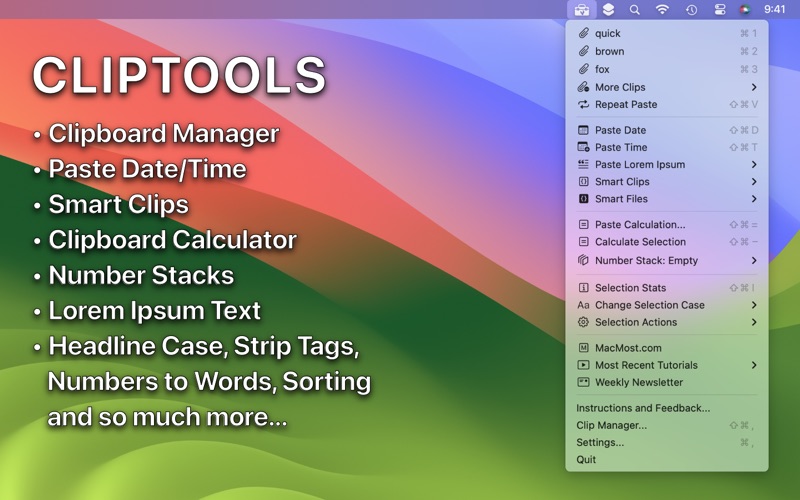
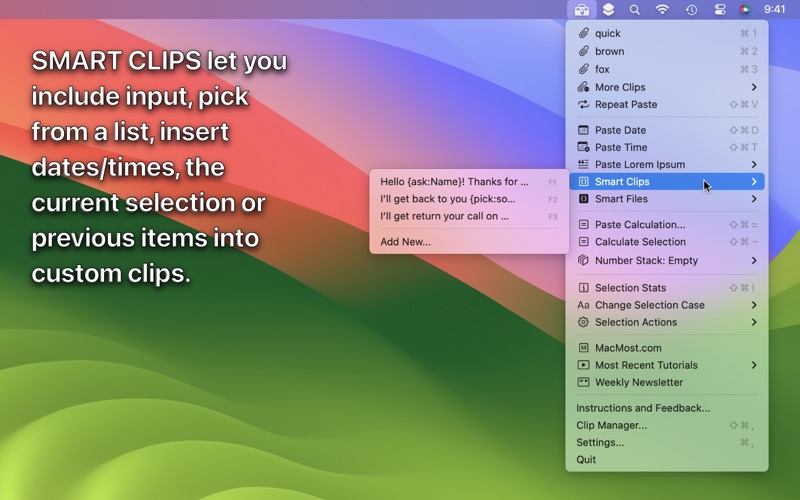
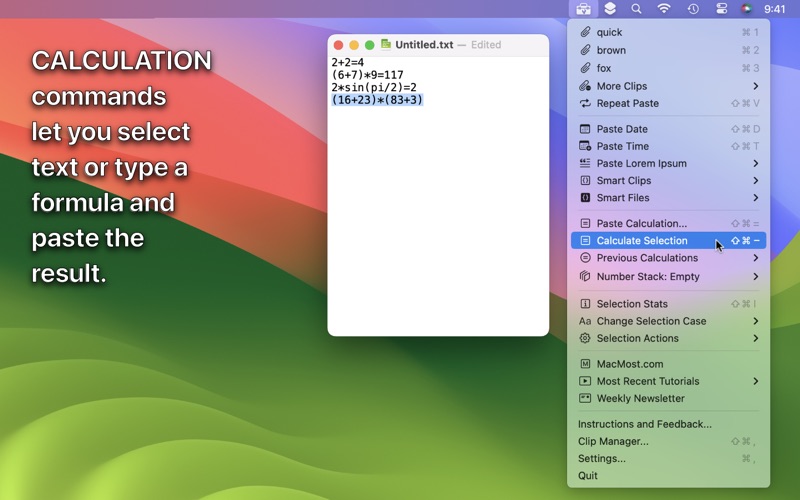
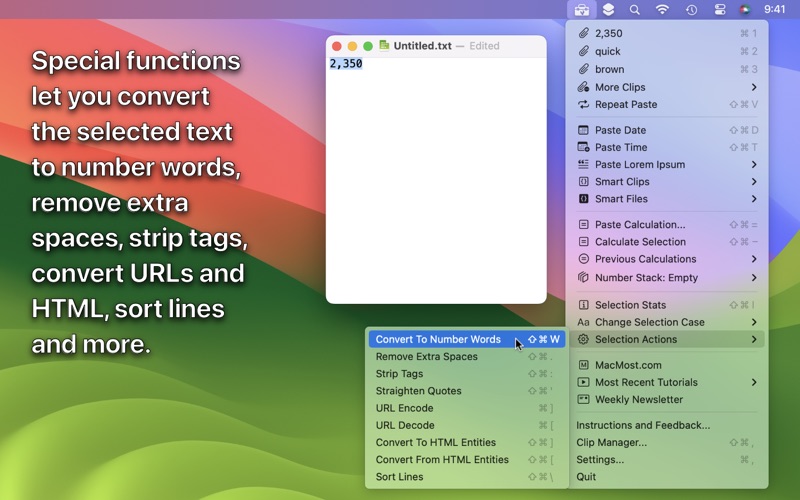
ClipTools is a powerful clipboard manager and text utility that provides a variety of useful functions right in your Menu Bar. • Clipboard Manager: Plain text and rich text clips are kept right at the top of the menu, with more stored in a submenu so as to keep things compact. • Saved Clips: Save clips to another submenu for later use. • Smart Clips: Create powerful smart clips with extra functionality like prompting for input or including parts of copied clips. • Smart Files: Plain text or Smart Clips but stored as a set of easily-editable text files in any folder you choose. • Group Paste: Paste several clips at once. • Date and Time: Paste the date and time in any format you like. • Lorem Ipsum: Paste sample text in a variety of lengths. • Change Case: Standard options plus customizable Headline Case and creative alternatives. • Selection Actions: Convert numbers to words, strip tags or sort lines. • Calculations: Type a math formula and paste the result, or select a formula in text and convert it to the result. • Stacks: Add numbers to a list and get the sum and averages, perform calculations and paste the results. • Keyboard Shortcuts: Access the entire menu with the keyboard, or assign specific functions or a Smart Clip to a keyboard shortcut. • Clip Manager: A window that lets you view, arrange, edit and use stored clips and Smart Clips. Note: Make sure you add ClipTools to System Settings, Privacy & Security, Accessibility.
Latest release
What’s New
Minor bug fixes and performance enhancements.
Audience growth
Ratings growth
Baseline captured. Growth appears after the crawler observes a changed rating count.
Momentum comes from crawler snapshots for the tracked storefront. “Viral growth signal” means unusually fast recent rating gains; it is an indicator, not download data.
Price tracking
Price intelligence
First snapshot captured. The trend line starts after the next crawler price observation.
- First observed Aug 16, 2026 · 2:12 AM Free
Screenshots