About this app
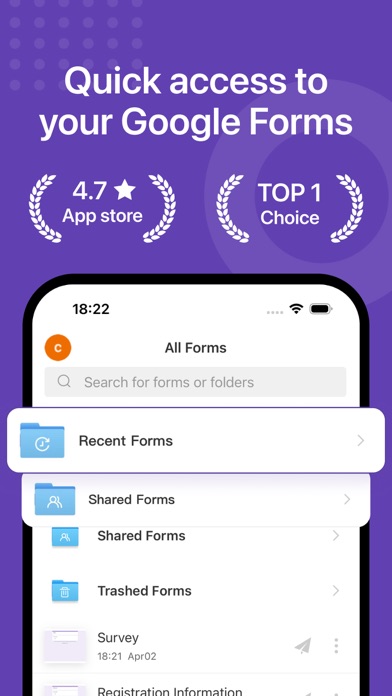
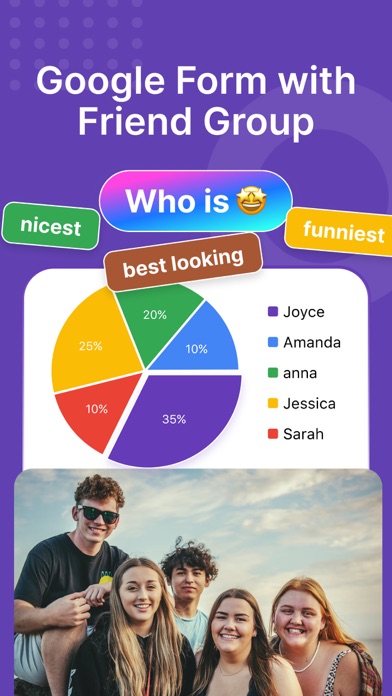
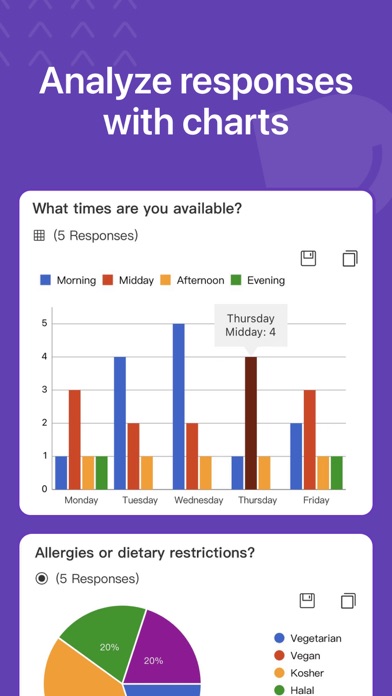
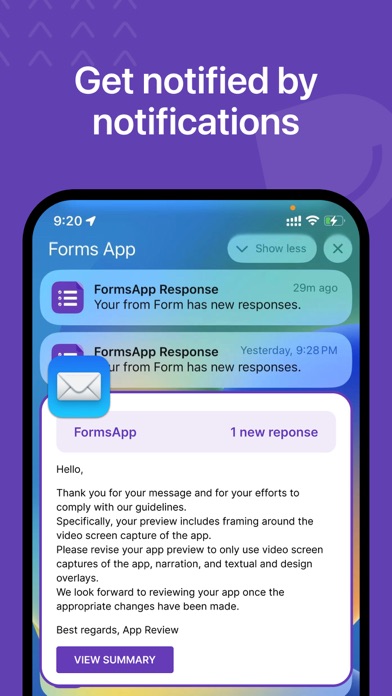
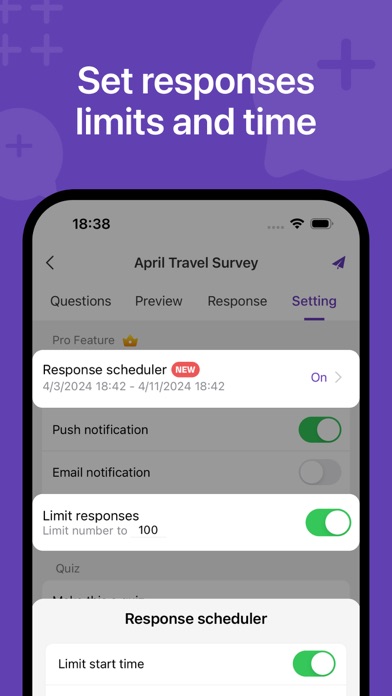
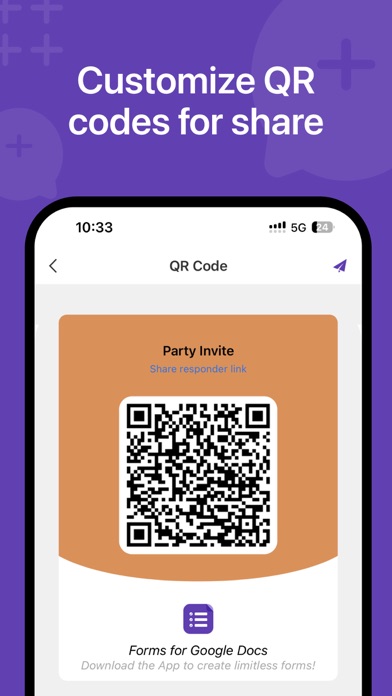
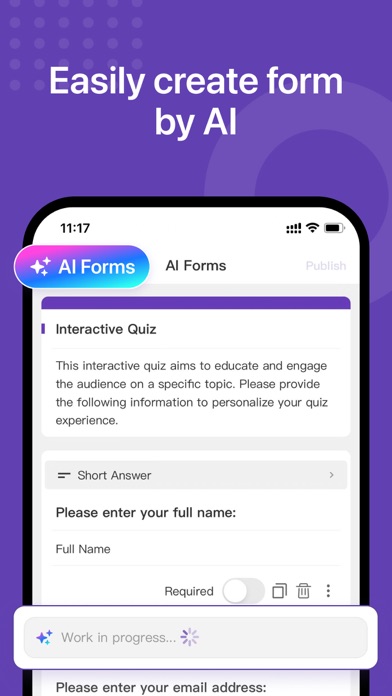
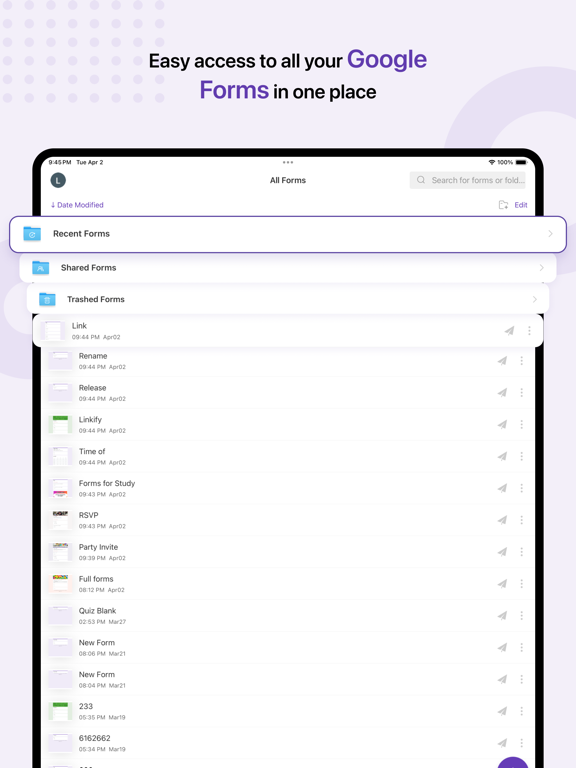
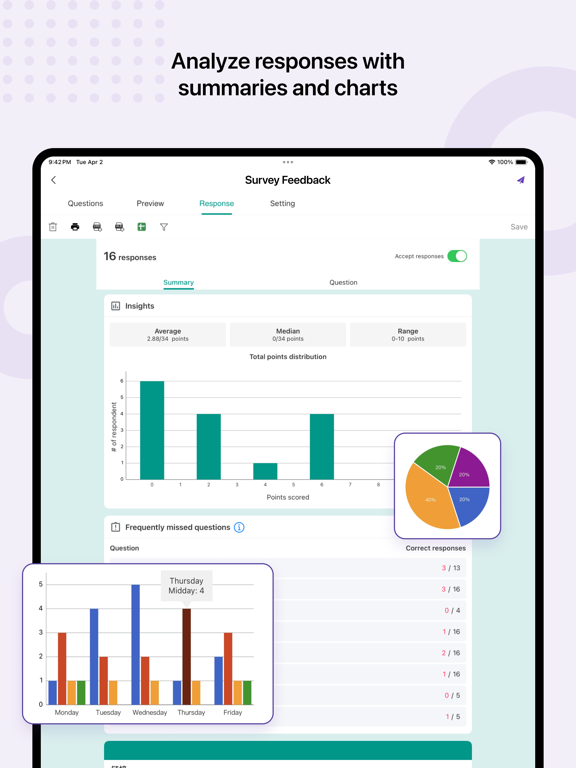
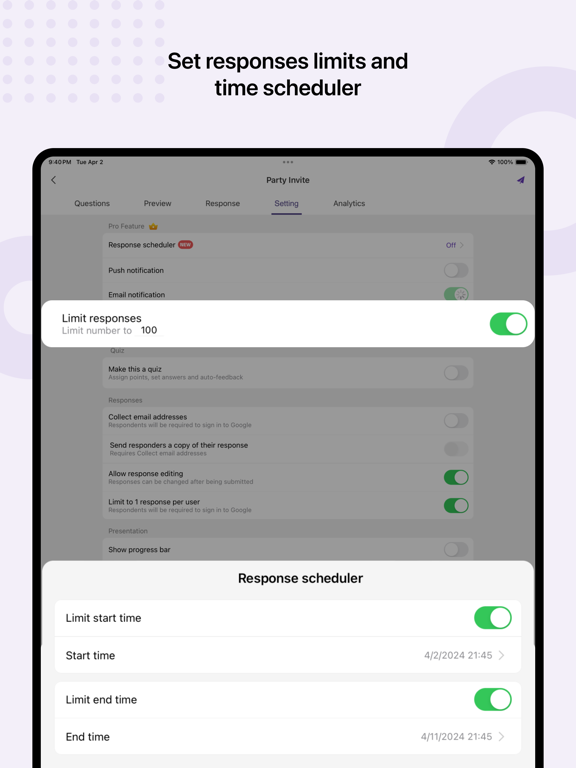
Google Forms Made Easy! Use FormsApp to create online forms and surveys with multiple question types. Analyze results in real-time and from any device. Create, edit, share, and manage all your Google forms on your iOS, iPhone, iPod or iPad with the free Forms App. With Forms App you can: Easily create and share online forms for surveys, quizzes, orders and activities • Easily create new forms on your phone, tablet or computer • Open any form from your Google Drive on your mobile device • Create multiple question types, insert images and videos • Customize form themes - fonts, colors and backgrounds • Make quizzes, assign point values, set answers, and automatically provide feedback • Add custom logic that shows questions based on answers • Import questions from existing forms or copy forms by importing web links • Generate form questions quickly through AI conversation • Share forms via email, link, social media and more • Customize QR codes for form links and share directly to social platforms (Facebook, Instagram, LinkedIn, WhatsApp, iMessage, Twitter, etc.) Scan questions and create forms quickly • Scan questions using camera • Scan questions using images from photos library • Scan questions using txt • Scan questions using clipboard Build forms and analyze results together • Add collaborators / editors to your forms to build questions together in real-time • Share edit link to your team Distinctive Features: set responses notifications, responses limit and responses scheduler • Get notified via app push notifications / email whenever someone submits a new response • Set a limit on the number of responses • Set the start and end time for form responses Analyze responses, surveys, and quizzes with automatic summaries • View forms in three modes i.e. Summary, Questions and Individual responses mode • Get real-time responses, analytics and graphs • Analyze responses in different types or charts • Ability to filter form responses by date, email, questions, or score • Ability to copy response charts to clipboard or save them to photos library • Open the raw data with Google Sheets for deeper analysis or automation • Export responses in CSV or Excel file format Disclaimer: This is a third party app not associated with Google. All trademarks are property of their respective owners. Your feedback helps us create products you'll love. For more feedback or questions, please reach us via App > Account Setting > Feedback. Terms of Service - https://formsapp-bb4e3.web.app/termsofuse.html Privacy Policy - https://formsapp-bb4e3.web.app/privacypolicy.html
Latest release
What’s New
- Bug fixes and performance improvements.
Audience growth
Ratings growth
Momentum comes from crawler snapshots for the tracked storefront. “Viral growth signal” means unusually fast recent rating gains; it is an indicator, not download data.
Price tracking
Price intelligence
- First observed Aug 8, 2026 · 2:07 PM Free
Screenshots