About this app
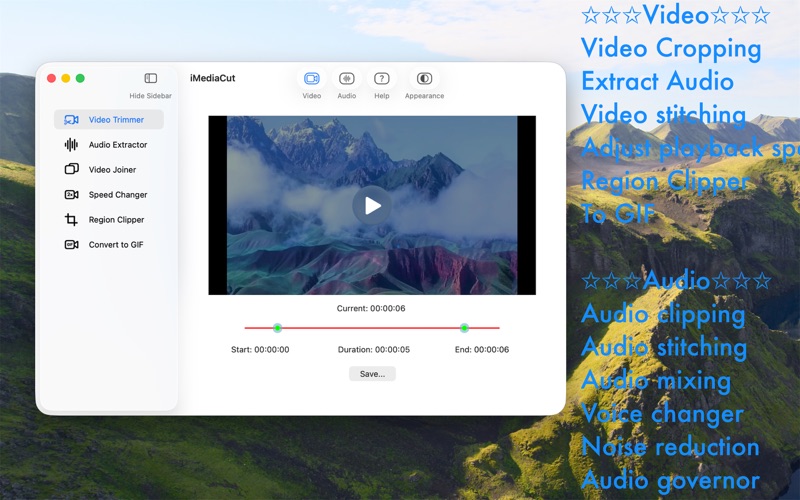
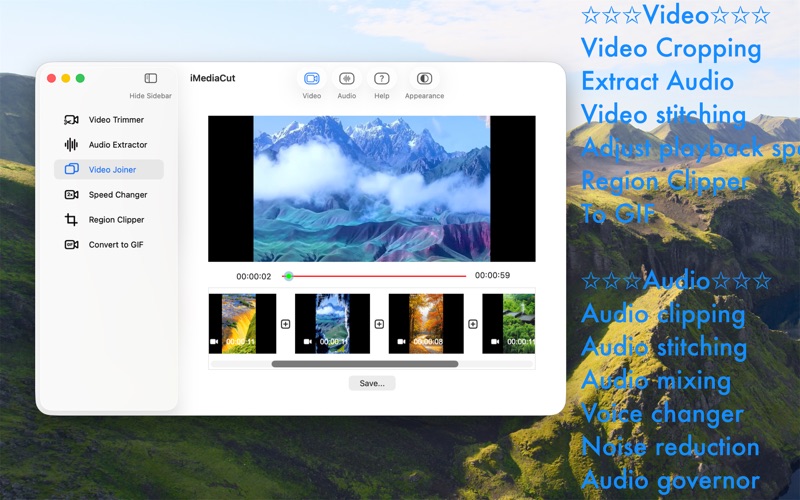
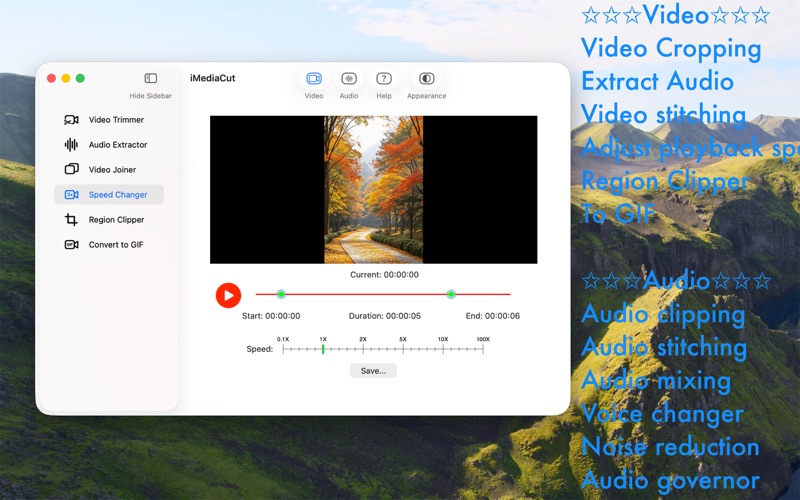
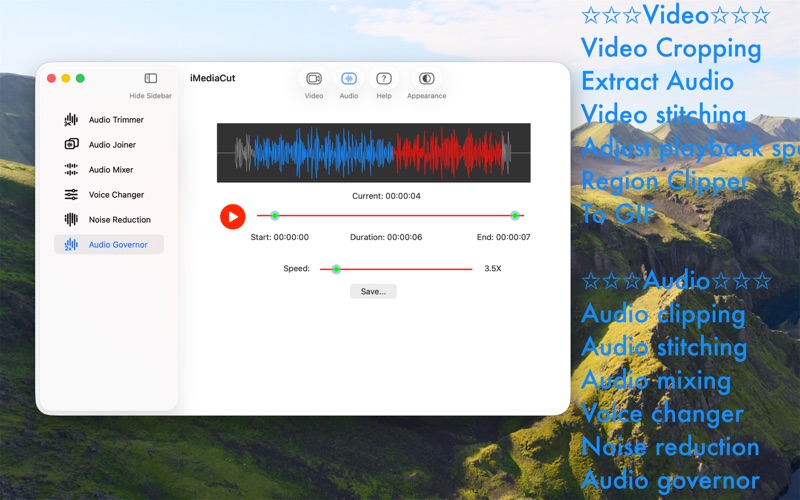
Trim and cut audio, video easily and quickly. With a minimalist interface, editing audio and video is no longer complicated. **** Video **** 1. Video Trimmer - Trim video. 2. Audio Extractor - Extract audio from video. 3. Video Joiner - Merge video. 4. Speed Changer - Adjust video playback speed. 5. Region Clipper - Export an area of the video as a video. 6. Convert to GIF - Convert video to gif. **** Audio **** 7. Audio Trimmer - Trim audio. 8. Audio Joiner - Merge audio. 9. Audio Mixer - Mix multiple audios. 10. Voice Changer - Adjust tempo and pitch. 11. Noise Reduction - Audio noise reduction. 12. Audio Governor - Adjust audio playback speed. Features like Voice Changer, Noise Reduction, Audio Governor, Speed Changer, Region Clipper, Convert video to GIF are only available after upgrading. (in-app purchase item)
Latest release
What’s New
Fixed some bugs and improved overall stability.
Audience growth
Ratings growth
Baseline captured. Growth appears after the crawler observes a changed rating count.
Momentum comes from crawler snapshots for the tracked storefront. “Viral growth signal” means unusually fast recent rating gains; it is an indicator, not download data.
Price tracking
Price intelligence
First snapshot captured. The trend line starts after the next crawler price observation.
- First observed Aug 8, 2026 · 12:08 AM Free
Screenshots