About this app
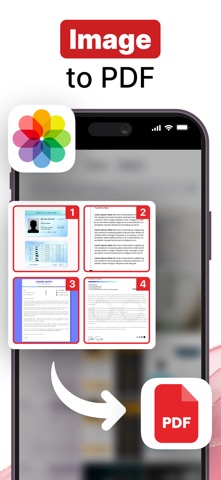
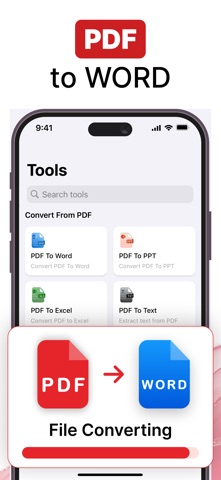
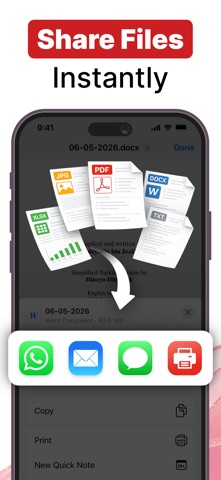
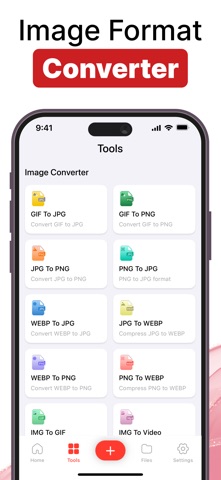
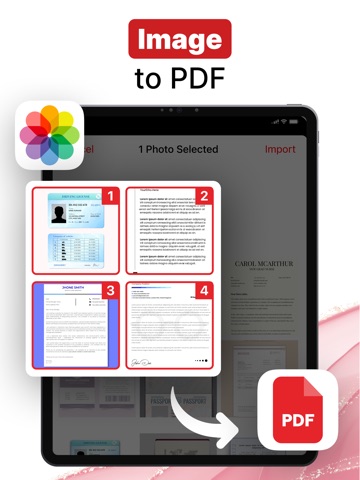
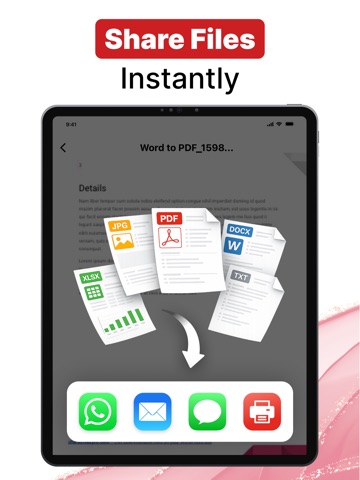
Convert photos, images and files to PDF instantly with PDF Converter. This all-in-one app lets you turn Word, Excel, images, and text into high-quality PDFs—or convert PDFs back into editable formats in just a few taps. Designed for speed, accuracy, and ease of use, it’s the perfect solution for managing PDFs anytime, anywhere. Manage your documents effortlessly with a powerful all-in-one PDF solution. Edit, compress, convert, merge, and secure your files—all from a single, easy-to-use app. Whether you’re working with PDFs, images, or ZIP files, this app gives you complete control over your documents. PDF Conversion Tools Convert documents to and from PDF quickly without losing formatting or quality. Easily switch between editable files and PDFs for work, study, or sharing—no complicated steps required. Convert files in just a few taps: - Word to PDF - Excel to PDF - JPG to PDF - Image to PDF - Text to PDF - PDF to Image - PDF to PowerPoint - PDF to Excel - PDF to Text - PDF to JPG - PDF to Word Image Conversion Tools Handle image format conversions effortlessly for better compatibility and optimized file sizes across devices and platforms. Quickly convert images between popular formats: - GIF to PNG - PNG to GIF - JPG to PNG - PNG to JPG - WEBP to JPG - JPG to WEBP Advanced PDF Tools Edit, organize, and secure your PDF files with powerful tools designed for professional use while remaining simple for everyday users. Edit and protect your PDFs with ease: - Lock PDF - Unlock PDF - Compress PDF - Merge PDF files - Rearrange PDF pages - Rotate PDF pages - Add Watermark to PDF ZIP Solution Reduce file size and make sharing faster by compressing your documents, images, and other files into ZIP format. - ZIP any type of file Whether you’re a student, professional, or everyday user, this app is the perfect companion for handling PDFs and files efficiently. Enjoy a simple interface, powerful tools, and fast performance—all in one PDF Converter app. SUBSCRIPTION PRICING AND TERMS: In-App Purchase: The subscription will automatically renew unless turned off in your iTunes Account Settings at least 24 hours before the current period ends. You can go to your iTunes Account settings to manage your subscription and turn off auto-renew. Your iTunes Account will be charged when the purchase is confirmed. Privacy policy: https://docs.google.com/document/d/11fZEeYn4FtbfEke11gdEKmMkvgQ_usK6lYL9roFXfjM Terms of Use: https://docs.google.com/document/d/1D7KLRNsUTUdvNGnPm4Lt7LOFYlMinVzO3aafqizK_t8
Latest release
What’s New
- UI Improved and minor bugs solved - Technical Enhancement
Audience growth
Ratings growth
Baseline captured. Growth appears after the crawler observes a changed rating count.
Momentum comes from crawler snapshots for the tracked storefront. “Viral growth signal” means unusually fast recent rating gains; it is an indicator, not download data.
Price tracking
Price intelligence
- First observed Aug 13, 2026 · 6:48 AM Free
Screenshots