About this app
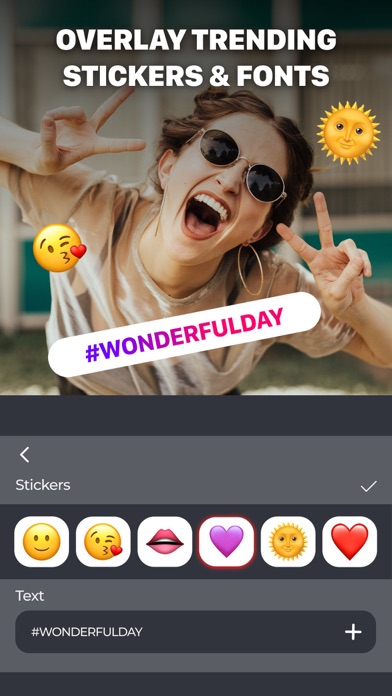
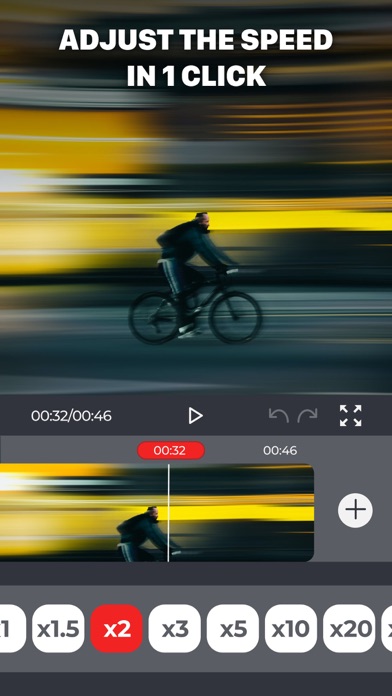
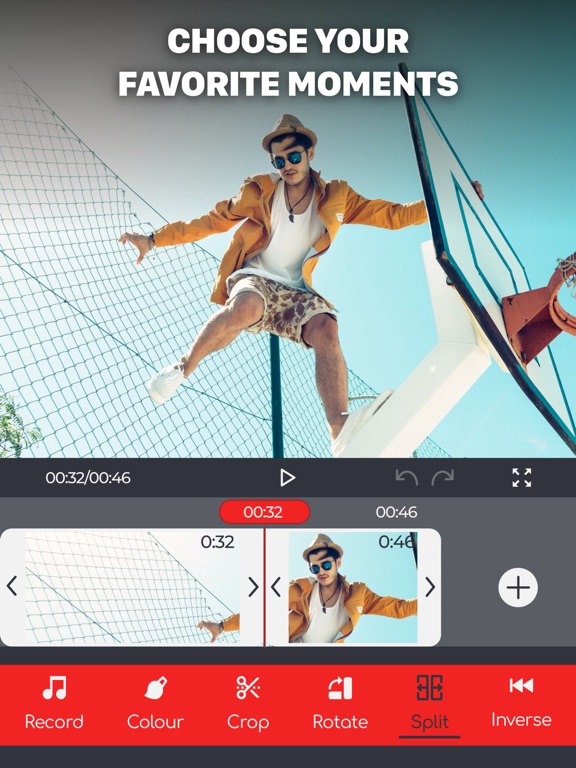
Video Editor: Film Maker PRO" is a free video editor that offers a wide range of advanced features without any in-app purchases. It's an effective solution for video creators, filmmakers, and enthusiasts who want to edit movies, create music videos, or produce engaging content for their channels. It also serves as a photo and video editor, allowing you to effortlessly blend them together to create captivating slideshows. You can choose from a variety of pre-loaded music tracks or import your own music to create a customized soundtrack for your videos. The app offers a plethora of video editing effects, including filters, overlays, text, and stickers, enabling you to add a personal touch and enhance the visual appeal of your videos. You can also experiment with background effects and adjust video speed to create captivating slow motion or fast motion sequences. Download now and create unique videos that will inspire the world! Premium features: Top trending stickers and fonts Remove and change the background with one tap Create and share video with friends and colleagues in the workshop Add favorite music and voice acting Video Editor: Film Maker PRO DISCLAIMER: This is an unofficial application. The Video Editor: Film Maker PRO Name, the Video Editor: Film Maker PRO Brand and the Video Editor: Film Maker PRO Access are all property of their respectful owner. All rights reserved. Important! There is no free content inside! You must be signed in to access the app. Payment is charged upon confirmation of purchase of the subscription. - Subscription will auto-renew unless auto-renew is turned off at least 24 hours before the end of the current period - The renewal cost depends on the subscription plan. Our standard subscription plans: 1 week subscription is $ 4.99 For other currencies, the price matches the price level in the App Store Price Matrix. - Subscription with a free trial period automatically renews to a paid subscription. You can cancel or manage the automatic renewal of the free trial by going to your Account Settings after purchase - Please note: any unused portion of the three-day free trial period (if offered) will be forfeited when purchasing a premium subscription during the free trial period - For any other information, see our privacy policy and terms of use Privacy Policy: https://docs.google.com/document/d/1nH0z-LtcYtDIBPryg9ld69UQRngMp_1XXvzzOoHYqDA/edit?usp=share_link Terms of Use: https://docs.google.com/document/d/1Ug15UNrXhfC4T83HJIcJwYF2ethYqTmvH8UX3qMfk3I/edit?usp=share_link
Latest release
What’s New
- Time-lapse functionality for creating captivating time-lapse videos. - Integration with popular social media platforms for easy sharing of edited videos. - Advanced visual effects library with filters, overlays, and animated elements. - Color keying feature for selectively removing or replacing specific colors in a video. - User-friendly interface with intuitive controls and a customizable workspace.
Audience growth
Ratings growth
Baseline captured. Growth appears after the crawler observes a changed rating count.
Momentum comes from crawler snapshots for the tracked storefront. “Viral growth signal” means unusually fast recent rating gains; it is an indicator, not download data.
Price tracking
Price intelligence
First snapshot captured. The trend line starts after the next crawler price observation.
- First observed Aug 21, 2026 · 1:16 AM Free
Screenshots