About this app
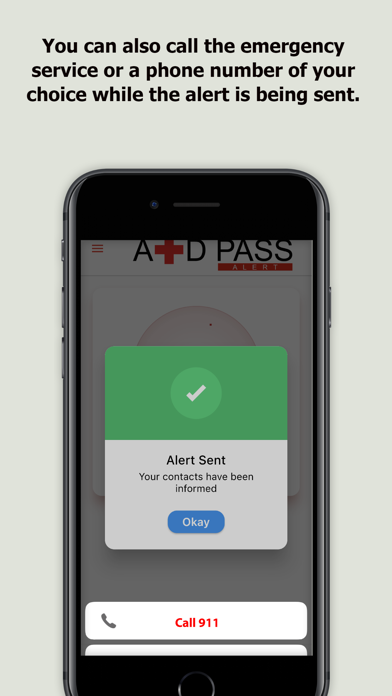
When the AidPass alert button is pressed, it communicates with 911 (or a number of your choice) while an email and a text message with your GPS location and medical sheet are sent to your emergency contacts simultaneously. All in one click. With AidPass Alert, you and your loved ones can use the emergency button on any phone or computer. 1. Download AidPass Alert to your phone. 2. From another device, register on www.aidpass.com. 3. Add at least 2 emergency contacts in the EMERGENCY INFORMATION section and other information you consider useful. 4. At the bottom left of your dashboard, click on the image that shows the button inside a phone to request your token and scan it from the app. Terms of Use (EULA): This app uses Apple's standard terms of use (EULA). You can view the terms at the following link: https://www.apple.com/legal/internet-services/itunes/dev/stdeula/ You can also view our custom terms and conditions at: https://www.aidpass.com/home/terms-conditions Privacy Policy: https://www.aidpass.com/home/privacy.
Latest release
What’s New
Bug fixes and improvements.
Audience growth
Ratings growth
Baseline captured. Growth appears after the crawler observes a changed rating count.
Momentum comes from crawler snapshots for the tracked storefront. “Viral growth signal” means unusually fast recent rating gains; it is an indicator, not download data.
Price tracking
Price intelligence
First snapshot captured. The trend line starts after the next crawler price observation.
- First observed Sep 1, 2026 · 3:35 PM Free
Screenshots