About this app
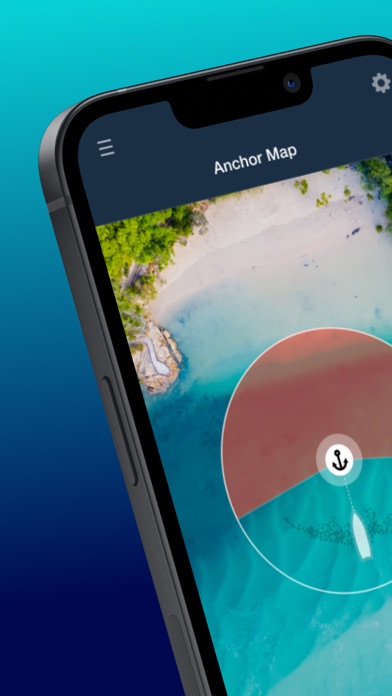
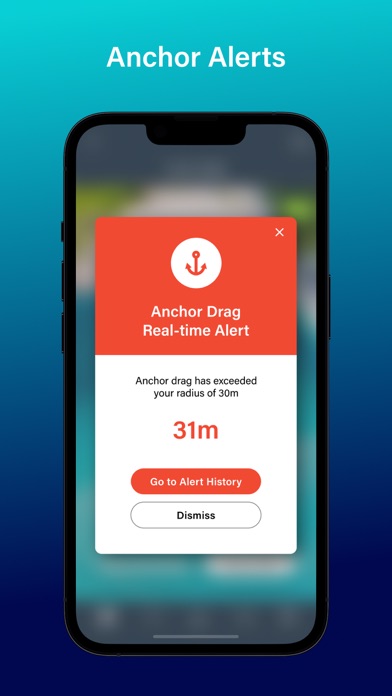
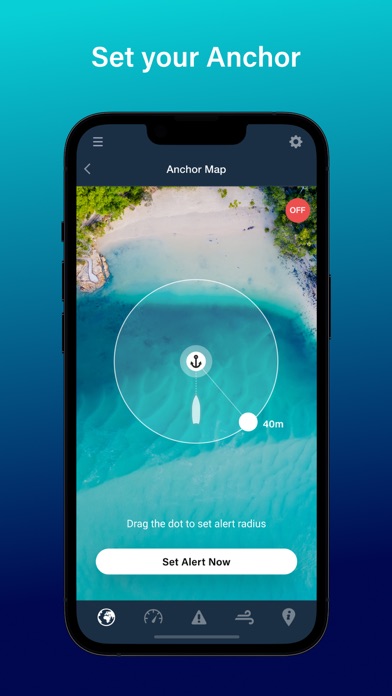
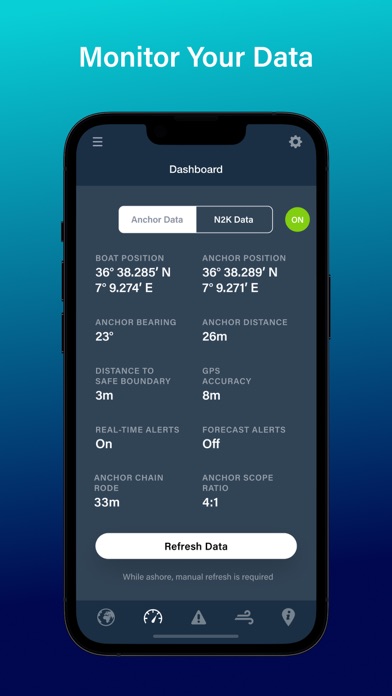
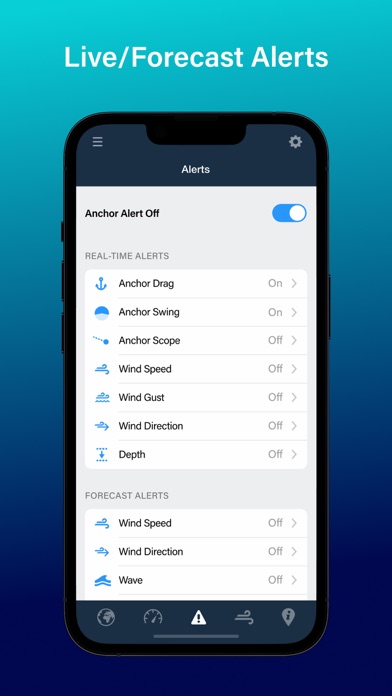
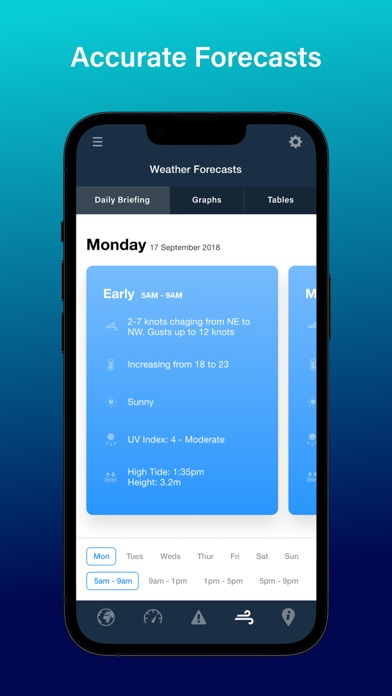
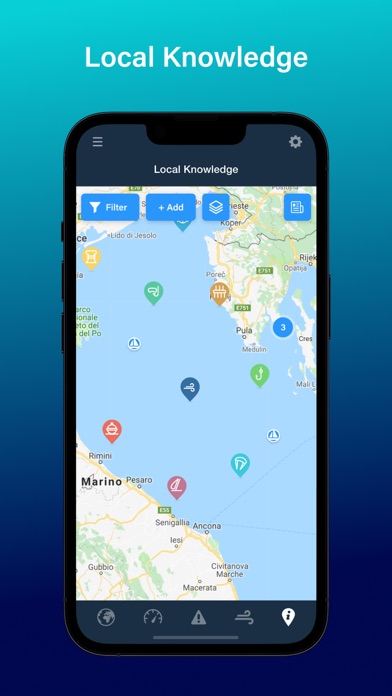
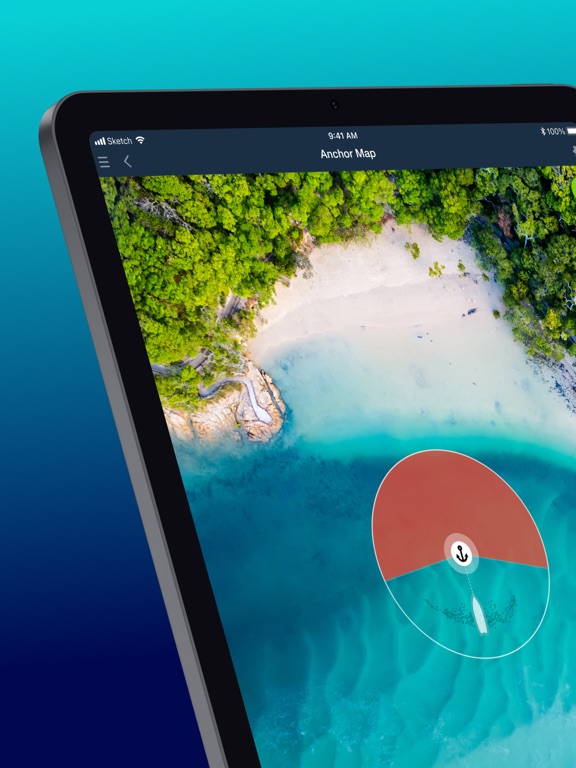
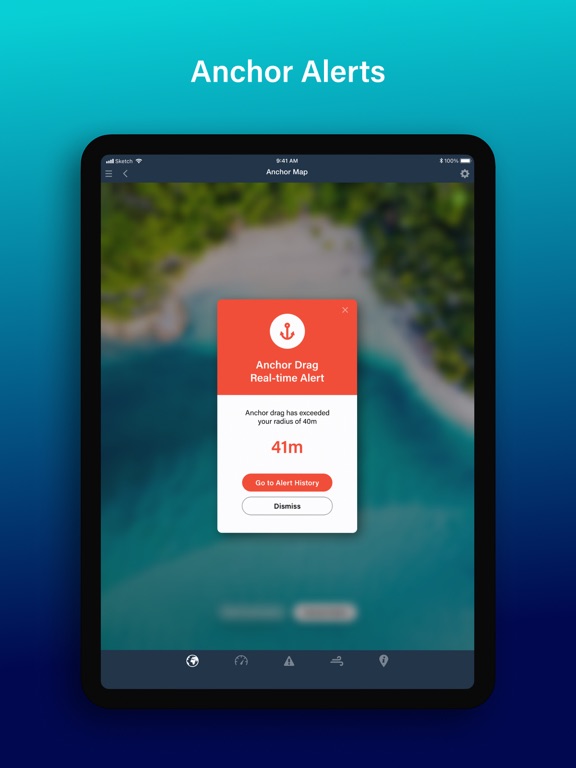
Get the best and newest Anchor App developed by the trusted world leaders in marine forecasting - PredictWind Monitor your boat from anywhere on your phone. Set alerts & monitor your boat at anchor, view live N2K data and weather forecasts, on or off the boat. Customise your alerts, then relax knowing your boat is in good hands, with Anchor Alert. * Monitor your Anchor and Boat Position - Set your anchor position and preferences in quick or advanced mode, then monitor your vessel and position history on the map. Can be used with just your Phone or connected to your N2K backbone and a PredictWind DataHub. * 3 Modes, Simple, Advanced or Datahub linked - Use Simple Mode to quickly drag the anchor into position and set a safe radius. Advanced allows you to manually enter data for increased accuracy. DataHub Link reads your N2K data and fills in the relevant info, then input how much chain you’ve let out, and you’re done! * Set Up Alerts - Use our preset alerts or customise your own real-time and forecast alerts. The DataHub allows Anchor Alert to read your boat’s N2K network and alert you when conditions move outside your specified safe limits. * Works On & Off The Boat - Monitor your vessel and receive alerts onboard via the DataHub’s Wi-Fi network, or head ashore and stay connected over your vessel's existing internet connection. The DataHub is compatible with the Iridium GO! exec and other satellite connections to keep you connected literally anywhere on earth. * Get PredictWind Weather forecasts - Know exactly what weather is headed your way, with highly accurate marine forecasts by PredictWind. View world-leading weather data with Daily Briefing, Tables and Graphs. * Find the best spots to Anchor with Local Knowledge - See anchorage ratings and reviews from other users to get the top tips and advice. Leave your Boat in Good hands with Anchor Alert by PredictWind. Terms & Conditions: The Anchor Alert App is not error or bug free. You agree to use the Anchor Alert App carefully and at your own risk. We disclaim all representations and warranties of any kind, expressed or implied, including, without limitation, the warranties of merchantability and fitness for a particular purpose. We are not liable for damages, direct or consequential, resulting from your use of the Anchor Alert App. You agree to defend, indemnify and hold us harmless from any claims, losses, liability costs and expenses (including, but not limited to, legal fees) arising from any such use. You acknowledge that you have only a limited, non-exclusive, non-transferable license to use the Anchor Alert App. Terms of Use: https://www.apple.com/legal/internet-services/itunes/dev/stdeula/ Privacy Policy: https://www.predictwind.com/about-us/privacy-policy/
Latest release
What’s New
New in this version: - Anchor Set Preference 'Advanced' is now 'DataHub' - Default settings for 'DataHub' setup IMPORTANT: Anchor Alert Pro requires DataHub Firmware 4.54 or later. To update your DataHub / DataHub Pro Firmware to 4.54: 1. Go to Services > Settings > Software Updates 2. Click the CHECK button. 3. Follow the prompts to complete the Firmware update. **Anchor Alert Pro Setup Notes** - If you are prompted to update to 4.52, do this first, wait 15 minutes, then reconnect to DataHub Wi-Fi and update your DataHub firmware again. - Ensure the DataHub / DataHub Pro remains powered on. A power loss during a firmware update will permanently damage your DataHub. - If you are updating Anchor Alert on your iPhone or iPad, and your current version is older than version 2.0.3, delete the app and reinstall it.
Audience growth
Ratings growth
Baseline captured. Growth appears after the crawler observes a changed rating count.
Momentum comes from crawler snapshots for the tracked storefront. “Viral growth signal” means unusually fast recent rating gains; it is an indicator, not download data.
Price tracking
Price intelligence
First snapshot captured. The trend line starts after the next crawler price observation.
- First observed Aug 16, 2026 · 10:42 AM Free
Screenshots