About this app
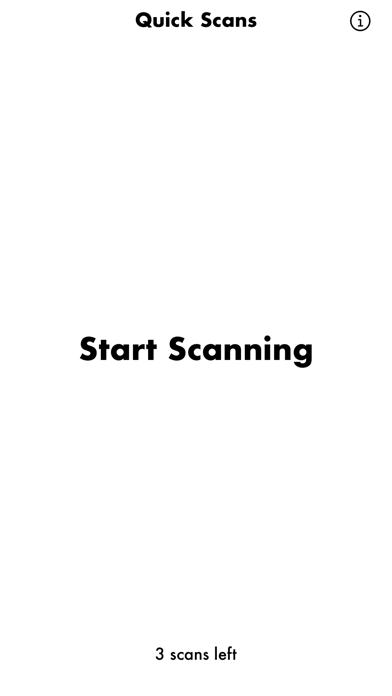
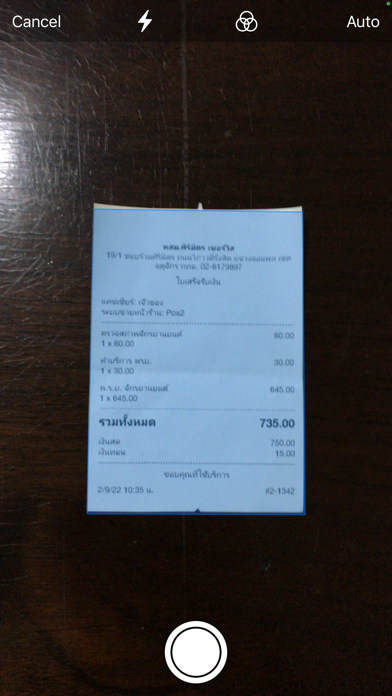
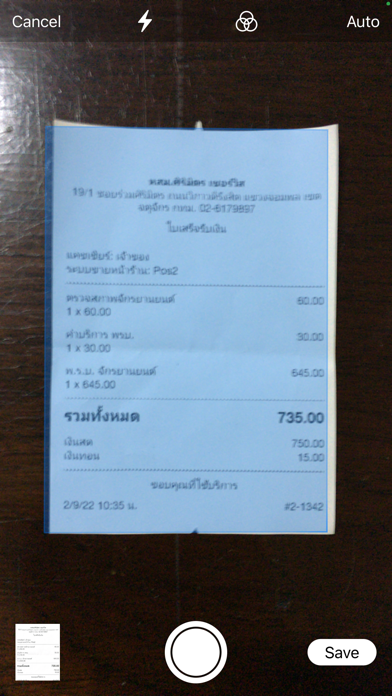
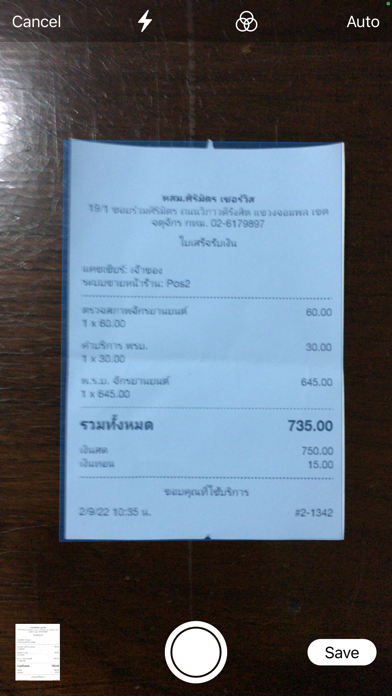
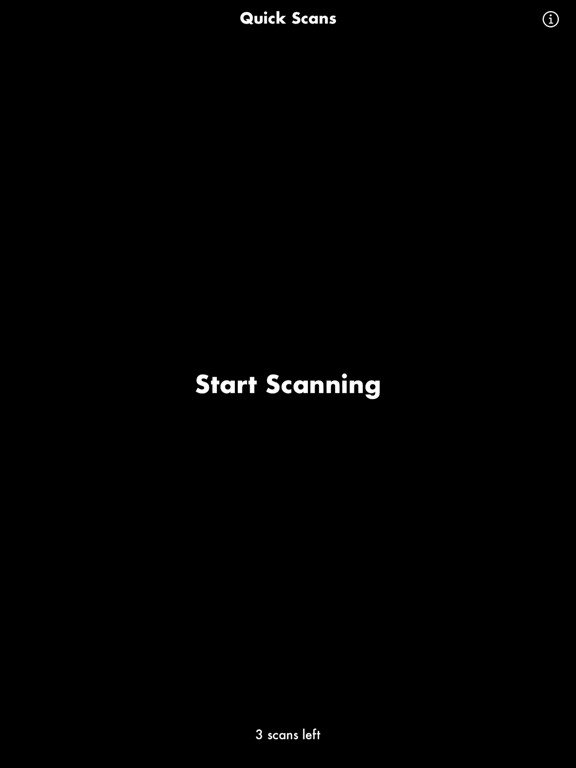
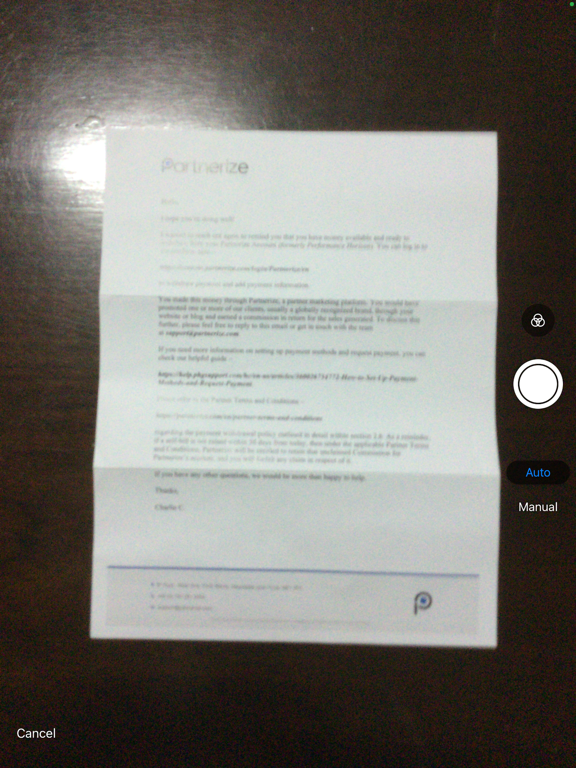
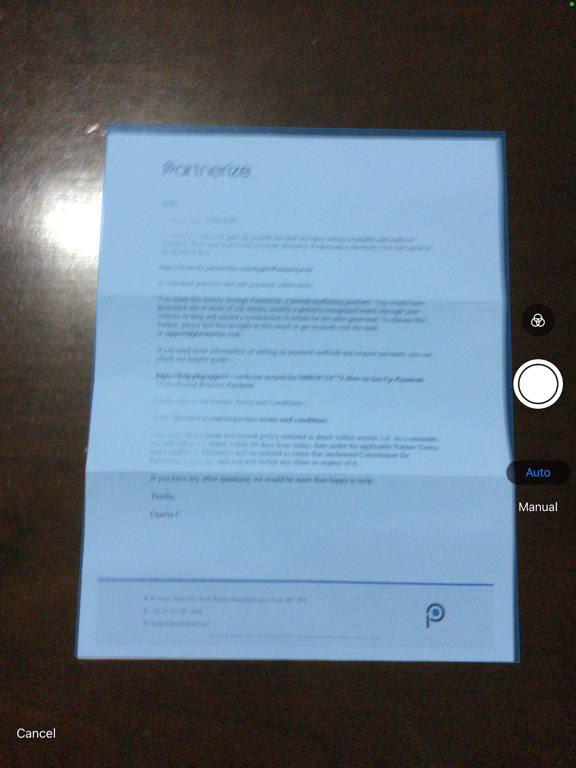
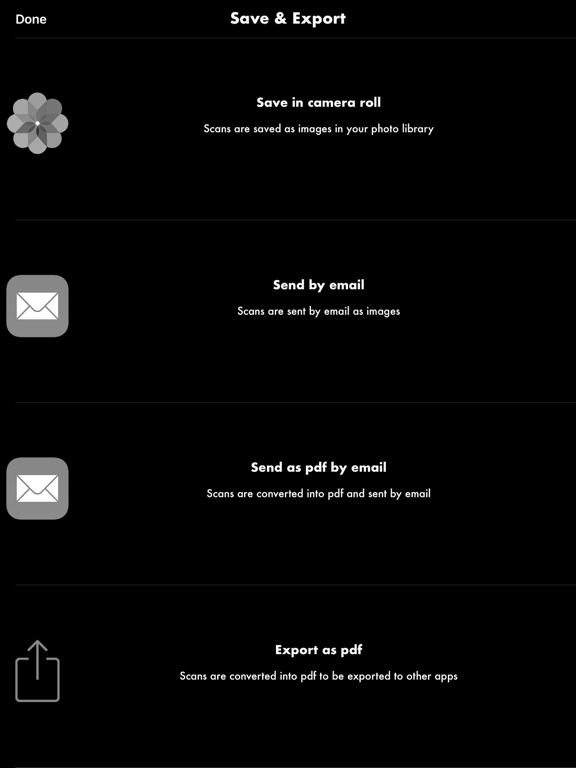
Quick Scans lets you scan any documents, quickly and easily. To scan a document, just start the app, and follow these few steps: 1. Tap "Start Scanning" to launch the scanner 2. Move your device of the document and follow the instructions on screen 3 Tap the Save button when you are done scanning your documents 4. Send your scans as image or pdf by email, save them in your camera roll, or export them as pdf to other apps That's it. It's that simple! If you have any issue, question or suggestions just drop us an email at support@seb-appstore.com Check out many great iPhone and iPad apps, and dozens of discounted apps, at seb-appstore.com
Latest release
What’s New
Minor bug fixes
Audience growth
Ratings growth
Baseline captured. Growth appears after the crawler observes a changed rating count.
Momentum comes from crawler snapshots for the tracked storefront. “Viral growth signal” means unusually fast recent rating gains; it is an indicator, not download data.
Price tracking
Price intelligence
First snapshot captured. The trend line starts after the next crawler price observation.
- First observed Aug 18, 2026 · 3:40 PM Free
Screenshots