About this app
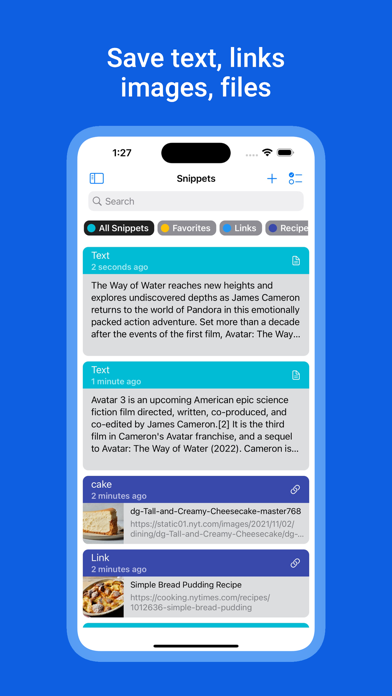
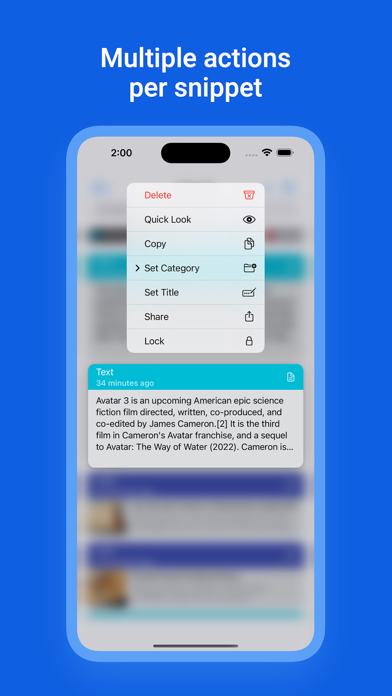
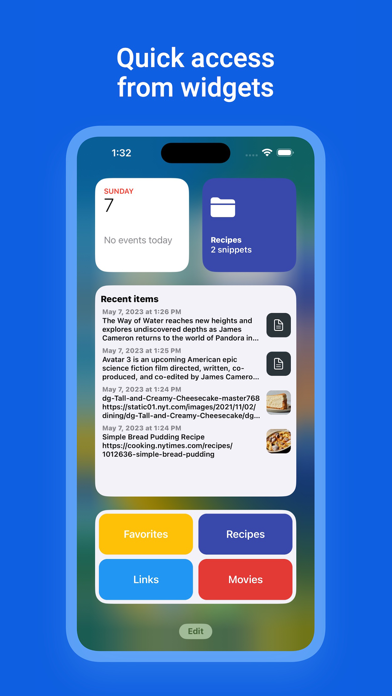
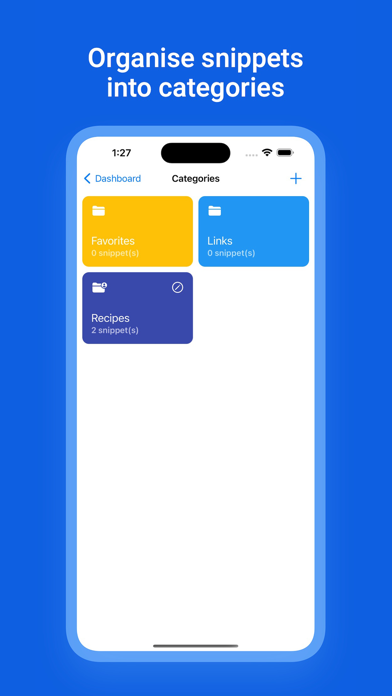
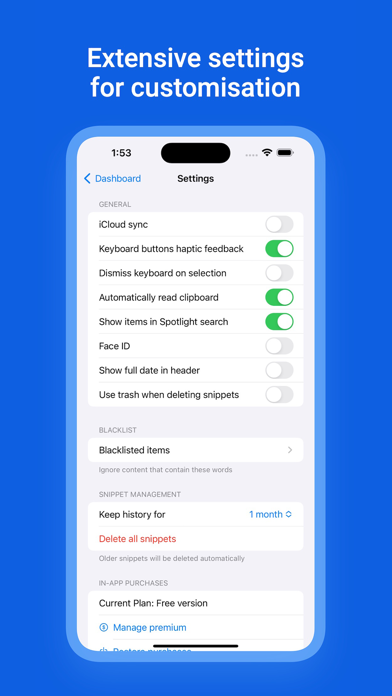
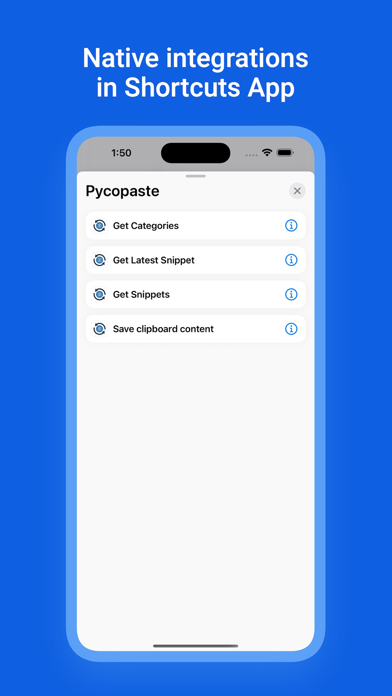
Introducing Pycopaste, the ultimate clipboard manager for iOS and macOS, designed to enhance your productivity by streamlining your copying and pasting experience. Pycopaste offers a wide range of features that make managing your clips effortless and efficient. Key Features: - Background Clipboard Monitoring: Pycopaste intelligently tracks your clipboard activity via PiP, ensuring that all copied content is securely saved and available for future use. - iCloud Sync: Keep your clips in sync across all your iOS and macOS devices using iCloud, so you can access your clipboard history anytime, anywhere. - Categories Management: Organize your clips into customizable categories for seamless retrieval and a clutter-free workspace. - Biometric Protection: Secure your sensitive clips with biometric authentication, including Face ID and Touch ID, for top-notch privacy. - Thrash Support: Accidentally deleted a clip? No worries! Pycopaste features a trash folder where you can easily recover your deleted clips. - Quick Access from Widgets: Access your most used clips and categories directly from your home screen, thanks to Pycopaste's handy widgets. - Link Previews: Get a quick glimpse of your copied URLs with link previews, making it easier to identify and manage your saved links. - Searchable Clips in Spotlight: Find your clips instantly by searching them directly within Spotlight. - Access Clips from Shortcuts: Integrate Pycopaste with iOS shortcuts for even faster access to your clips. - Add Clips from Share Sheet: Easily add clips to Pycopaste from any app using the Share Sheet, streamlining your content-saving process. - Blacklisted Words: Ignore specific clips containing blacklisted words, ensuring irrelevant or sensitive content stays out of your clipboard history. - Images and Files Uploads: Pycopaste supports more than just text! Save images and files directly to your clipboard history for easy access. - Text Transformations: Quickly apply manipulations like lowercase, uppercase, remove line breaks to textual data inside Pycopaste - Customizable Clip History Duration: Tailor your clipboard history retention settings to suit your preferences, from purging clips after a few days to keeping them indefinitely. - Dedicated Native Mac Clipper: Pycopaste also comes with a macOS companion app, offering a seamless clipboard management experience across your Apple devices. Upgrade your copy-pasting game with Pycopaste, the comprehensive clipboard manager for iOS and macOS that makes your daily tasks simpler and more efficient. Download Pycopaste now and unlock your productivity potential! Terms of Use: https://www.apple.com/legal/internet-services/itunes/dev/stdeula/ Privacy Policy: https://pycopaste.foxfortmobile.com/privacy_policy
Latest release
What’s New
This version of Clipboard Manager - Pycopaste includes minor bug fixes.
Audience growth
Ratings growth
Baseline captured. Growth appears after the crawler observes a changed rating count.
Momentum comes from crawler snapshots for the tracked storefront. “Viral growth signal” means unusually fast recent rating gains; it is an indicator, not download data.
Price tracking
Price intelligence
First snapshot captured. The trend line starts after the next crawler price observation.
- First observed Aug 20, 2026 · 4:34 AM Free
Screenshots