About this app
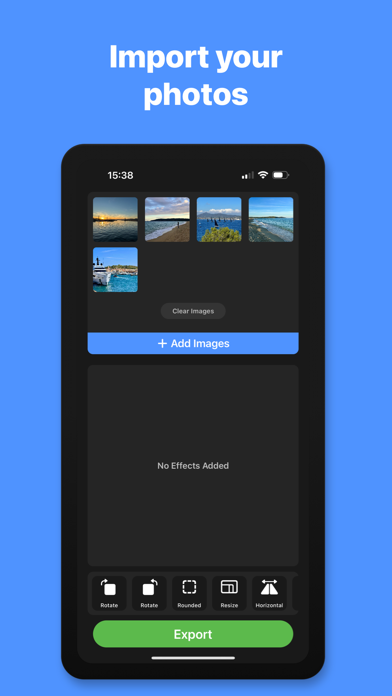
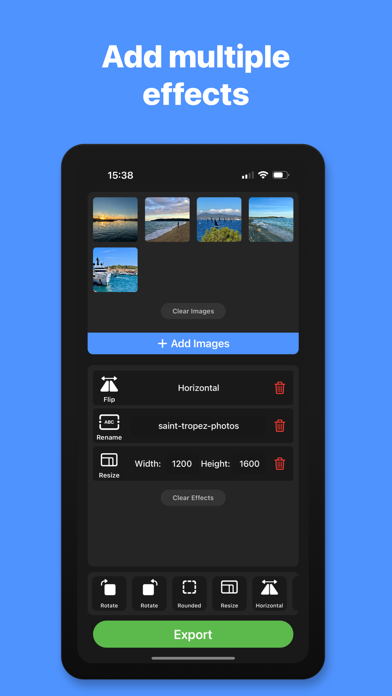
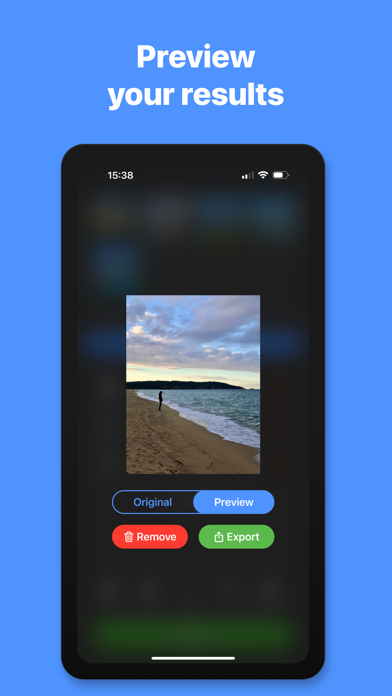
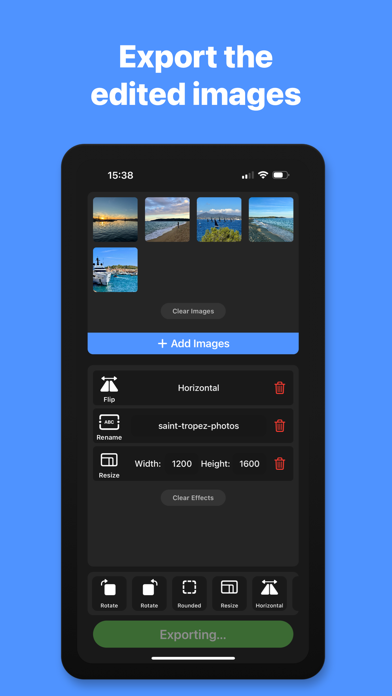
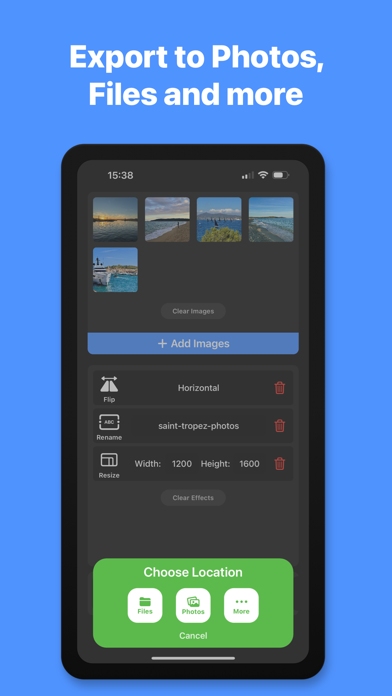
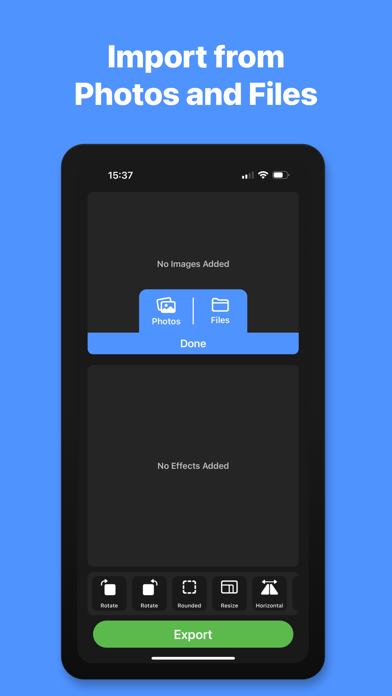
Bulk Image Editor allows you to apply multiple effects to a group of images in a single operation. Import images from your Photo Library or from the Files app. Add a list of effects to modify your images including rotate, flip, resize, corner radius, rename, file format, compress and more. With a single click of the Export button, the list of effects will be applied to all of the images that you have imported, ready to save to Photos, Files, iCloud Drive or share via AirDrop, Mail, Messages and more. You can tap on any of the images in the image viewer grid to show a preview of the effect before exporting. You can also apply the list of effects and export a single image from the image preview. Bulk editing tools include, rotate clockwise, rotate anti-clockwise, flip vertical, flip horizontal, corner radius, resize, rename file, file name prefix and file name suffix. Rotate: Clockwise & anti-clockwise. Flip: Flip the images horizontally or vertically. Corner Radius: Accurately add & adjust the radius of the image corners with specific pixel values. Resize: Resize your images to make them all the same size and aspect ratio, without squashing the images. Aspect Ratio Crop: Enter your desired aspect ratio and the app will automatically calculate the new file dimensions and adjust the image position to maintain the highest resolution possible for each image. Auto-Enhance: Applies the auto enhance filter to each of the imported images. File Format: Export images in JPG, PNG, HEIC or PDF format. Compress: Reduce the file size of the exported images. (File size will vary based on effects applied and format of exported images) Rename: Enter a new file name for your images. Images will automatically be saved with a sequential number for each image you export. Prefix: Enter a file name prefix to add to the start of the file name for each exported image. Suffix: Enter a file name suffix to add to the end of the file name for each exported image. - Subscription Details - Bulk Image Editor requires a monthly subscription after your 14 day free trial. Your subscription can be cancelled at any time. No long term commitment required. Subscriptions will be charged to your iTunes account at confirmation of purchase. Your subscription will automatically renew unless automatic renewal is turned off at least 24 hours before the end of the current period. Your account will be charged for renewal within 24 hours prior to the end of the current period. You can manage your subscriptions and automatic renewal status in Account Settings after purchase. Price may vary by location. Privacy Policy: https://smudge.app/privacy Terms and Conditions: https://smudge.app/app-terms
Latest release
What’s New
• Minor bug fixes and stability improvements.
Audience growth
Ratings growth
Baseline captured. Growth appears after the crawler observes a changed rating count.
Momentum comes from crawler snapshots for the tracked storefront. “Viral growth signal” means unusually fast recent rating gains; it is an indicator, not download data.
Price tracking
Price intelligence
First snapshot captured. The trend line starts after the next crawler price observation.
- First observed Aug 15, 2026 · 1:37 AM Free
Screenshots