About this app
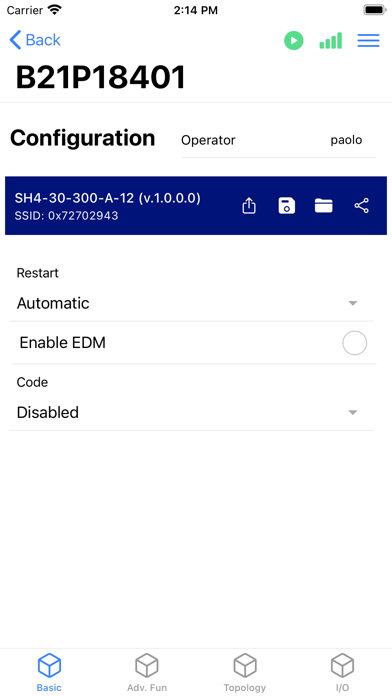
SH4 DESIGNER allows to connect through wi-fi to all DATASENSING SH4 ADVANCED safety light curtains and perform all necessary operations: 1. Monitoring the status of the device 2. Check the alignment of the device beams 3. Check the value of the device inputs and outputs 4. Configure the device safety functions: restart, EDM, total muting, partial muting, dynamic muting, override, fixed blanking, floating blanking, reduced resolution 5. Change the parameters associated to the safety functions 6. Change the topology of the devices when connected in cascade 7. Read messages of configuration errors or faults 8. Check and save the report of the configuration before activating the safety light curtain 9. Read the documentation of the device related to safety functions and parameters All information related to DATASENSING SH4 safety light curtains are available on the website www.datasensing.com
Latest release
What’s New
New SH4 Active/Passive models introduced. Improvements in documentation and visualization.
Audience growth
Ratings growth
Baseline captured. Growth appears after the crawler observes a changed rating count.
Momentum comes from crawler snapshots for the tracked storefront. “Viral growth signal” means unusually fast recent rating gains; it is an indicator, not download data.
Price tracking
Price intelligence
First snapshot captured. The trend line starts after the next crawler price observation.
- First observed Sep 4, 2026 · 4:26 AM Free
Screenshots