About this app
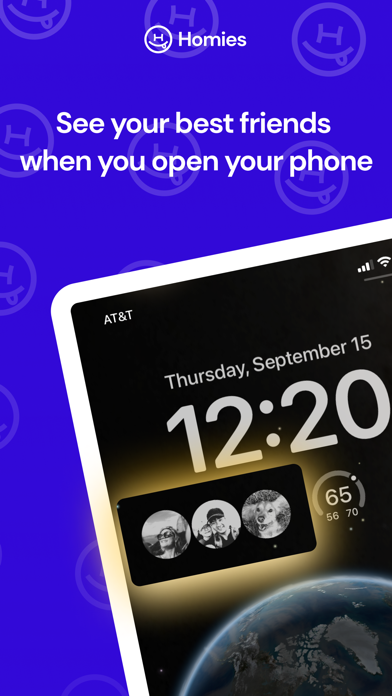
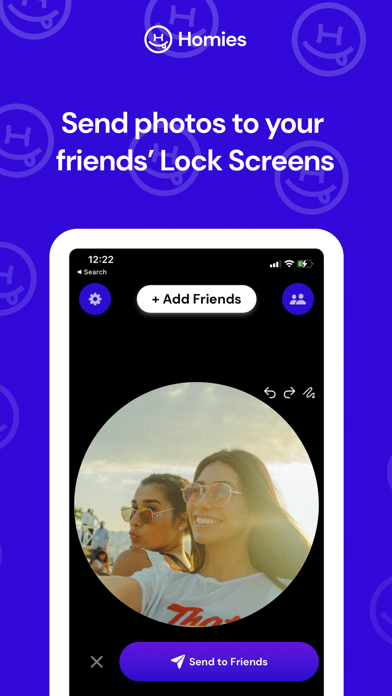
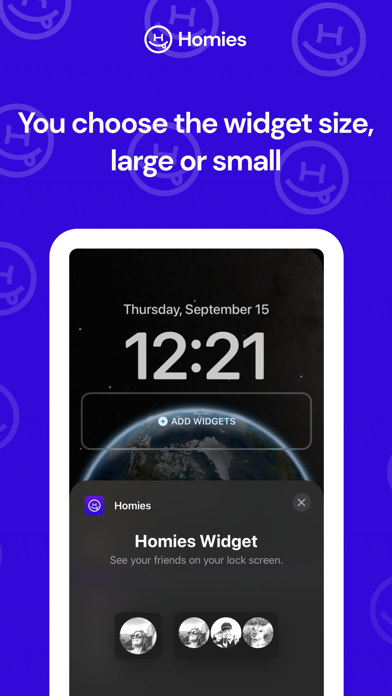
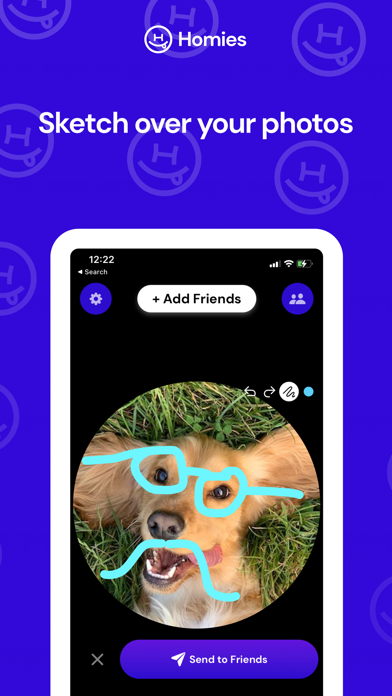
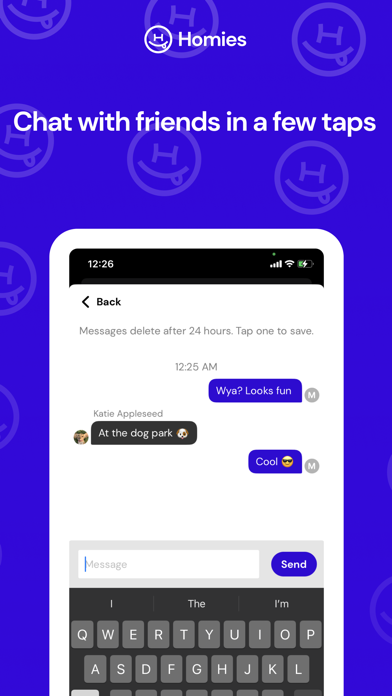
See your friends on your Lock Screen with Homies Widget! Homies lets you send and receive photos from your best friends right when you open your phone. You can also sketch on your photos or send chat messages to your friends. To add Homies to your Lock Screen: 1. Press and hold on your Lock Screen wallpaper and tap "customize." 2. Tap "Add Widgets" and select the size of the Homies widget you want. 3. Choose "Done" and receive photos from friends! Note, your friends need to send you photos before you will see any on the Lock Screen.
Latest release
What’s New
See photos from your friends on your Lock Screen with Homies Widget! This update contains bug fixes and improvements.
Audience growth
Ratings growth
Baseline captured. Growth appears after the crawler observes a changed rating count.
Momentum comes from crawler snapshots for the tracked storefront. “Viral growth signal” means unusually fast recent rating gains; it is an indicator, not download data.
Price tracking
Price intelligence
First snapshot captured. The trend line starts after the next crawler price observation.
- First observed Sep 17, 2026 · 6:55 PM Free
Screenshots