About this app
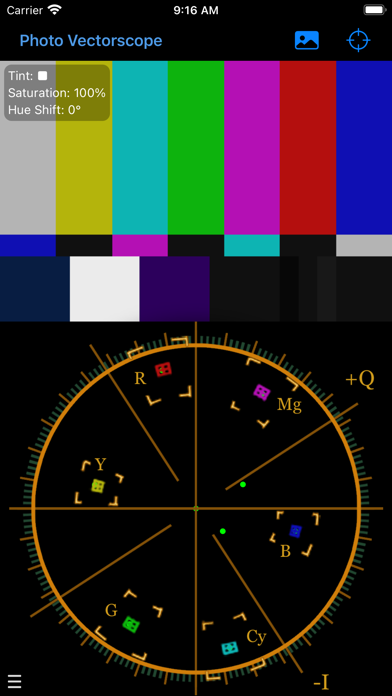
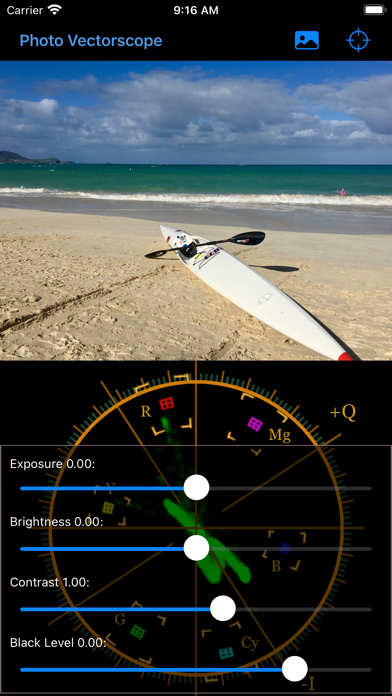
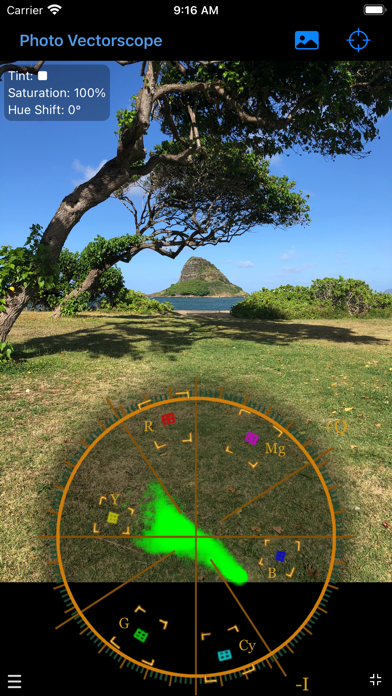
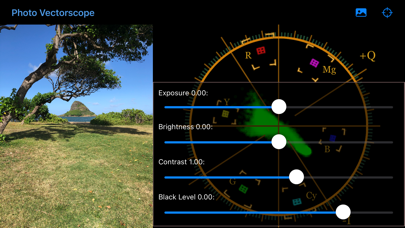
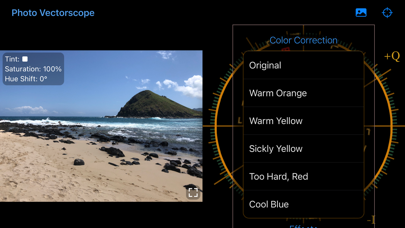
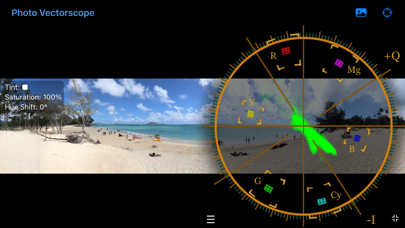
Color balance and affect color attributes of your images. The vectorscope display helps you to visualize how an image is being effected by your changes. Balance the colors of photographs you have taken on your camera or images stored in folders, including photographic negatives. Use gestures; pinch, zoom, rotate, and drag to; desaturate, saturate, change hue, and tint an image. Brightness controls are found on the lower left of the screen.
Latest release
What’s New
Minor bug fix
Audience growth
Ratings growth
Baseline captured. Growth appears after the crawler observes a changed rating count.
Momentum comes from crawler snapshots for the tracked storefront. “Viral growth signal” means unusually fast recent rating gains; it is an indicator, not download data.
Price tracking
Price intelligence
First snapshot captured. The trend line starts after the next crawler price observation.
- First observed Aug 12, 2026 · 5:41 PM Free
Screenshots