About this app
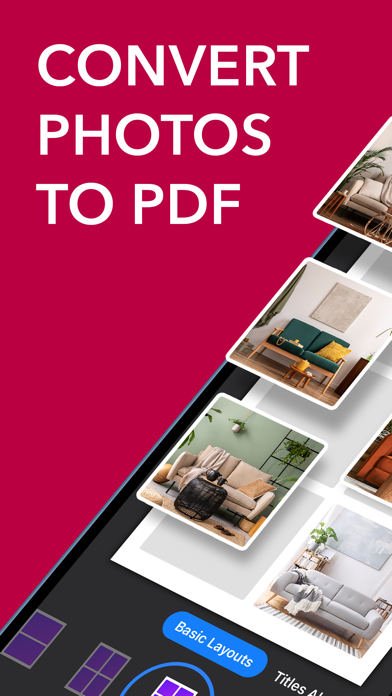
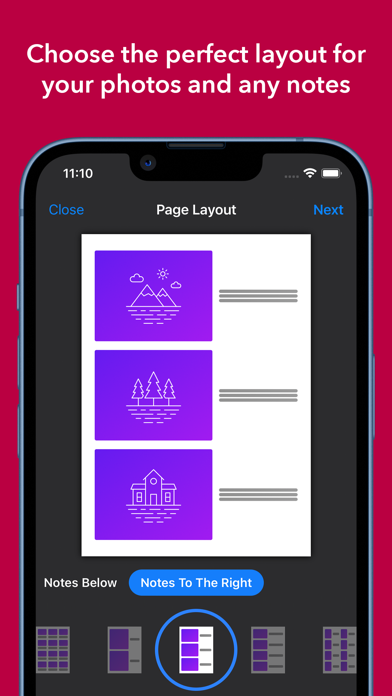
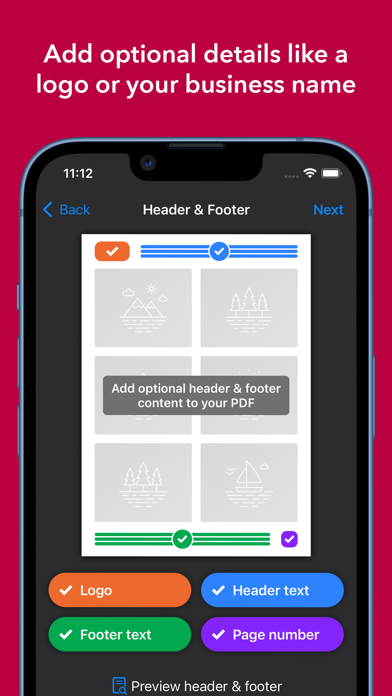
Whether you wish to convert just one photo, or to easily share hundreds as a professional looking PDF, Photo to PDF is the perfect tool. It allows you to: ▶ Create PDFs with up to 250 photos in each document ▶ Choose the perfect layout, with up to 12 photos per page ▶ Add notes or titles to each of your photos ▶ Brand your PDF with a logo or your business name ▶ Edit your photos by rotating or scaling them ▶ Customise the font size and image quality of your PDF ▶ Instantly print your completed document ▶ Save to Files, Google Drive, Dropbox, OneDrive, and more ▶ Easily share by email, messenger, or via many other apps ·········································································· The Photo to PDF Premium upgrade is available as either a subscription (monthly or yearly), or as a one off lifetime purchase. Please check within the app for pricing as this varies by region. Payment will be charged at time of purchase. Your subscription will automatically renew at the end of the subscription period unless auto-renew is turned off at least 24 hours before the end of your current period. Subscriptions can be managed from within the app’s menu. Terms of use: https://www.apple.com/legal/internet-services/itunes/dev/stdeula/
Latest release
What’s New
- Improvements to the introduction - Improvements to the photo layout page to make it even easier to use - iOS 26 compatibility
Audience growth
Ratings growth
Baseline captured. Growth appears after the crawler observes a changed rating count.
Momentum comes from crawler snapshots for the tracked storefront. “Viral growth signal” means unusually fast recent rating gains; it is an indicator, not download data.
Price tracking
Price intelligence
- First observed Aug 20, 2026 · 6:41 AM Free
Screenshots