About this app
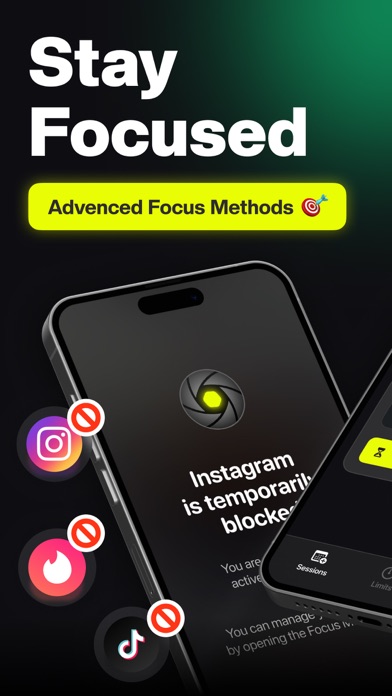
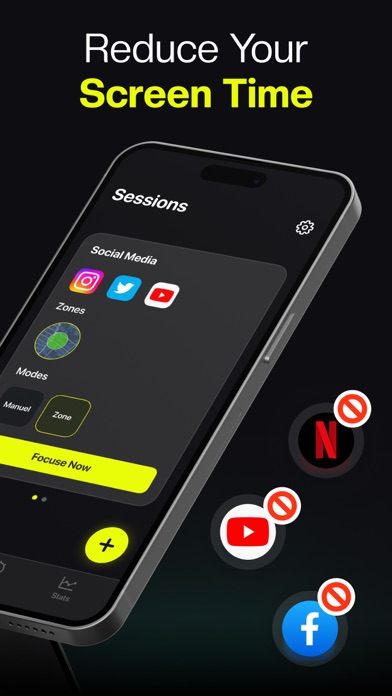
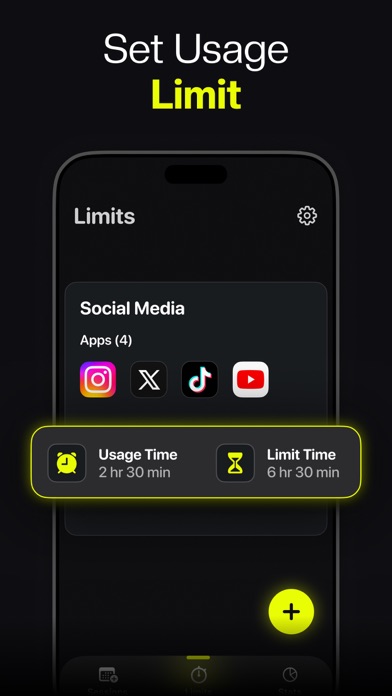
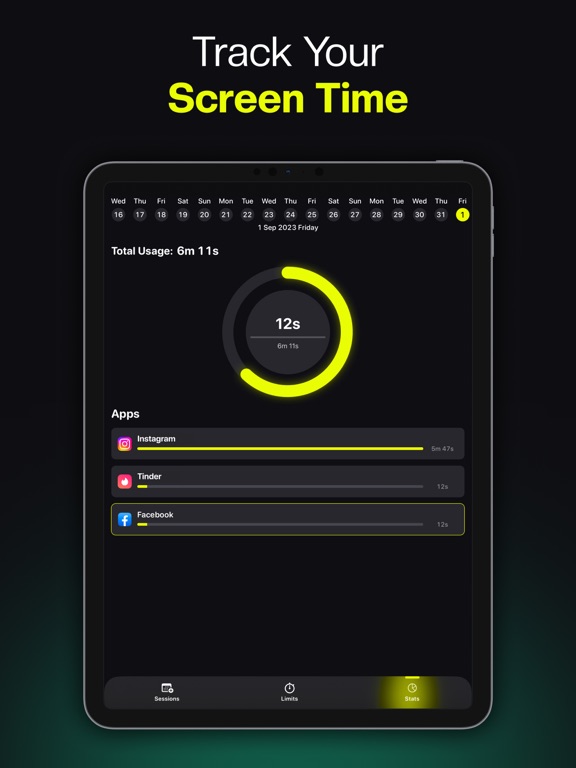
Take control of your screen time. Stay focused. Get your time back. Focus Mate is a powerful Screen Time Control and App Blocker designed to help you limit screen time, block distractions, and build healthier digital habits — without sacrificing privacy. The average person spends more than 5 hours per day on their phone, often without realizing it. Focus Mate helps you break that cycle with smart app limits, focus modes, and automatic app blocking. With Focus Mate, you can: • Limit screen time on distracting apps • Block apps and websites automatically • Stay focused during work, study, or deep concentration • Build consistent routines and mindful phone habits BENEFITS • Reduce screen time and digital distraction • Improve focus and productivity • Support digital detox and mindful usage • Stay in control instead of reacting to notifications Designed for students, professionals, creators, and anyone who wants to use their iPhone more intentionally. FEATURES • Screen Time Control Set daily app limits and automatically block apps when limits are reached. • App Blocker Block specific apps and websites during focus sessions or scheduled routines. • Focus Zone Create distraction-free sessions by selecting exactly which apps should be blocked. • Deep Focus Maximum protection that prevents bypassing or disabling blocks until the session ends. • Focus Time Structure your day with focused intervals to boost productivity. • Free Time Temporarily relax restrictions when flexibility is needed. • Usage Insights Track your screen time behavior and monitor progress over time. PRIVATE & SECURE Focus Mate uses Apple’s official Screen Time API to manage app usage securely. • No accounts required • No tracking • No data leaving your device Your screen time data stays private and on your iPhone. Take back control of your time. Use your phone with intention — not distraction. Privacy Policy: https://adappssoftware.com/privacy/ Terms of Use: https://adappssoftware.com/terms-conditions/
Latest release
What’s New
We’ve improved Screen Time Control to help you stay focused and limit screen time more effectively. • Enhanced app blocking performance for smoother Focus Sessions • Improved reliability of app limits and Screen Time Control • Optimized Focus Zone and Deep Focus stability • Minor UI and performance improvements for a better experience Update now to block distracting apps, manage screen time, and stay focused every day.
Audience growth
Ratings growth
Baseline captured. Growth appears after the crawler observes a changed rating count.
Momentum comes from crawler snapshots for the tracked storefront. “Viral growth signal” means unusually fast recent rating gains; it is an indicator, not download data.
Price tracking
Price intelligence
First snapshot captured. The trend line starts after the next crawler price observation.
- First observed Sep 8, 2026 · 1:08 AM Free
Screenshots