About this app
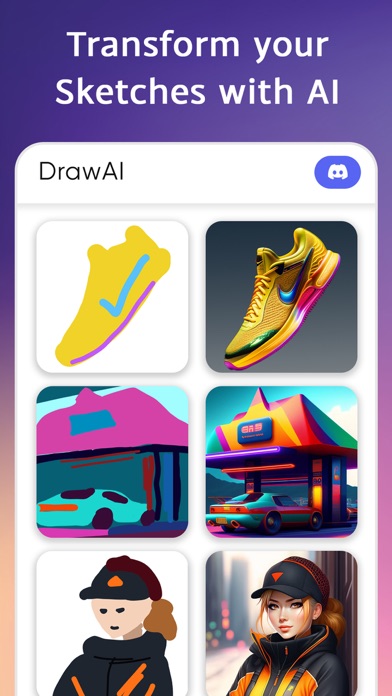
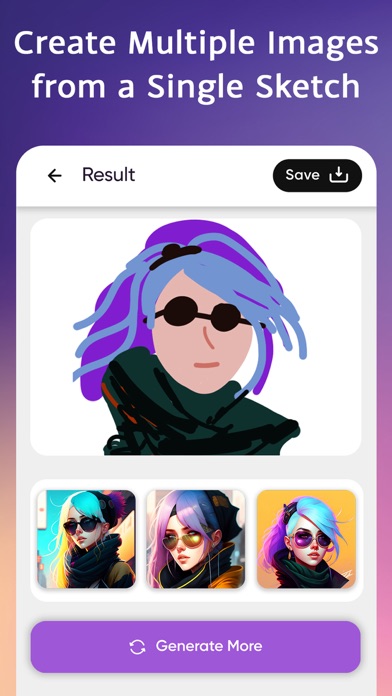
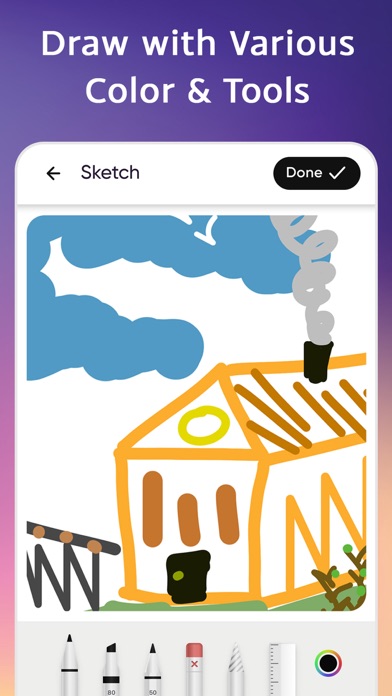
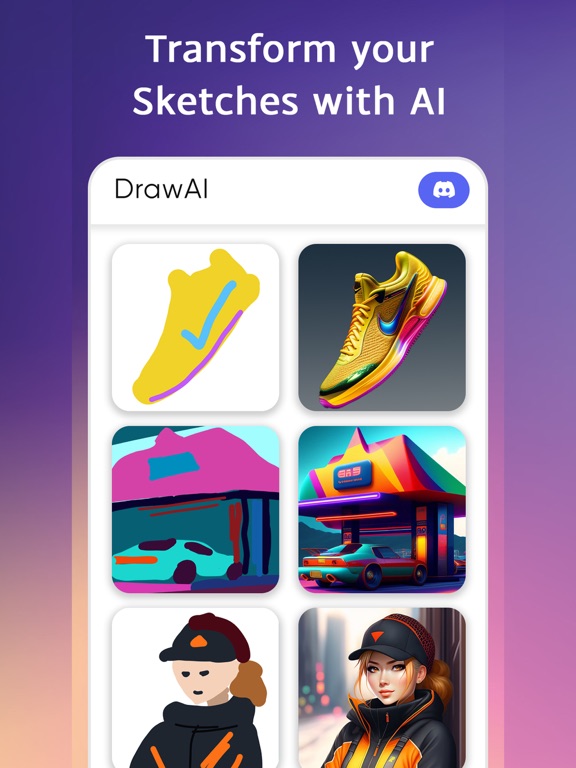
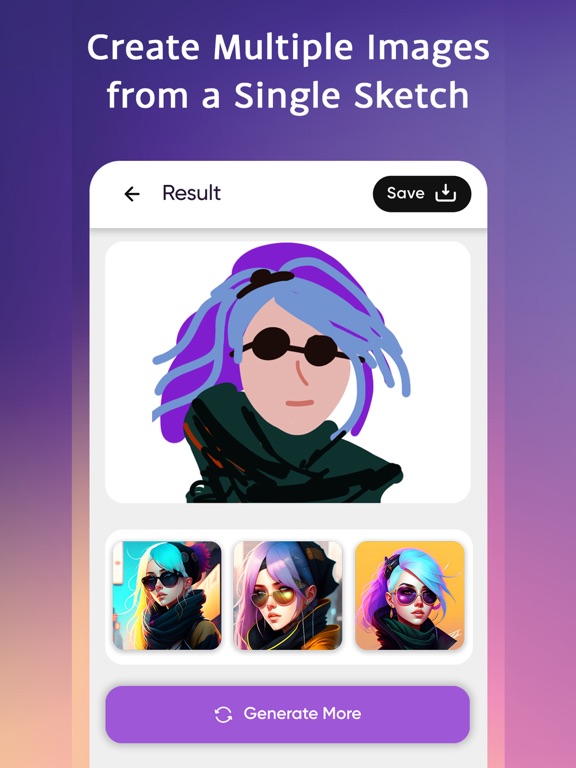
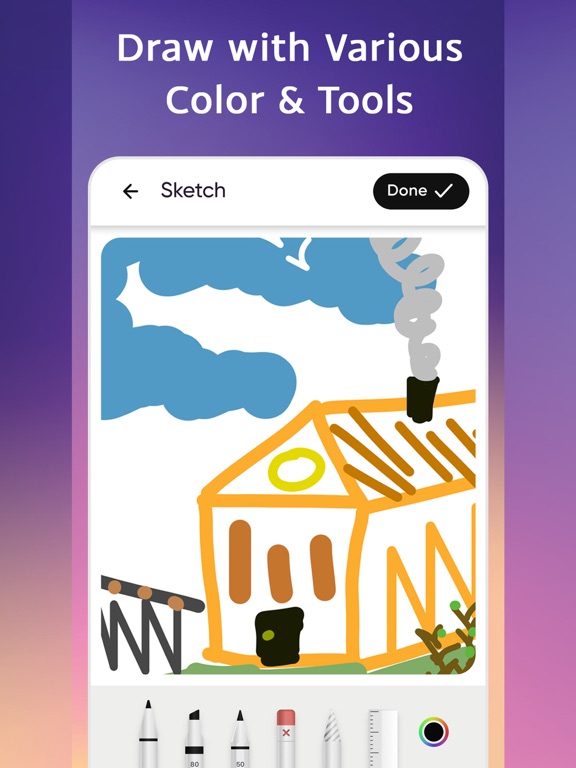
Introducing our Drawing to Photo app - the perfect tool for transforming your hand-drawn creations into stunning digital masterpieces. With our app, you have full control over the style and strength of the final image, allowing you to create stunning digital versions of your drawings. Give the app a basic sketch, watch it perform wonders, and it will generate a hyper-realistic and stylized image based on the style theme you have selected. Multiple Sketch Input Options Choose whether to draw within the app on your phone’s screen and use that as an input or upload a sketch that you have already drawn and upload an image of that. Either way, the results will be amazing ! Choose from a Range of Styles Choose from a range of different styles and effects to give your images a unique look and feel. From pencil sketches to watercolor paintings, our app can replicate a range of different drawing styles to match your preferences. Choose the Strength of Your Drawing You can also adjust the strength of the drawing to make sure that your converted image captures the intricacies of your original artwork. This allows you to highlight the most important aspects of your drawing, and bring out the details that make it truly special. Automatic Image Enhancement Our app uses advanced algorithms to automatically adjust the colors, contrast, and brightness of your image, ensuring that your converted image looks more vibrant and detailed than your original drawing, adding even more depth. Checkout Other Awesome Transformations You can also view examples of drawings that have been converted using our app, allowing you to see just how powerful and effective it can be. This is a great way to see the different styles and effects in action and get inspiration for your own creations. Subscription length: Yearly and Weekly - Your payment will be charged to your iTunes Account as soon as you confirm your purchase. - You can manage your subscriptions and turn off auto-renewal from your Account Settings after the purchase. - Your subscription will be renewed automatically, unless you turn off the auto-renew option at least 24 hours before the end of the current period. - The cost of renewal will be charged to your account in the 24 hours prior to the end of the current period. - When canceling a subscription, your subscription will stay active until the end of the period. Auto-renewal will be disabled, but the current subscription will not be refunded. - Any unused portion of the free trial period, if offered, will be forfeited when purchasing a subscription. If you want to request any new features, please write to us at support@vyro.ai. Read our privacy policy document to know how seriously we take care of your data: https://drive.google.com/file/d/1g-SNmMV28VTgwx5zwPjJfgc8q5vARtrQ/view Refer to the link below to know more about our Terms of Service: https://drive.google.com/file/d/1CBKNX0dbkkr9wYG5gIG6BRLPlko0U9CN/view
Latest release
What’s New
Hi! We have fixed the existing bugs and issues
Audience growth
Ratings growth
Baseline captured. Growth appears after the crawler observes a changed rating count.
Momentum comes from crawler snapshots for the tracked storefront. “Viral growth signal” means unusually fast recent rating gains; it is an indicator, not download data.
Price tracking
Price intelligence
First snapshot captured. The trend line starts after the next crawler price observation.
- First observed Aug 5, 2026 · 7:14 AM Free
Screenshots