About this app
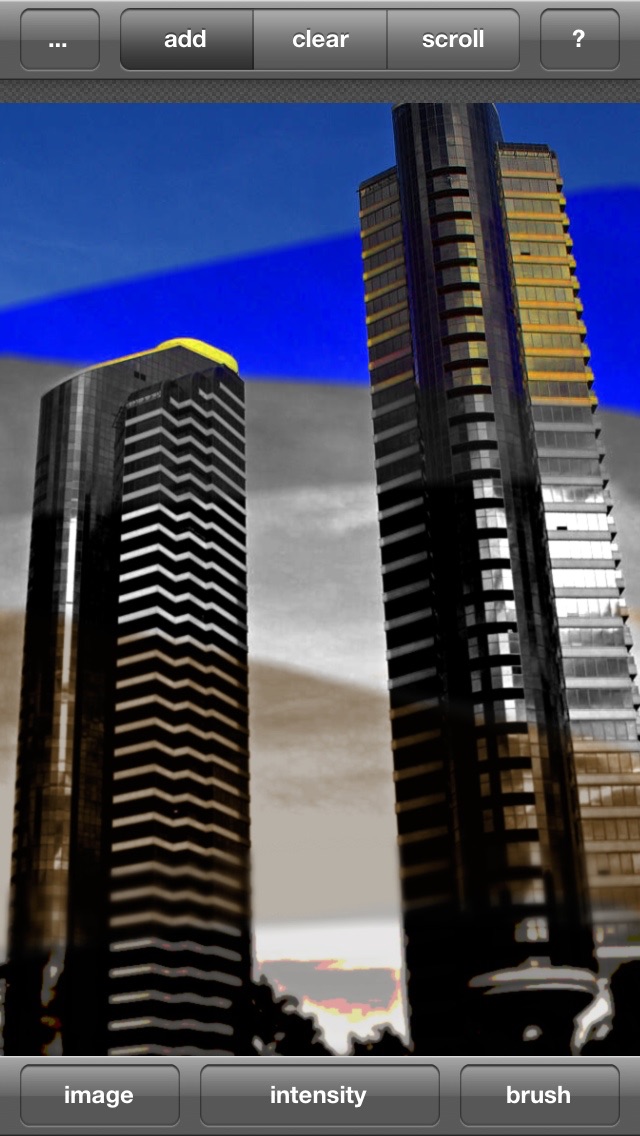
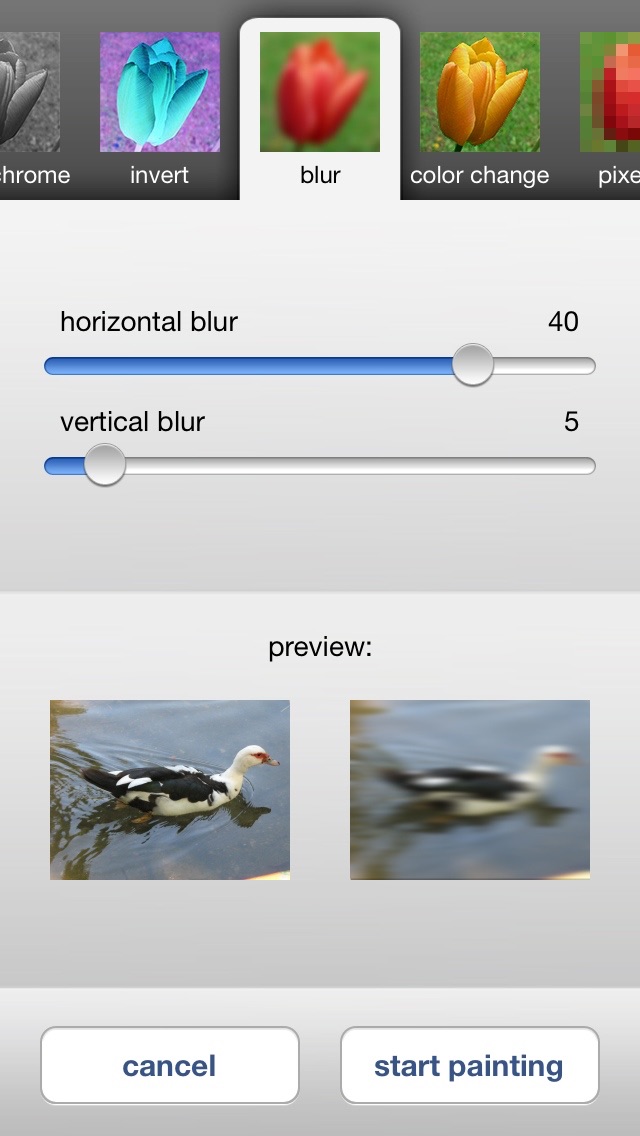
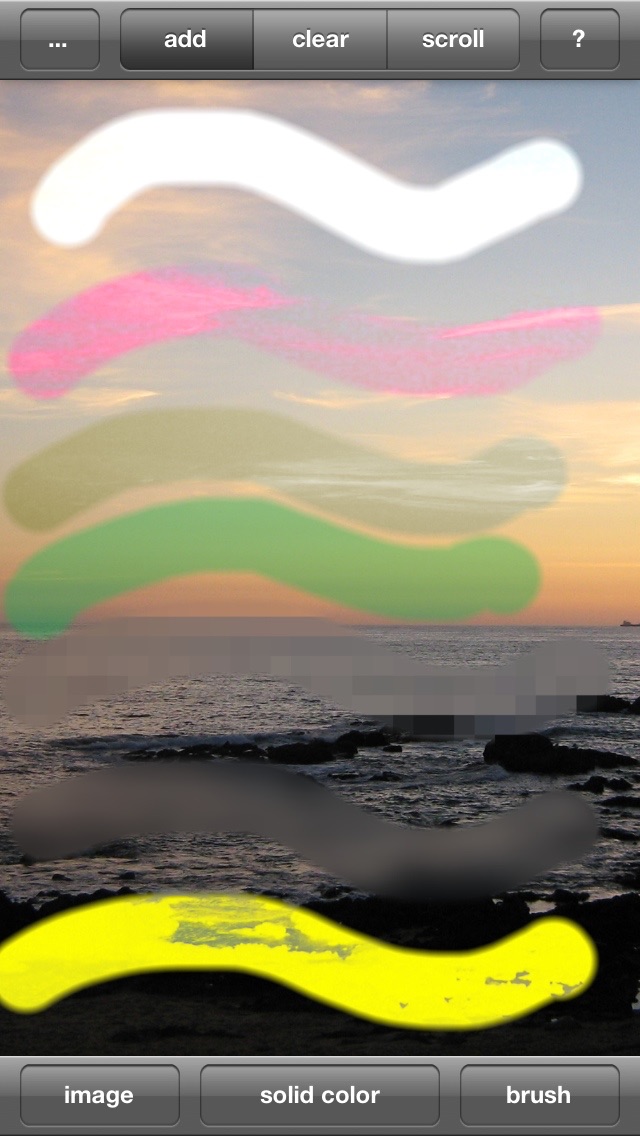
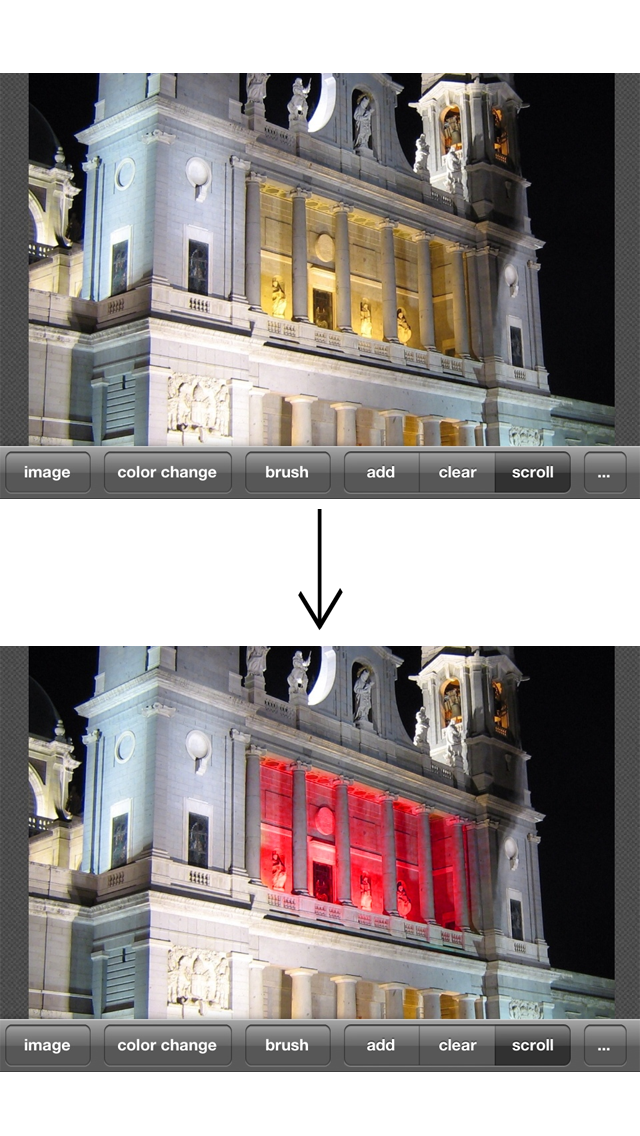
This application lets you quickly and easily apply all kind of different effects to any parts of your picture. Just select one of the many effects available, and you can start adding or removing the effect with your fingers, just like finger-painting. In addition to the many effects with adjustable parameters, you can also change the properties of the brush you are using, giving you complete control over the modifications. Effect Touch does not have a limit on the image size, all effect will be processed with the original resolution of your picture, keeping it just as sharp as it was before. (it is even posssible to open pictures wider than 1024 pixels, however it may be somewhat slower) The available effects are: - brightess - contrast - monochrome (desaturation), with selectable tint color - blur (also horizontal or vertical) - inverted (you can select or deselect color components) - hue and saturation adjustment - posterize - pixelate - solid color (basically the classic finger painting) - (and a lot more in the full version) In addition you can change the size, softness and opacity of the brush! Cropping, rotating and downscaling the picture are also supported. With this lite version you can only save pictures not bigger than 300*200 pixels.
Latest release
What’s New
This update from Apple will improve the functionality of this app. No new features are included. bugfix for the app complaining about too large pictures and a few minor adjustments
Audience growth
Ratings growth
Baseline captured. Growth appears after the crawler observes a changed rating count.
Momentum comes from crawler snapshots for the tracked storefront. “Viral growth signal” means unusually fast recent rating gains; it is an indicator, not download data.
Price tracking
Price intelligence
First snapshot captured. The trend line starts after the next crawler price observation.
- First observed Aug 20, 2026 · 2:11 PM Free
Screenshots