About this app
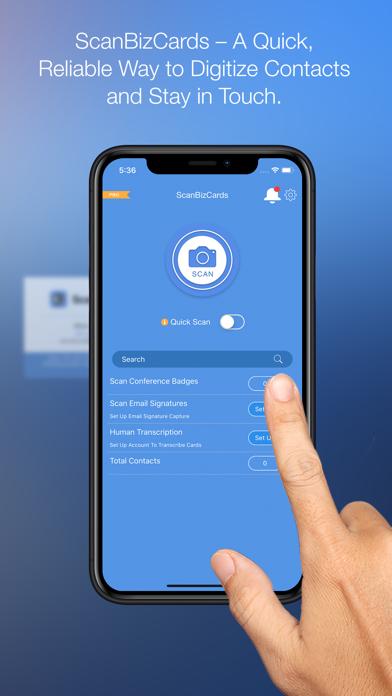
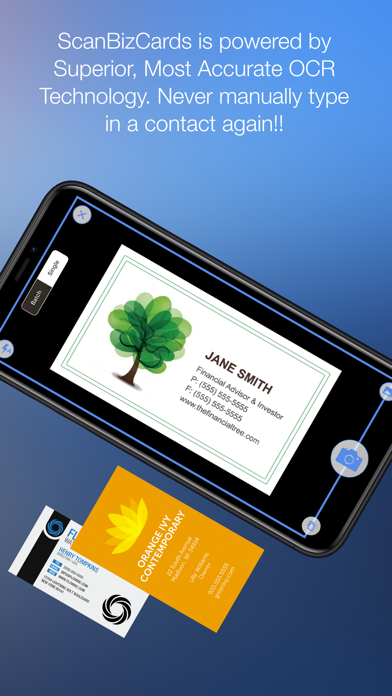
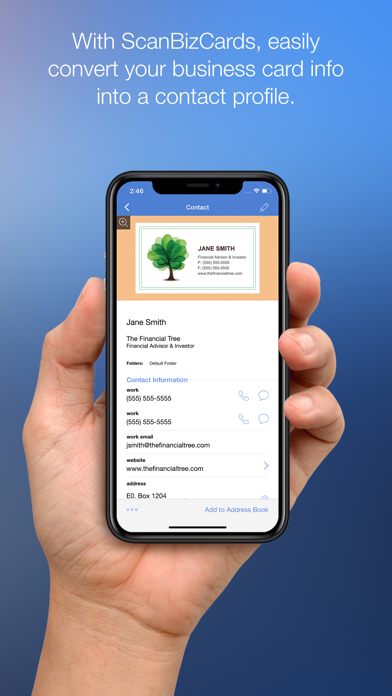
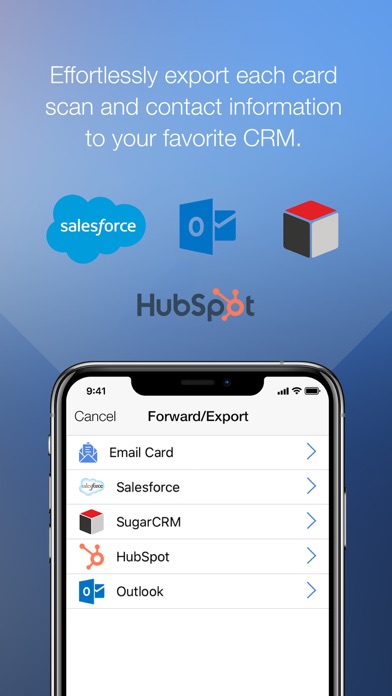
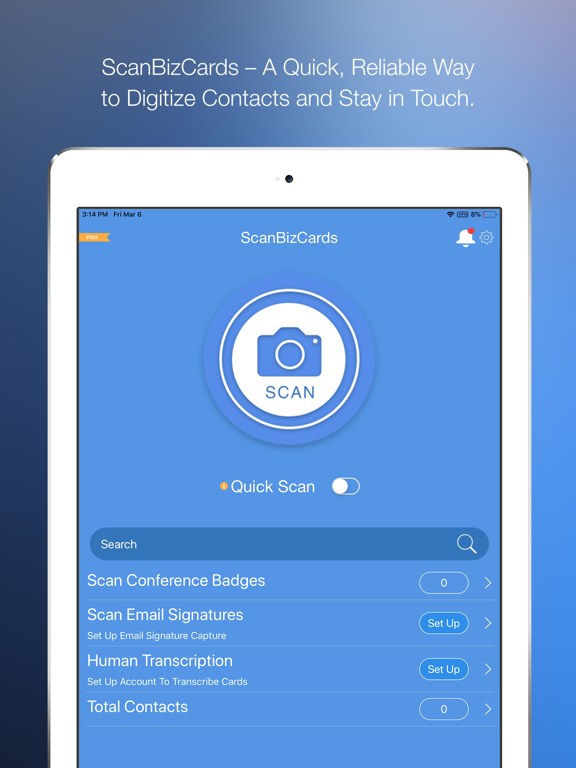
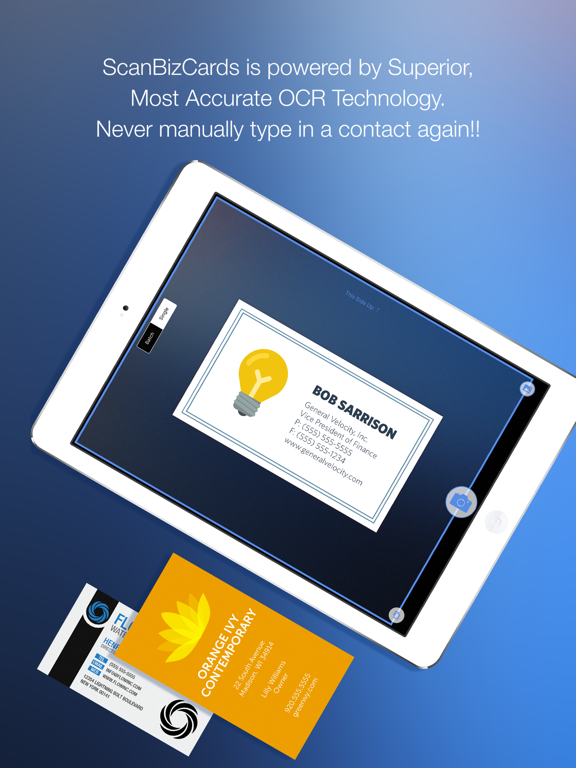
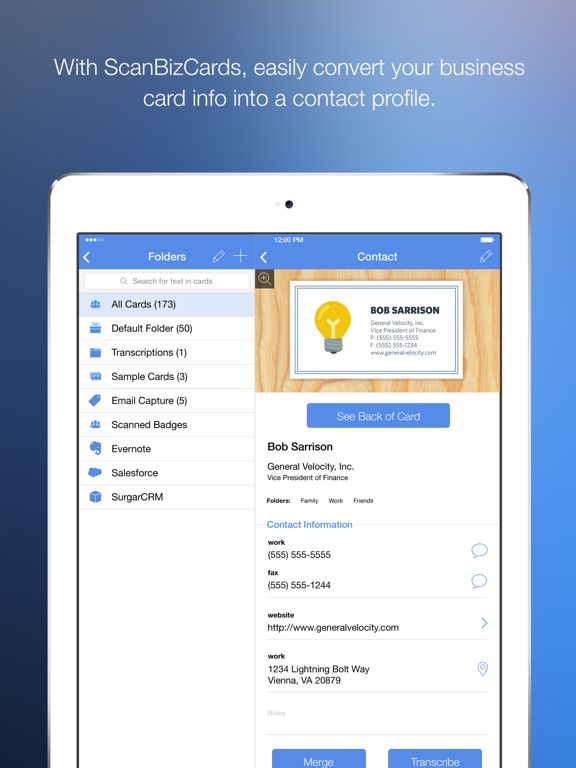
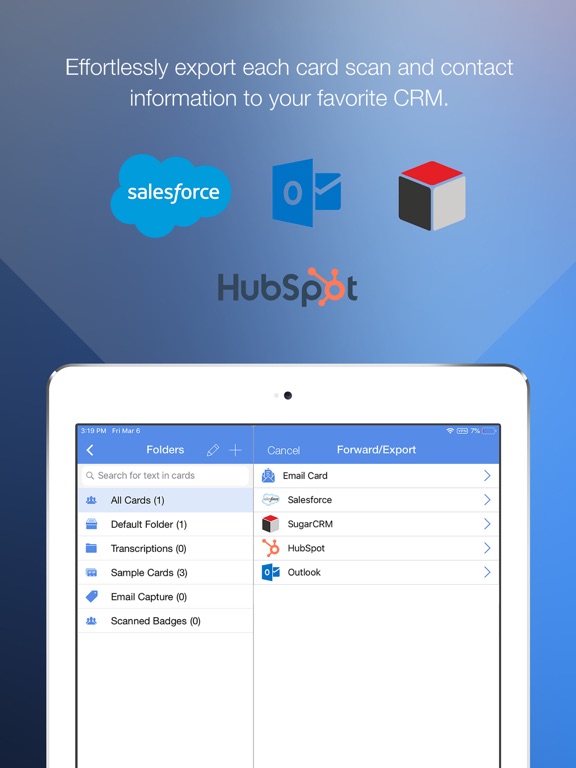
Business Card Scanner App | Scan Business Cards Using QR Code | Scan Conference Badges - Capture More Leads at Events, Conferences and Tradeshows Scan cards and badges in seconds or submit tricky cards for 100% accurate human transcription! **Latest additions to ScanBizCards – Scan QR code, and save as contact in the app** ScanBizCards app users can now create a shareable profile within the app with contact details such as name, job title, company name, emails etc. This profile can be shared through the ScanBizCards share code (similar to a QR code). ScanBizCards app users can also scan the ScanBizCards share code using the default camera app on their device and save it as a contact within the app. If a user does not currently have the ScanBizCards installed and scans the ScanBizCards share code, they are navigated to a webpage on their iPhone/iPad’s browser and can download contact info as a .vcf file and store it on their native address book. KEY BENEFITS - BUSINESS CARD & CONFERENCE BADGE SCANNING APP * Unlimited business card scans * Export directly to Hubspot and Outlook (limited to 10 card exports - unlimited on the Premium app). * Easily add contacts to iPhone address book * Create new contacts or merge scans with existing records * Scan both sides of the card--never lose a note! * Scan in any direction--it detects text automatically * Human transcription available for hard-to-read cards ADDITIONAL FEATURES * Add notes to each contact * Forward contacts to colleagues (text, image and VCard) * Send instant email and your VCard to new contact * Search and sort cards with cover flow 3D view * Compatible with ScanBizCards Enterprise (available on the Salesforce AppExchange) LITE (FREE VERSION) BUSINESS CARD & CONFERENCE BADGE SCANNING APP LIMITATIONS * Add unlimited business cards to the address book (USA users only) * One-time credit of 2 card exports to Salesforce * No assigning contacts to groups Install ScanBizCards Premium for instant access to unlimited business card saves, full calendar integration and CRM integration, group creation, email signature import and much, much more. AWARDS AND REVIEWS “Pretty amazing stuff” [Apple Gazette] “Bringing order to the chaos of business card collection” [New York Times] Winner of the 2011 MOBI Award [Sept 21, 2011] Featured on ABC TV LANGUAGE SUPPORT (21 languages) Czech, Danish, English, German, Finnish, French, Hungarian, Italian, Lithuanian, Dutch, Norwegian, Polish, Portuguese, Romanian, Slovakian, Spanish, Serbian, Swedish, Turkish, Vietnamese MORE ScanBizCards is the favorite business card app reader with reviewers because it doesn't just scan cards into the address book (better than other apps) - but goes much beyond, offering over 27 premium features not included in ANY other business card scanner app. For more information please visit https://support.scanbizcards.com/ or email us at support@scanbizcards.com
Latest release
What’s New
- Minor bug fixes.
Audience growth
Ratings growth
Baseline captured. Growth appears after the crawler observes a changed rating count.
Momentum comes from crawler snapshots for the tracked storefront. “Viral growth signal” means unusually fast recent rating gains; it is an indicator, not download data.
Price tracking
Price intelligence
First snapshot captured. The trend line starts after the next crawler price observation.
- First observed Aug 20, 2026 · 9:49 AM $0.99
Screenshots