About this app
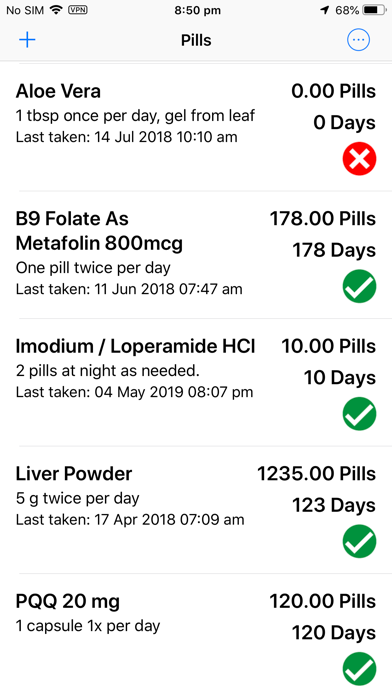
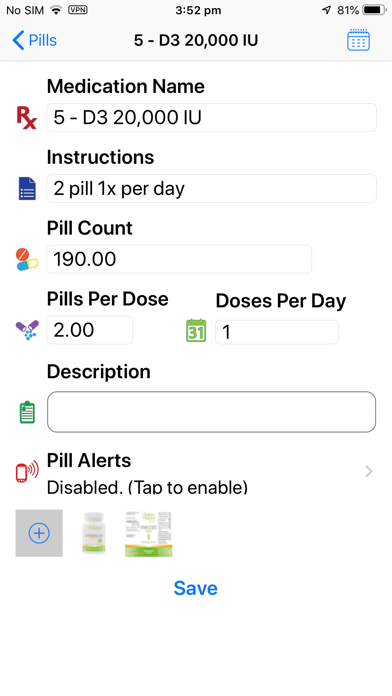
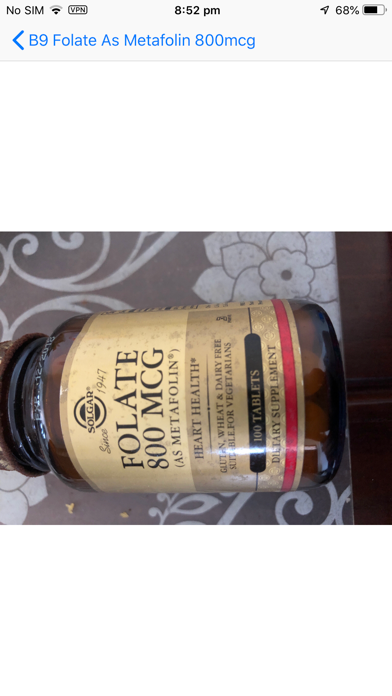
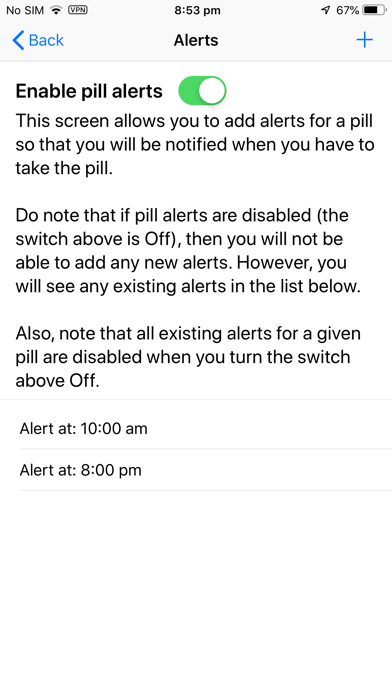
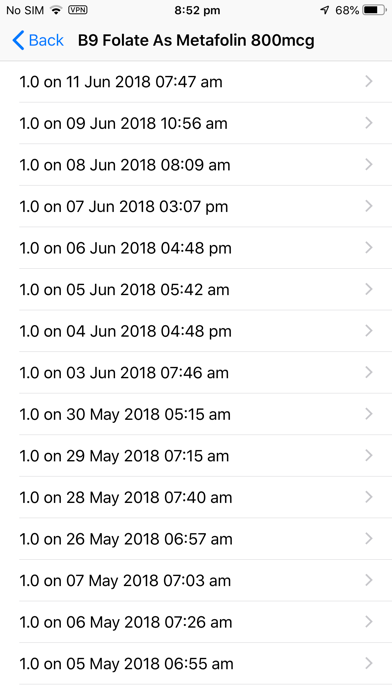
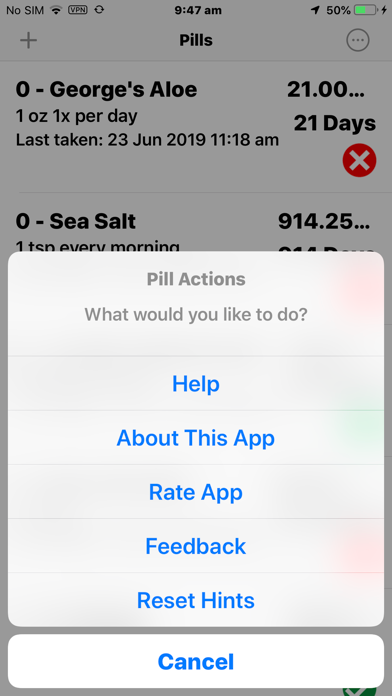
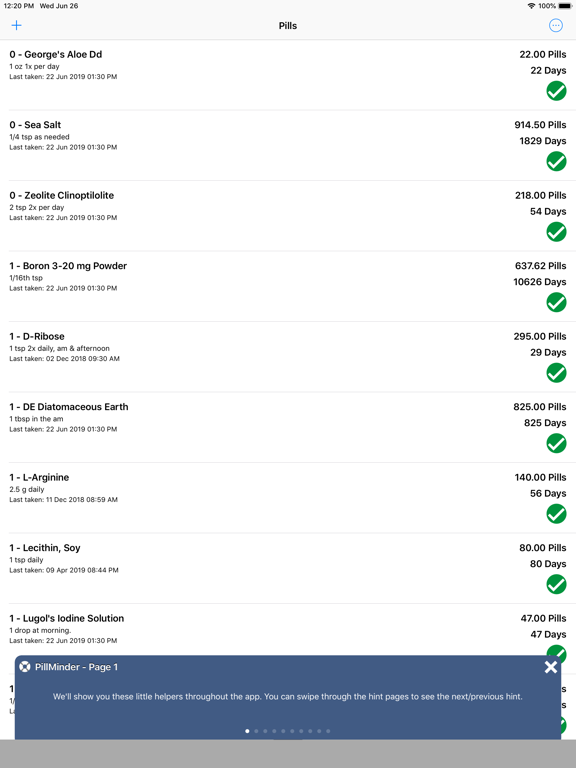
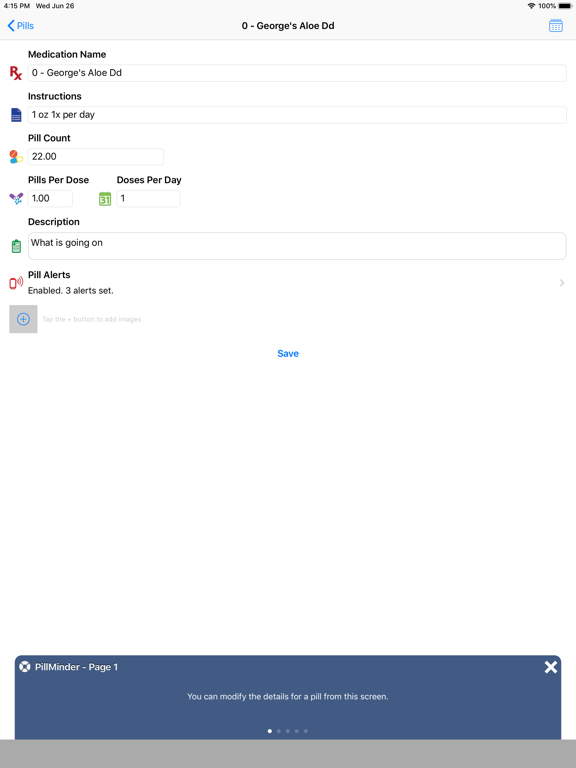
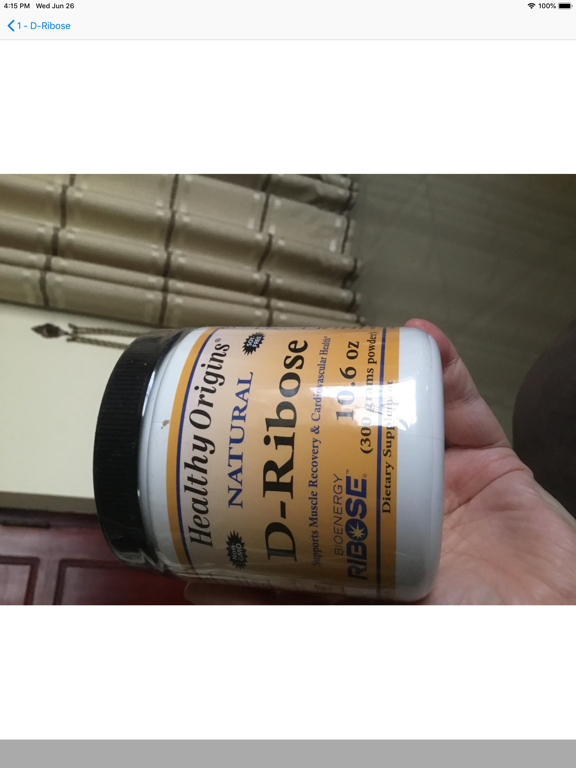
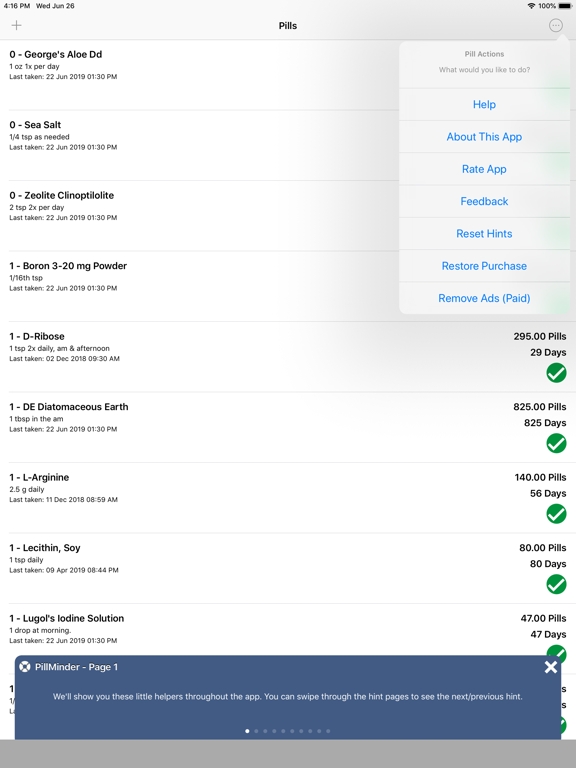
Do you take a lot of pills and find it hard to keep track of them all? Or, do you want to know how many pills you have left of a given kind when you go shopping so you can fill up your prescription? Or, are you the forgetful kind that doesn't remember whether you took your pills today? If you said "Yes" to one (or more) of the above, then PillMinder is for you! PillMinder allows you to easily track when you take a pill - simply tap the handy status indicator button next to each pill and it's recorded. The status indicator also shows you when you're due to take any of your pills by changing the button from a red x (indicating that it's too early) to a green check mark. What's more, the application keeps track of when you took a given pill and what your dosage was at that time. So you can always use the "History" button to go back and check what your dosage was over time and when your dosage changed. But that's not all. PillMinder also lets you keep track of how many pills you have and deducts from the inventory based on your dosage when you take a pill. So, the application will always have an updated count of how many pills you have left and you can see this information, as well as how many days you have pills left for, on the main screen. Basically, you can see all of your medication related information on one screen! If you take more than one dose of a given pill for a given day, PillMinder can handle that too. Are your pill dosages not whole numbers? Not a problem! PillMinder will deal with that easily. PillMinder will also remind you when you need to take your pills next. And you can keep photos of your pill bottles and pills for each individual pill. If you are not sure how to use PillMinder, there's also a handy visual guide which is included in the app itself. Simply use the action button on the top right corner of the main screen to access the built-in help. If that isn't helpful enough, feel free to contact us via the built-in Feedback which is also available via the action button. Note: The basic version of the app is fully functional but is ad-supported. So the app will display an ad banner at the bottom of each screen. If you don't want to see the ads, you can upgrade to the Pro version, which removes the ad banners. If you like PillMinder, please take the time to give us a nice review: it really helps.
Latest release
What’s New
* Fixes to various alert related issues including some alerts not showing up
Audience growth
Ratings growth
Baseline captured. Growth appears after the crawler observes a changed rating count.
Momentum comes from crawler snapshots for the tracked storefront. “Viral growth signal” means unusually fast recent rating gains; it is an indicator, not download data.
Price tracking
Price intelligence
First snapshot captured. The trend line starts after the next crawler price observation.
- First observed Sep 6, 2026 · 1:28 AM Free
Screenshots