About this app
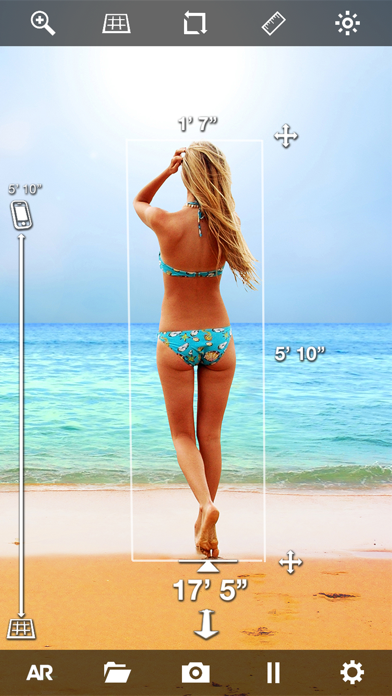
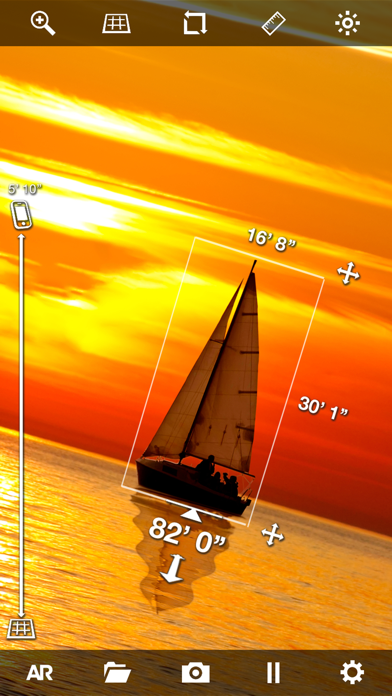
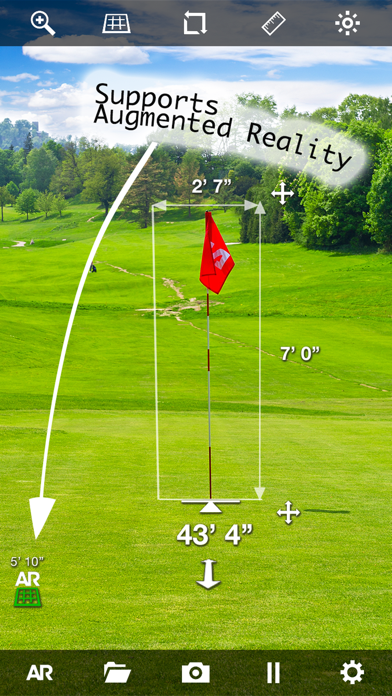
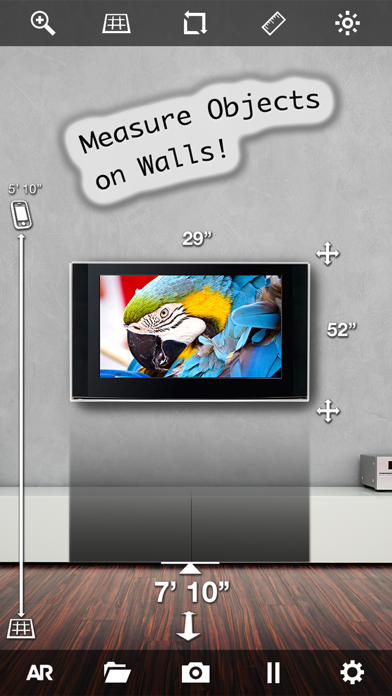
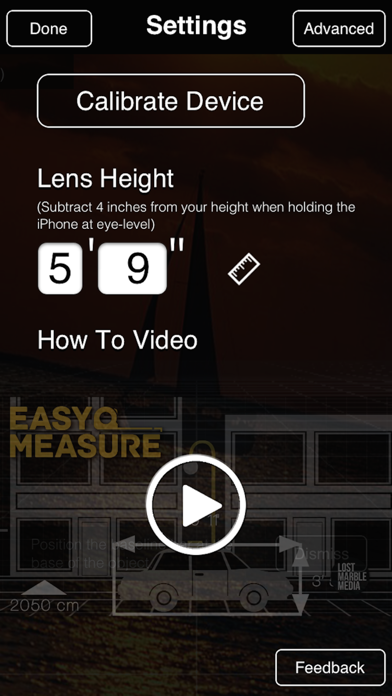
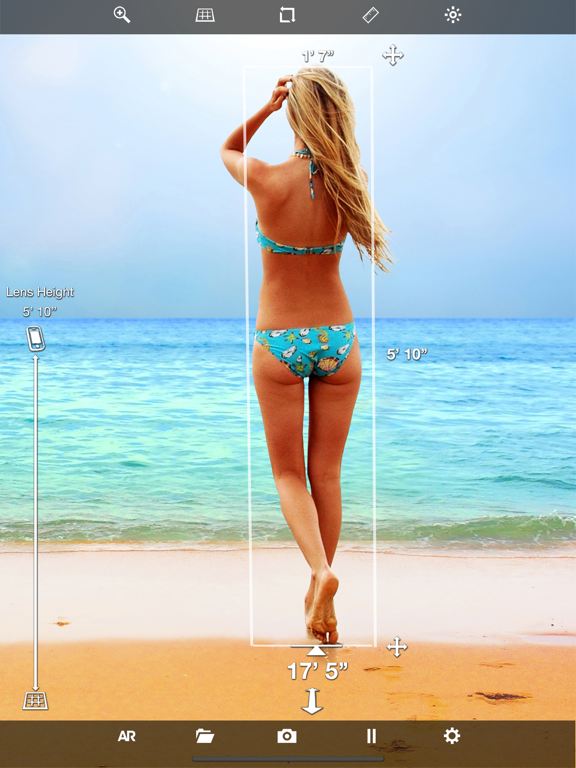
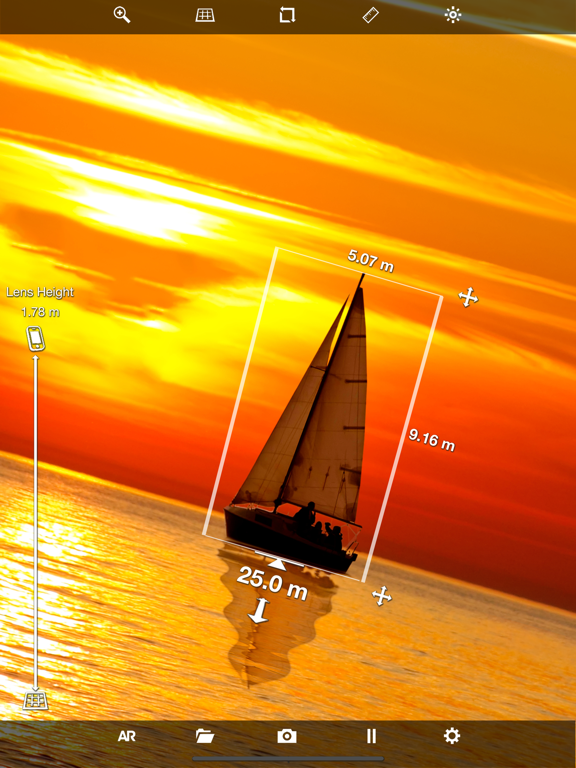
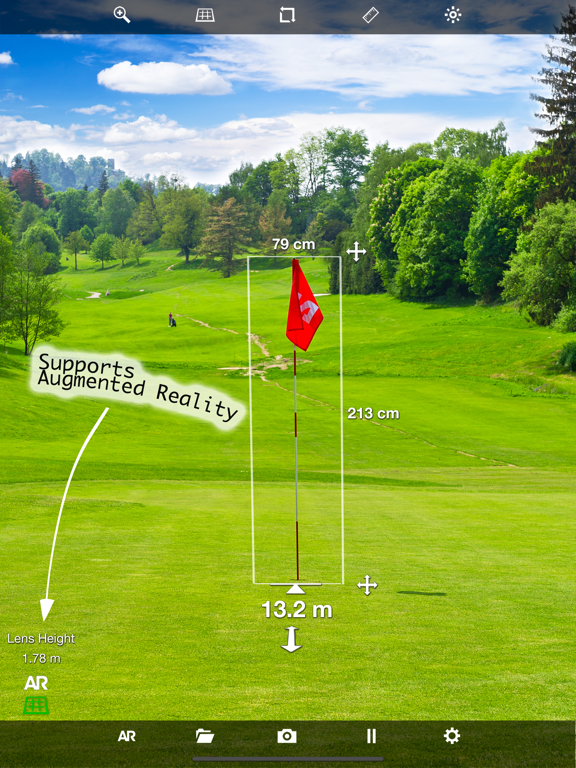
"Great app. Fun and easy to use!" EasyMeasure® shows the distance to objects seen through the camera lens of your iPhone or iPad. Simply aim your iPhone/iPad to any object in your surroundings, and EasyMeasure displays the distance towards that object on top of the camera image. With its amazing 3D camera overlay grid, using EasyMeasure is very intuitive and easy! Find out how far it is towards that boat at the other side of the lake. Measure how tall buildings are. Use the app as a golf-aid. Measure your friend's height. The possibilities are endless! How does it work? EasyMeasure uses the height of the camera lens (determined automatically by AR if your device supports that) and its tilt angle to calculate the distance to the object. A comprehensive animated tutorial on how to use EasyMeasure is included. Features -User friendly interface with Retina Display Graphics and 3D engine -Supports Augmented Reality (AR) to make measurements even easier! -Measures distance. Can be updated to measure the height and width of objects! -Share your results by email, Facebook or Twitter! -Includes the possibility to calibrate your iPhone/iPad for most accurate results! -Displays accuracy of measurement -Make a snapshot of the image with the distance and store it in the photo album for later use. -Supports Metric and Imperial units. -Animated tutorial to explain the measurement procedure. -"Dynamic Photos": Analyze and adapt measurements after photo is taken (Upgraded version)! -Switch on flashlight for measurements in the dark -Slick icon and user friendly interface designed by Dan Taylr http://dantaylr.com MORE INFORMATION: https://www.caramba-apps.com/easymeasure NOTE: Measurements taken with EasyMeasure are not as accurate as measurements taken with standard tools. Do not use EasyMeasure for construction or other uses where inaccurate measurements could cause personal injury or property damage.
Latest release
What’s New
Adds full compatibility with iOS26 and the new iPhones !
Audience growth
Ratings growth
Momentum comes from crawler snapshots for the tracked storefront. “Viral growth signal” means unusually fast recent rating gains; it is an indicator, not download data.
Price tracking
Price intelligence
- First observed Aug 16, 2026 · 12:33 PM Free
Screenshots