About this app
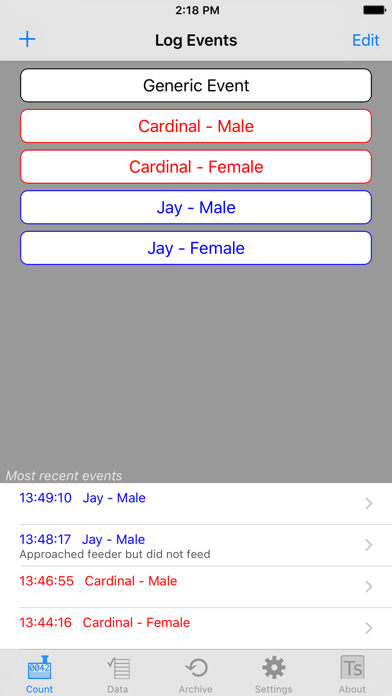
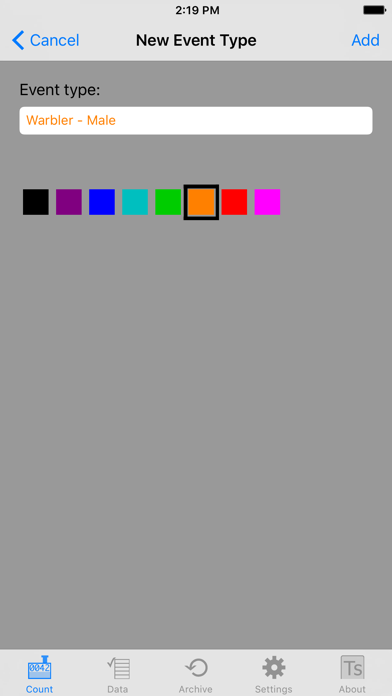
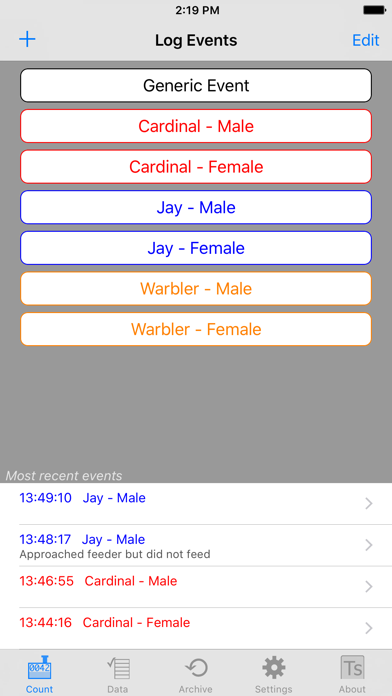
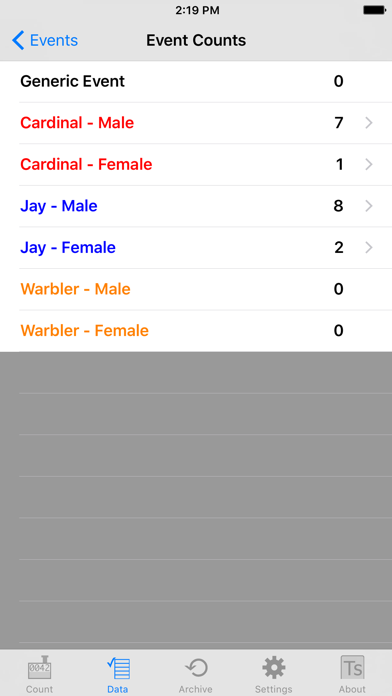
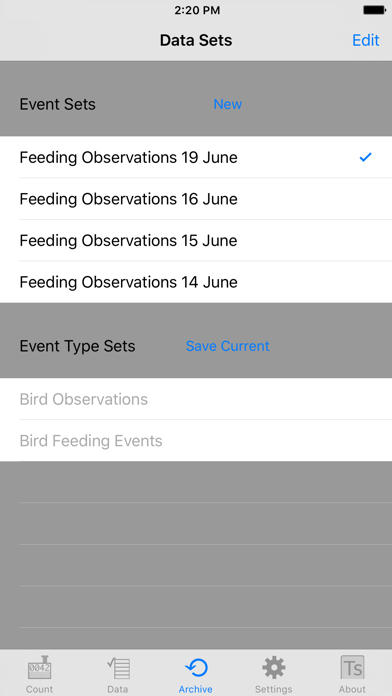
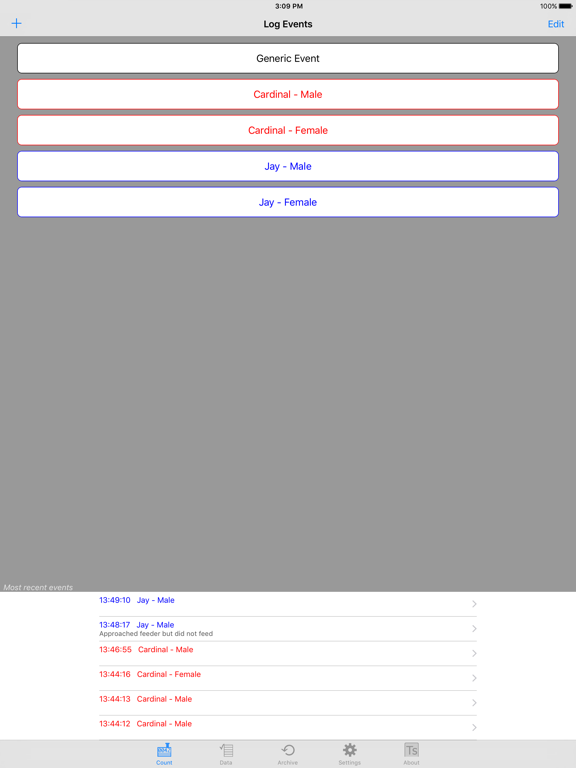
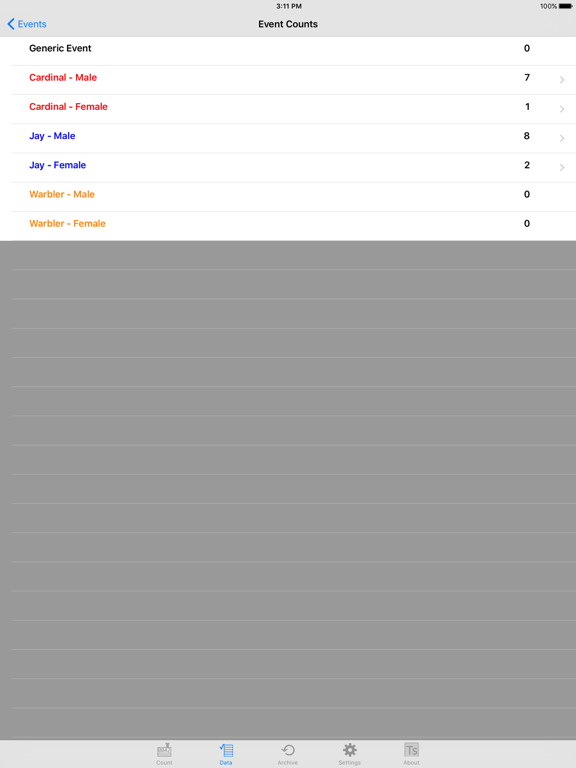
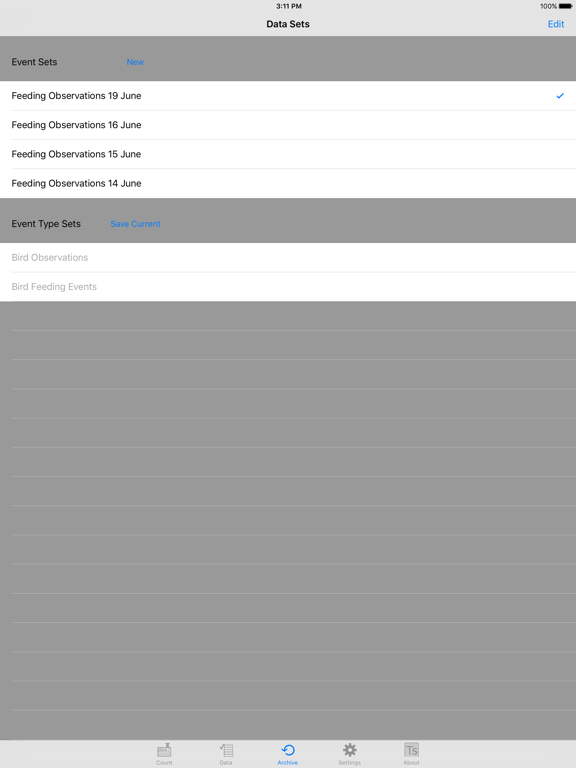
Keep a log of whatever types of events interest you! EventLog was inspired by researchers studying ant colonies who needed an easy and portable way to collect data in the field, then transfer it later to analysis programs. Based on those requirements, EventLog has been created to be a generic data logger. The app can be configured to track any types of events you set up. Events are saved real-time with time tags, and you can archive a set of events when you want to start a new one. You can also save the event types, so you don't have to re-enter them when you start collecting new data. When you need to analyze your data, you can export it as a csv (comma-separated values) file. The csv format is supported my all major analysis programs. NOTE: EventLog file export uses email, so you must have the Mail app on your device configured to send email in order to export data. A potential user of EventLog might be a tennis coach who wants to track some statistics for one of her players. She would start by entering the event types she wants to track, for example, aces, winners, and unforced errors. Each event type has a button on the Log Events view, and pressing the button logs that event with a time tag. Events can be edited, and notes such as the match score can be added to an event. A Generic Event type is always available, and the coach uses that to mark the start of games and enter other miscellaneous notes. Event counts can be displayed, and different data sets can be kept on the device. After the match the coach exports the data to Numbers or Excel and creates charts to study with her players. She notes that one player has very few winners with her backhand, so that shot can be emphasized in the next practice session. Other uses might include recording time hacks during a field test, counting which species of birds come to a feeder, tracking which types of product displays shoppers respond to... EventLog works for any scenario where time-tagged events need to be recorded. We would love to hear how you use EventLog- send your use story to support@touchscience.com
Latest release
What’s New
This update from Apple will improve the functionality of this app. No new features are included. EventLog is now a universal app and has been updated for compatibility with newer devices.
Audience growth
Ratings growth
Baseline captured. Growth appears after the crawler observes a changed rating count.
Momentum comes from crawler snapshots for the tracked storefront. “Viral growth signal” means unusually fast recent rating gains; it is an indicator, not download data.
Price tracking
Price intelligence
First snapshot captured. The trend line starts after the next crawler price observation.
- First observed Aug 19, 2026 · 8:51 PM Free
Screenshots