About this app
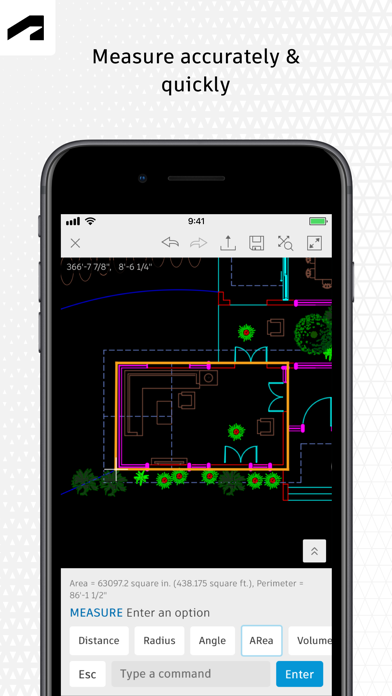
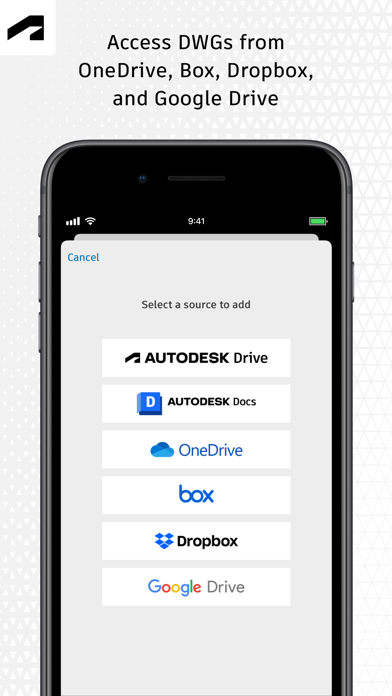
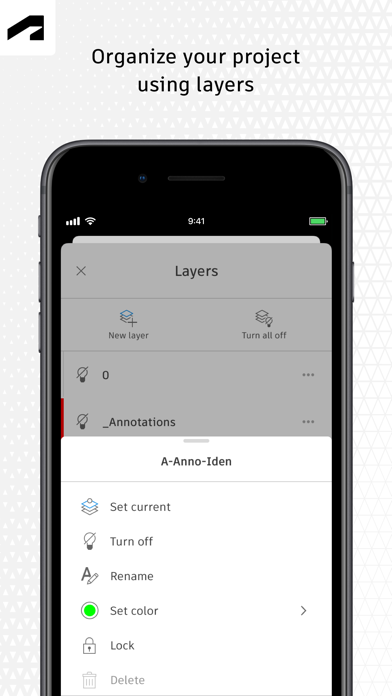
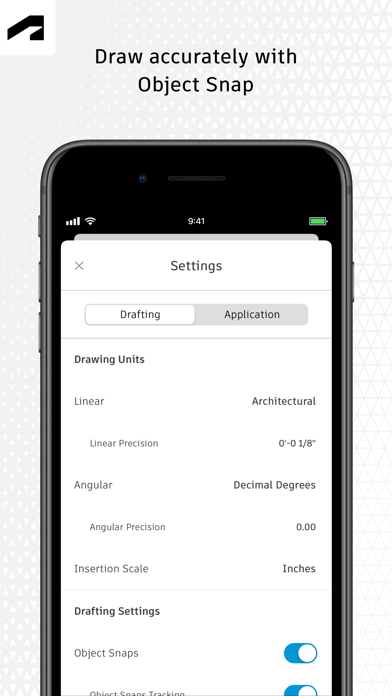
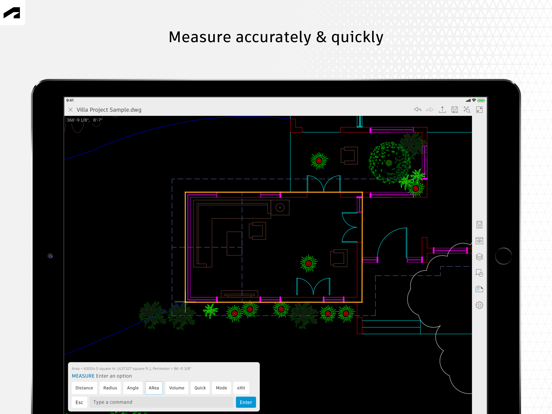
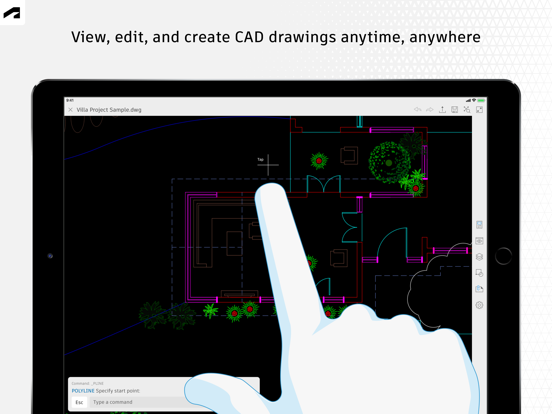
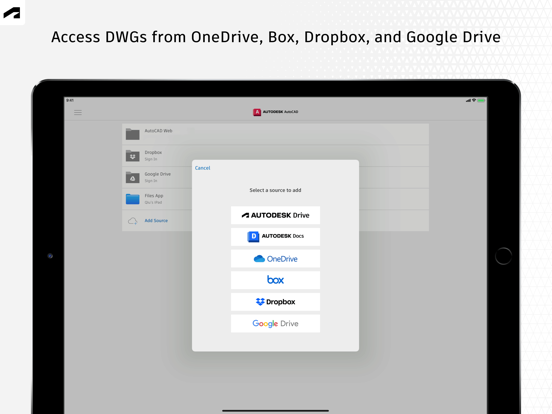
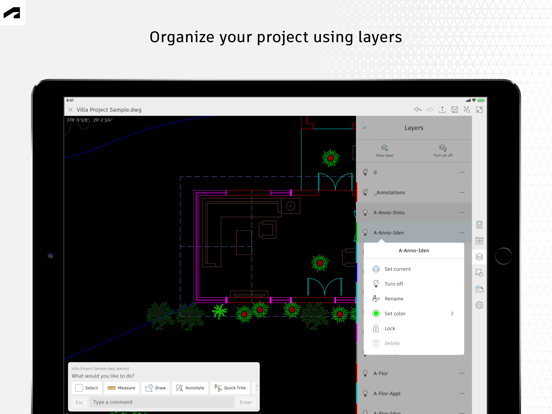
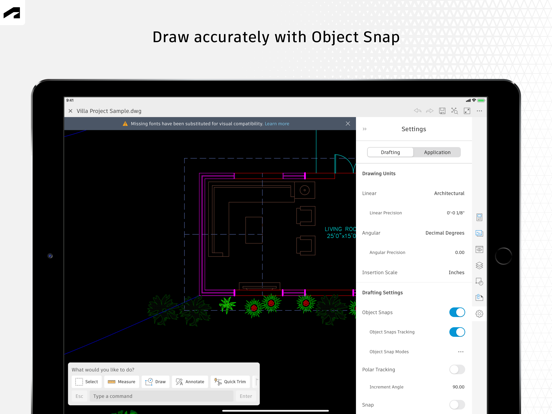
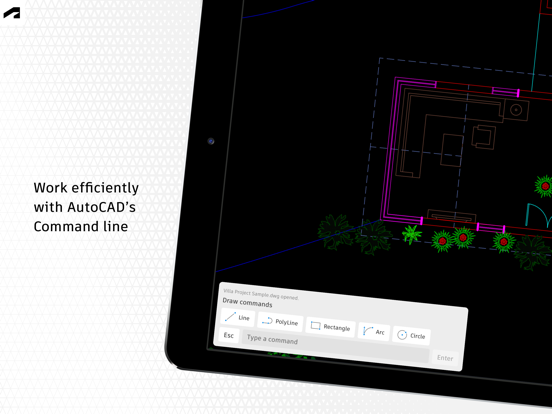
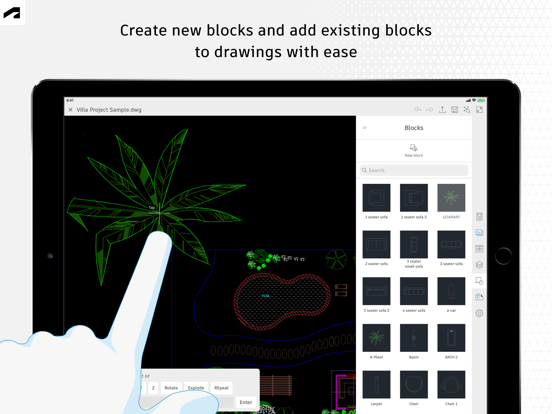
The official AutoCAD app. View & edit CAD drawings anytime, anywhere! Essential drafting and design capabilities for your everyday needs: Autodesk® AutoCAD® Web on mobile is a trusted solution that gives you access to the core AutoCAD commands that you need for light editing and generating fundamental designs, all at an attractive price. AutoCAD Web subscription plans are available in the following options: • Monthly for $9.99 • Yearly for $99.99 • Included free with AutoCAD and AutoCAD LT subscriptions Use familiar AutoCAD drafting tools on your mobile device in a simplified interface, allowing you to access, create, and update DWG™ files anytime, anywhere. 30 day trial: Enjoy a fully functional free trial of AutoCAD Web for 30 days. After the trial is completed, you can access limited read-only functionality without a paid subscription. Current AutoCAD or AutoCAD LT desktop subscribers: Sign in with your Autodesk account to access AutoCAD Web on mobile. Key Benefits: • Work offline on your projects without an Internet connection and sync later • Safeguard drawings in your Autodesk account or with your own external accounts • Collaborate in real time with team members and reduce mistakes • Replace blueprints at job sites with drawings on mobile • Simplify workflows by opening DWG files directly from Autodesk Drive, Autodesk Docs, Microsoft OneDrive, Box, Dropbox, or Google Drive. Features: • 2D file viewing • Create, edit, and share 2D drawings • Work offline and sync your changes once back online • Insert blocks from your DWG drawing • Manage layers and layer visibility • Drafting and geometry editing tools • Annotation and markup tools • Measure distance, angle, area, and radius • View and edit DWG files from your internal storage, email, or from the cloud • View coordinates and properties All new users have access to a free trial of AutoCAD Web for 30 days. Subscriptions will be charged to your credit card through your Apple ID. Subscriptions are automatically renewed unless cancelled at least 24-hours before the end of the current period. You will not be able to cancel a subscription during the active period. Manage your subscriptions in Account Settings after purchase. *Free products and services are subject to the Autodesk Terms of Use at https://www.autodesk.com/company/terms-of-use/en/general-terms Learn more: Autodesk Website: https://www.autodesk.com/products/autocad-web Term of Use: https://www.autodesk.com/company/legal-notices-trademarks/terms-of-service-autodesk360-web-services/autodesk-autocad-mobile-terms-of-service AutoCAD Service is not provided to children under the age of 14, and users under 14 cannot use this Service.
Latest release
What’s New
This latest release includes the following improvements and fixes: • Add support for loading support files configured for Forma Data Management projects. • Improve sample file experience. The AutoCAD team
Audience growth
Ratings growth
Baseline captured. Growth appears after the crawler observes a changed rating count.
Momentum comes from crawler snapshots for the tracked storefront. “Viral growth signal” means unusually fast recent rating gains; it is an indicator, not download data.
Price tracking
Price intelligence
- First observed Aug 14, 2026 · 1:34 AM Free
Screenshots