About this app
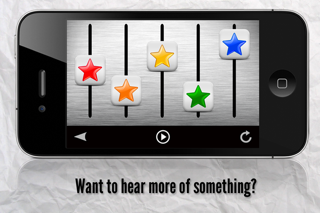
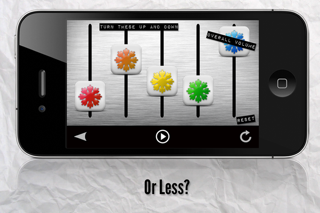
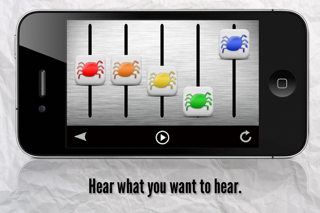
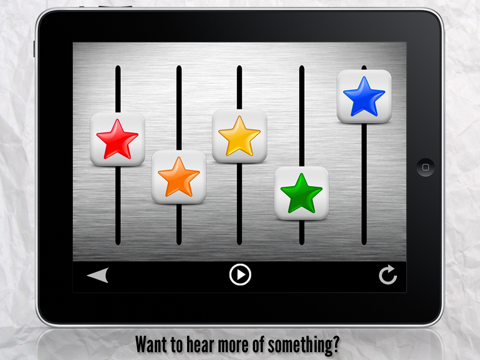
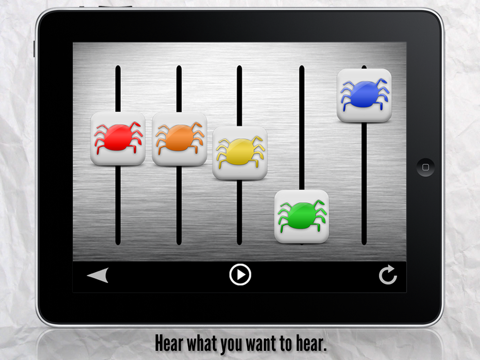
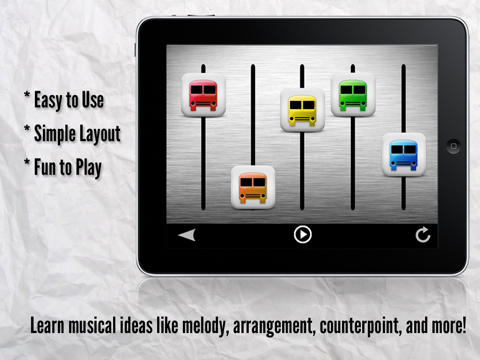
***FEATURED BY APPLE - New and Noteworthy and What's Hot in Education*** Welcome to Mixeroo - A Musical Mixer For Kids WHAT PEOPLE ARE SAYING: "Mixeroo does a nice job teaching children about music in an entertaining way. It’s simple to use and offers endless possibilities for musical arrangements." -The iPhone Mom “My kids played with Mixeroo last night. They loved it. I put it on my aux input and they took turns making mixes in the car for us. Fun Stuff” -From a customer review on Appolicious.com "It's really fun to isolate the different sounds and understand the different instrumentation of a composition. I realize that this is geared to the under 7 crowd, but my 12-year-old enjoyed playing with it as well!” -From a user email. WHAT IT IS: Mixeroo is a fun way to explore and experience music. Each colored fader represents a different sound or instrument. Want to hear less of the melody? Turn it down. Curious what the Piano is doing? Or the Viola? Or maybe the Penny Whistle? Just turn it up and hear the mix the way you want to. Mixeroo. TWINKLE, TWINKLE LITTLE STAR A classic to say the least, your little ones can sing along as they listen to each instrument. Just be sure not to drift off to sleep! Includes: Piano, Harpsichord, Bells, and Oboe. WHEELS ON THE BUS Well the faders don’t go up and around and around but they do go up and down! A bouncy, upbeat ride along. Includes: Drums, Stand Up Bass, Piano, and Flute ITSY BITSY SPIDER Watch as the spiders creep up the water spout and wash on down. Includes: Bongos, Wurlitzer, Vibes, and Penny Whistle. ODE TO JOY The final movement of Beethoven's Ninth Symphony presented here as a string quartet. A great way to introduce the ideas of counterpoint in a fun setting. Includes: First Violin, Second Violin, Viola, and Cello. FEATURES: - Four individual sounds or instruments in each song. - Teaches musical concepts like melody and arrangement in a fun setting. TIPS: 1) The Blue Fader is always the overall volume of the mixer. 2) Move more than one fader at a time to change the sound of the mix quicker. Facebook: www.facebook.com/eioapps Twitter: @eioapps Kirk Wheeler is a member of Moms with Apps, a collaborative group of family-friendly developers seeking to promote quality apps for kids and families. Recommended Ages: 1-3, 4-7 Categories: Music, Creative Play, Special Needs CONTACT US: Have a question? Please email us at support@eioapps.com. More information is available on our website. Thank you!
Latest release
What’s New
New Icon! New "How to Mixeroo" Page More information about the songs Fixed graphics
Audience growth
Ratings growth
Baseline captured. Growth appears after the crawler observes a changed rating count.
Momentum comes from crawler snapshots for the tracked storefront. “Viral growth signal” means unusually fast recent rating gains; it is an indicator, not download data.
Price tracking
Price intelligence
First snapshot captured. The trend line starts after the next crawler price observation.
- First observed Aug 19, 2026 · 6:33 AM $1.99
Screenshots