About this app
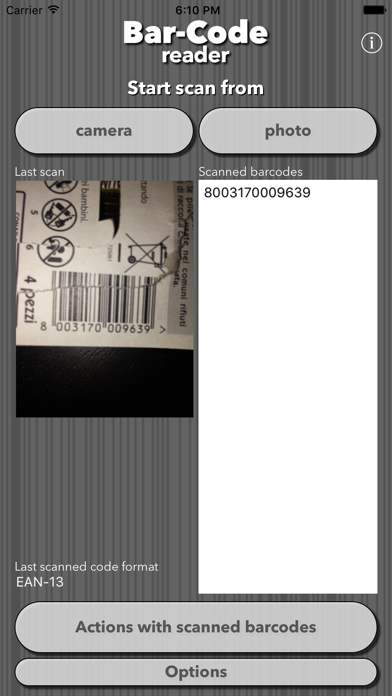
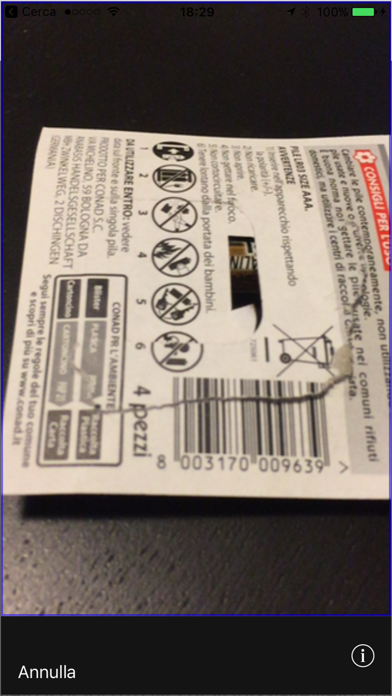
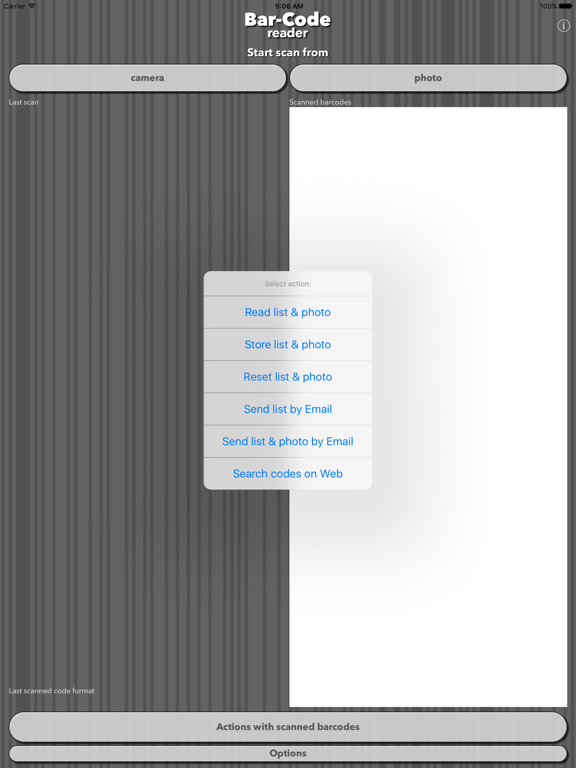
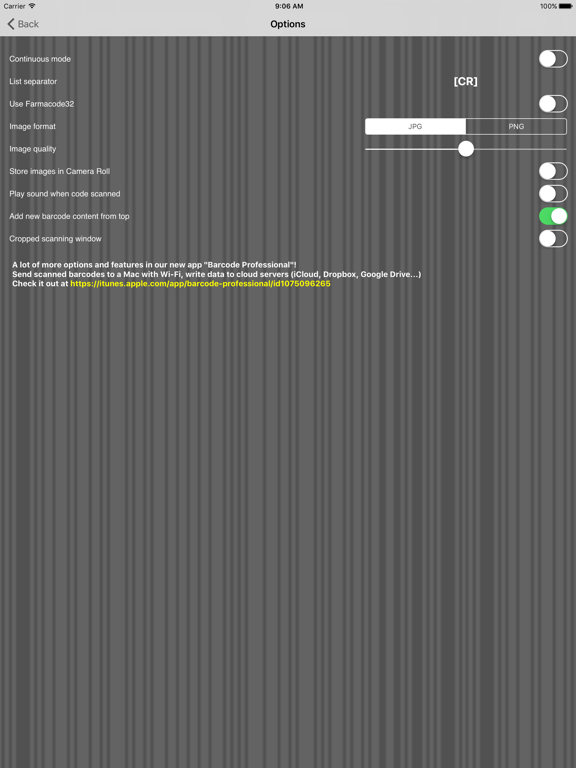
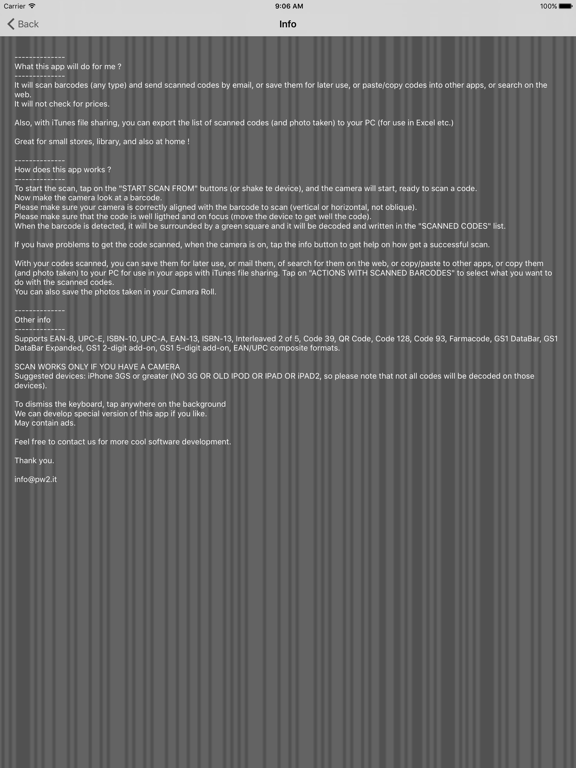
-------------- What this app will do for me ? -------------- It will scan barcodes (read "other info" for list of formats supported) and send scanned codes by email, or save them for later use, or paste/copy codes into other apps, or search on the web. It will not check for prices. Also, with iTunes file sharing, you can export the list of scanned codes (and photo taken) to your PC (for use in Excel etc.) Great for small stores, library, and also at home ! ------------ Awards ------------ - over 4.000.000 download - TOP APP in his category in the italian store (may 2011) - TOP 25 APP in his category in many national stores - Suggested by iTunes -------------- How does this app works ? -------------- To start the scan, tap on the "START SCAN FROM" buttons (or shake te device), and the camera will start, ready to scan a code. Now make the camera look at a barcode. Please make sure your camera is correctly aligned with the barcode to scan (vertical or horizontal, not oblique). Please make sure that the code is well lighted and on focus (move the device to get well the code). When the barcode is detected, it will be surrounded by a green square and it will be decoded and written in the "SCANNED CODES" list. If you have problems to get the code scanned, when the camera is on, tap the info button to get help on how get a successful scan. With your codes scanned, you can save them for later use, or mail them, of search for them on the web, or paste into other apps (last scanned code is copied into the pasteboard), or copy them (and photo taken) to your PC for use in your apps with iTunes file sharing. Tap on "ACTIONS WITH SCANNED BARCODES" to select what you want to do with the scanned codes. You can also save the photos taken in your Camera Roll. ONLY FOR USERS THAT DID DISABLE THE ADS TAPPING ON "REMOVE ADS" BUTTON: Now you can use this app to scan barcodes with your web apps. If you have a web app that you need to input barcodes, you can start the app, scan barcode, and return barcode content, with just one http url ! Just use an url like this: bar-code://scan?callback=[callback url] (where "callback" is the url return url to your web app) Barcode content will be added at the end: ?barcode=[barcode content][&other parameters] So, for example, using this url: bar-code://scan?callback=http://www.mysite.com the callback url after barcode scan will be http://www.mysite.com?barcode=1234567890 if you need extra parameters, just add them to the callback url bar-code://scan?callback=http://www.mysite.com&user=roberto then the callback url after barcode scan will be http://www.mysite.com?barcode=1234567890&user=roberto You can test the app is working with this url: http://www.pw2.it/iapps/test-bar-code.php THIS WILL WORK ONLY FROM THE DEVICE WEB BROWSER ! -------------- Other info -------------- Supports EAN-8, UPC-E, ISBN-10, UPC-A, EAN-13, ISBN-13, Interleaved 2 of 5, Code 39, QR Code, Code 128, Code 93, Farmacode, GS1 DataBar, GS1 DataBar Expanded, GS1 2-digit add-on, GS1 5-digit add-on, EAN/UPC composite formats, Codabar and DataBar. SCAN WORKS ONLY IF YOU HAVE A CAMERA Suggested devices: iPhone 3GS or greater (NO 3G OR OLD IPOD OR IPAD OR iPAD2, so please note that not all codes will be decoded easily on those devices). To dismiss the keyboard, tap anywhere on the background May contain ads. -------------- Please remember to check our new barcode scanner app with lot of new options and link to Mac PC ! https://itunes.apple.com/app/barcode-professional/id1075096265?mt=8 You can easily create QR-Codes with our new app "QR-Code creator" https://itunes.apple.com/app/qr-code-creator/id1197340445?l=it&ls=1&mt=8 --------------
Latest release
What’s New
bugfix!
Audience growth
Ratings growth
Baseline captured. Growth appears after the crawler observes a changed rating count.
Momentum comes from crawler snapshots for the tracked storefront. “Viral growth signal” means unusually fast recent rating gains; it is an indicator, not download data.
Price tracking
Price intelligence
First snapshot captured. The trend line starts after the next crawler price observation.
- First observed Aug 19, 2026 · 1:52 PM Free
Screenshots