About this app
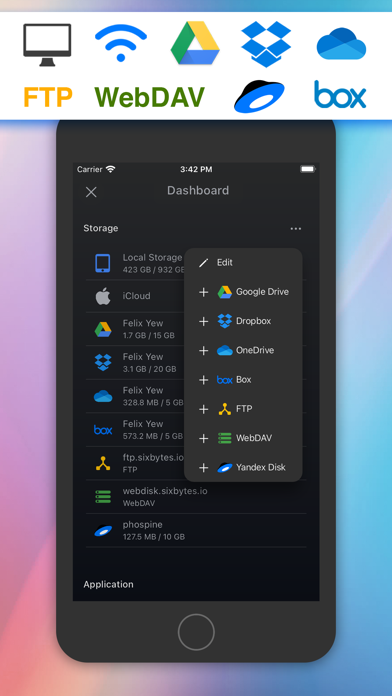
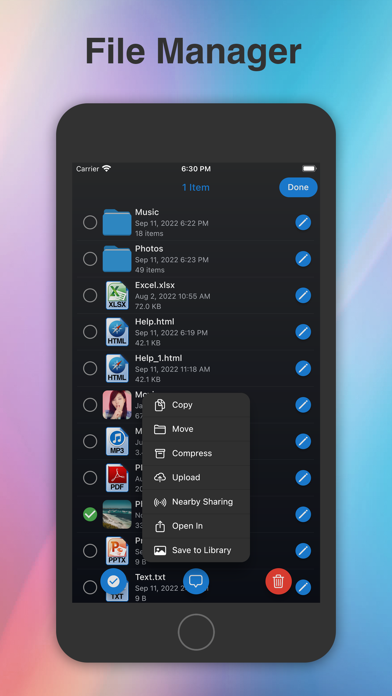
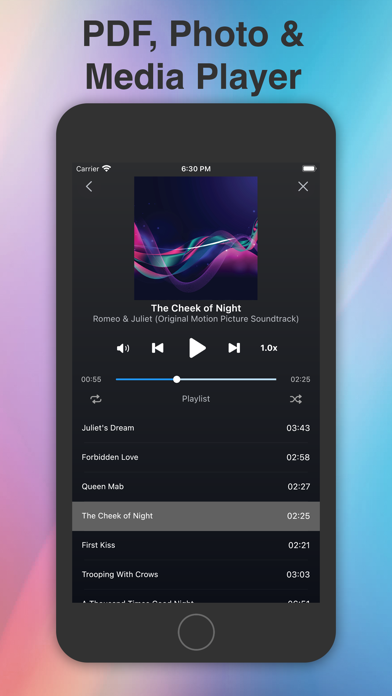
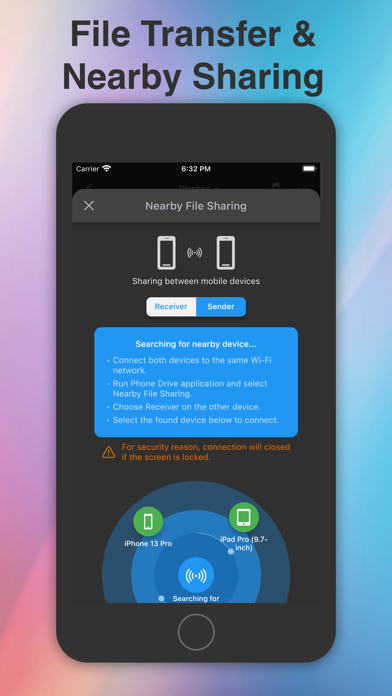
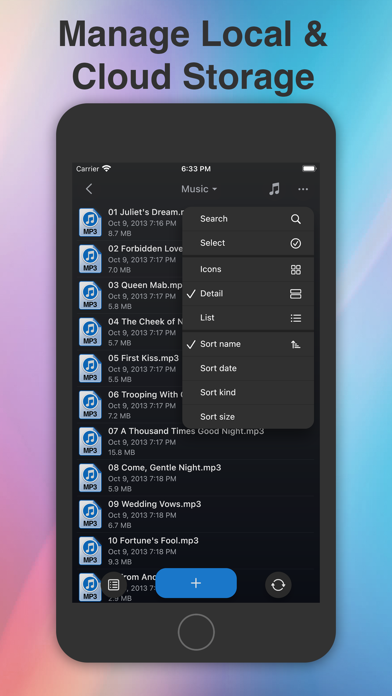
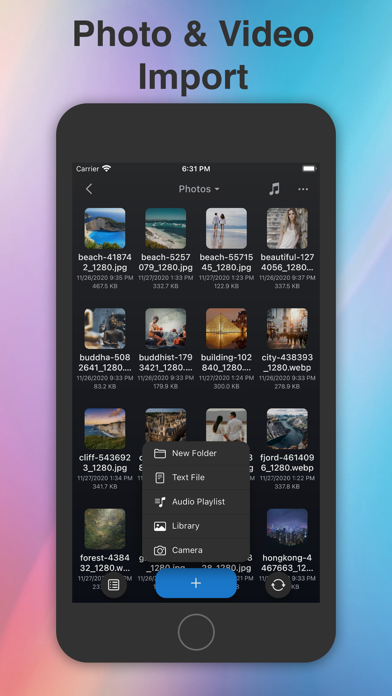
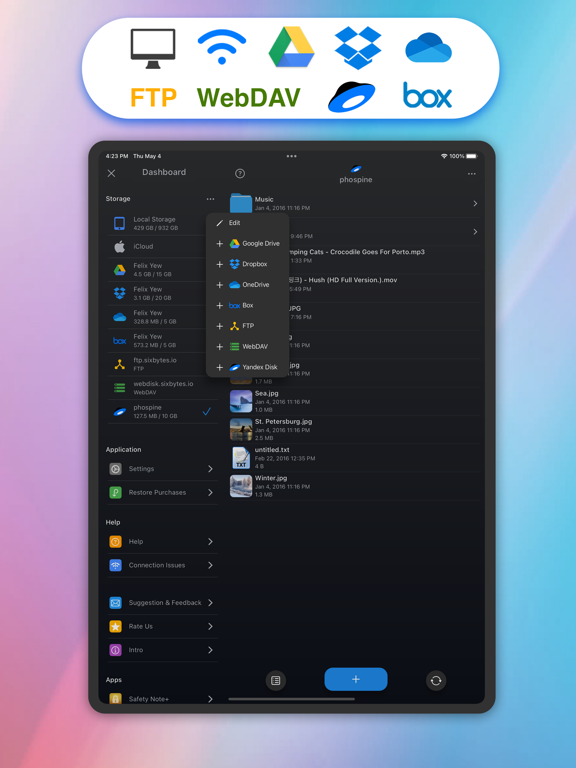
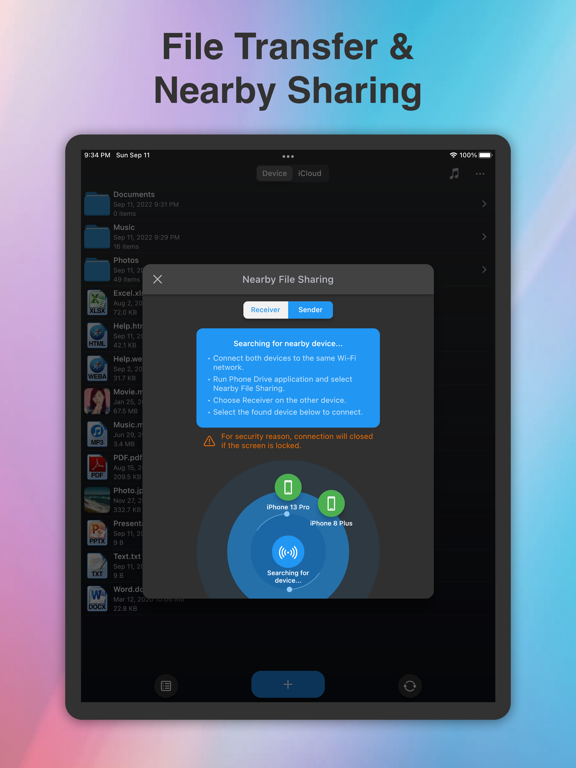
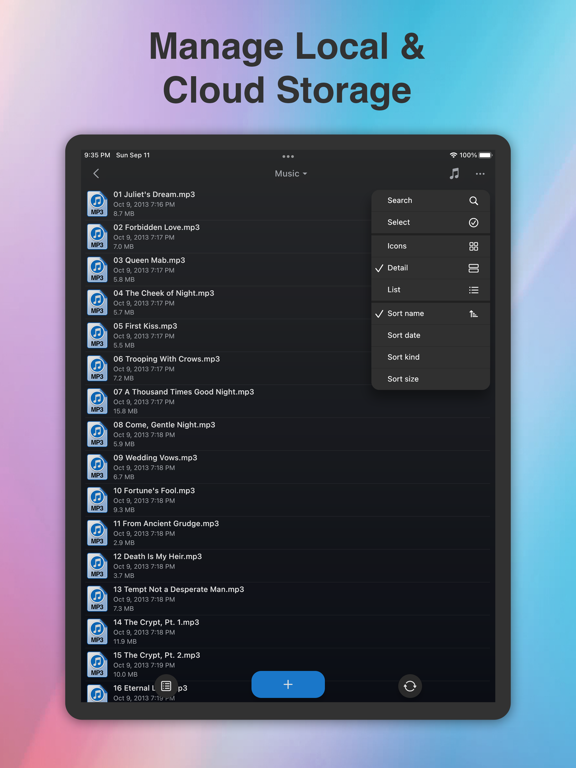
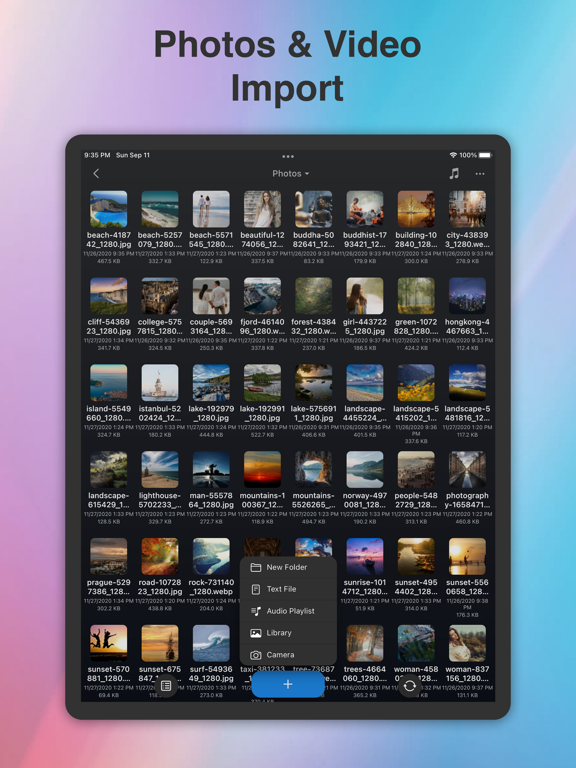
Phone Drive – File Manager Turn your iPhone or iPad into a powerful wireless flash drive and file manager. With Phone Drive, you can easily store, view, and manage local and cloud files all in one place. Connect wirelessly to your Mac or PC over Wi-Fi and transfer files instantly with simple drag-and-drop through your browser, Finder, or Windows Explorer. Manage multiple cloud accounts seamlessly, stream music or videos directly from the cloud, and enjoy a complete set of built-in tools for documents, media, and file organization. Why You’ll Love Phone Drive • All-in-One File Hub – Access and manage files from your device, Wi-Fi, or cloud storage. • Seamless Transfers – Move files between your iPhone/iPad and computer without cables. • Built-in Media & Document Tools – View PDFs, Office files, images, play music, stream videos, and more. • Powerful File Management – Copy, move, rename, zip/unzip, share, or protect files with passcode, Touch ID, or Face ID. • Universal Purchase – One app for both iPhone and iPad. Key Features • Cloud Storage Support: Connect Dropbox, OneDrive, Box, WebDAV, Yandex Disk, FTP, and iCloud Drive (some require in-app purchase). • Media Player: Create playlists, shuffle, repeat, play in the background, and stream directly from the cloud. • Document Viewer: Open MS Office, iWork, PDFs, text, HTML, and more. • Text Editor: Edit text files and source code on the go. • File Sharing: Transfer files between iOS devices via Wi-Fi or Bluetooth (require in-app purchase). • Import & Create: Take photos, record audio/video, or import from your photo library. • Secure Access: Lock sensitive files with passcode, Touch ID, or Face ID. Supported Formats • Audio: MP3, WAV, M4A, AAC, AIFF, CAF • Video: MP4, MOV, M4V, MPV • Images: JPG, PNG, GIF, BMP, TIFF, ICO • Documents: PDF, RTF, RTFD, MS Office (Word, Excel, PowerPoint), iWork (Pages, Numbers, Keynote) • Other: Plain text, HTML, source code, web archives Learn more: https://sixbytes.io Follow us on Twitter: https://twitter.com/SixbytesApp Like us on Facebook: https://www.facebook.com/sixbytesapp Terms of Service: https://sixbytes.io/products/phone-drive/legal/terms Privacy Policy: https://sixbytes.io/products/phone-drive/legal/privacy-policy
Latest release
What’s New
Hello, everyone! We’re thrilled to share a minor update designed to make your app experience even better. This week, we’ve been hard at work squashing bugs and fine-tuning improvements across the app. Your valuable feedback plays a huge role in helping us grow and improve—thank you! For more details: Website: https://sixbytes.io X (Twitter): https://twitter.com/SixbytesApp Facebook: https://www.facebook.com/sixbytesapp If you’re loving the app, we’d greatly appreciate a 5-star review. Your support inspires us to keep bringing you exciting new features. Thanks for being part of our journey!
Audience growth
Ratings growth
Momentum comes from crawler snapshots for the tracked storefront. “Viral growth signal” means unusually fast recent rating gains; it is an indicator, not download data.
Price tracking
Price intelligence
- First observed Aug 17, 2026 · 11:55 AM Free
Screenshots