About this app
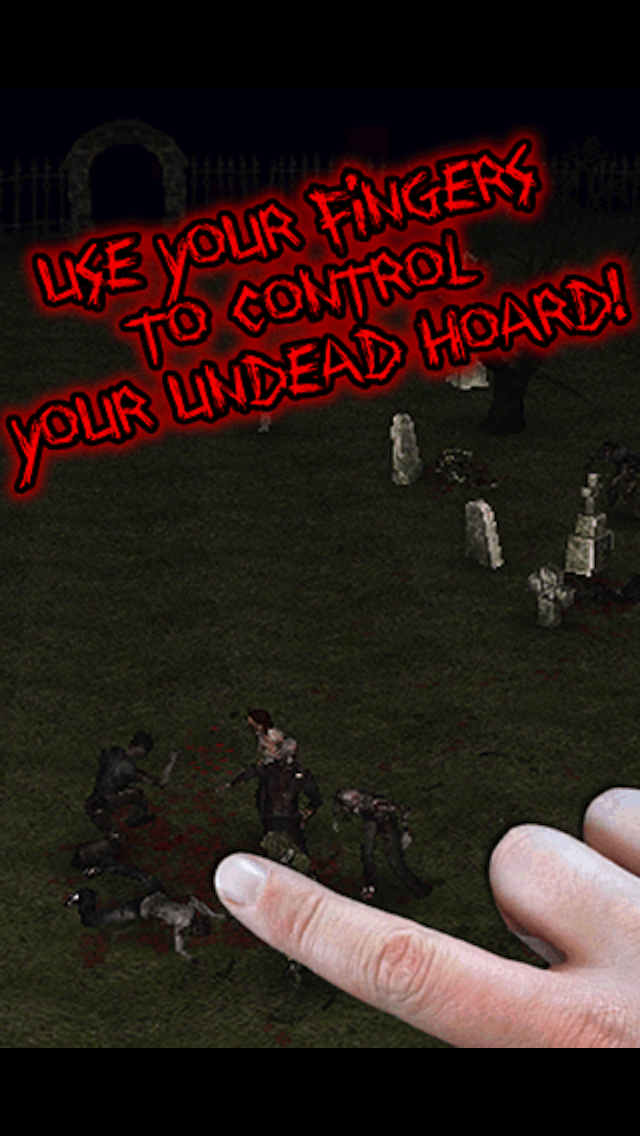
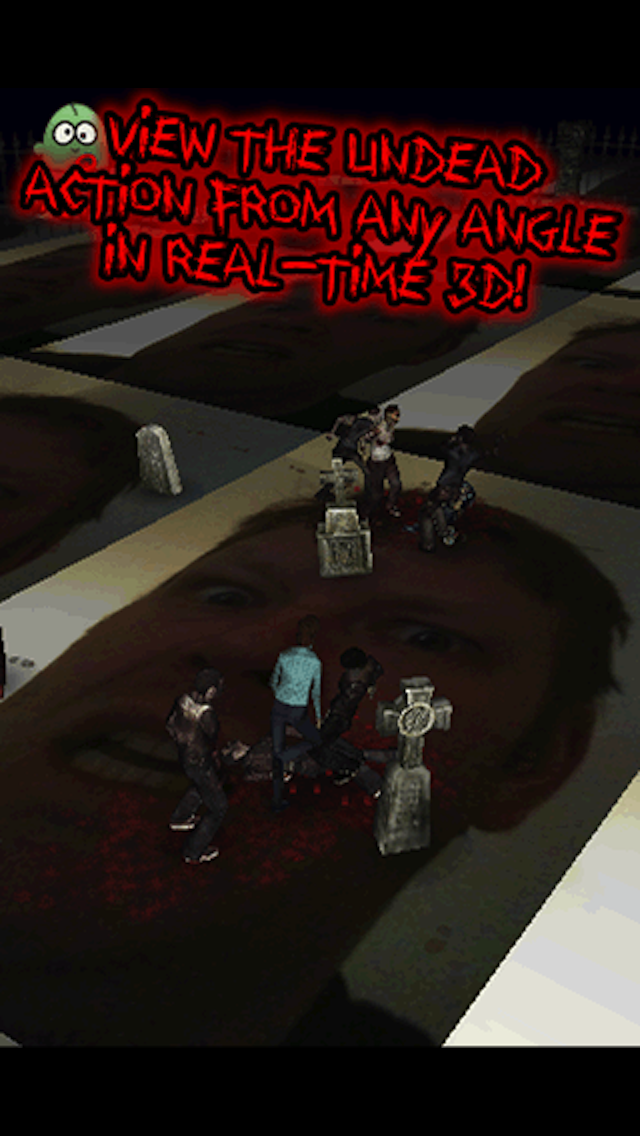
From the makers of SHARK FINGERS! and FISH FINGERS! Watch as zombies roam around your very own cemetery right on your icons! They frolic among the plants and graves, they run around leaving dirty footprints, they hunt and eat people--- wait a minute... they're terrifying! Zombie Fingers! lets you raise the dead and keep them as a hungry hoard of stinking pets! But like any pet, you need to feed them, and their favourite food is people... Features: - Outstanding 3D graphics. - Finger control over your zombie hoard. - Select any image as the ground of your cemetery. Have them leave bloody footprints on your icons, or your office friends, or any image you like! Freak out your friends by making them think your iPhone is haunted! - Freedom to play around with your zombies and feed them as much as your like... like a cuddly pet. But not. - Blood can be turned off for the squeamish! This app is a toy. Play with it. Here's some basic instructions to get you started: * Double tap a flashing tombstone to raise a zombie. - Your zombies are like pets, you need to feed them. - If left alone, they may eat each other... * Your zombies will follow your finger. - Hold one finger on the screen and wait. If they're not busy, they'll come... * Double tap empty ground to drop in a human. - Humans are a zombie's favourite food, but they're not going to just sit around and wait to be eaten... - If they die, a new tombstone will appear... then they may return. * Drag TWO fingers around the screen to control the camera. - Pinch your fingers to zoom in and out. - Try using your thumbs. * You can use any image you like as the ground for your cemetery. - Select your image from the settings option in the menu. - Try using a screenshot of your icon screen for a cool effect. * The menu icon is always in the top left corner of the screen. - It fades away so as not to intrude on your view, but it's always there. Waiting. - Touch it to open the menu and access many different options and information. Remember, a pet zombie is not just for Halloween...
Latest release
What’s New
v1.2 changes: - Updated for the amazing new iPhone 5 screen! - Updated for iOS6.
Audience growth
Ratings growth
Baseline captured. Growth appears after the crawler observes a changed rating count.
Momentum comes from crawler snapshots for the tracked storefront. “Viral growth signal” means unusually fast recent rating gains; it is an indicator, not download data.
Price tracking
Price intelligence
- First observed Aug 7, 2026 · 9:58 PM Free
Screenshots