About this app
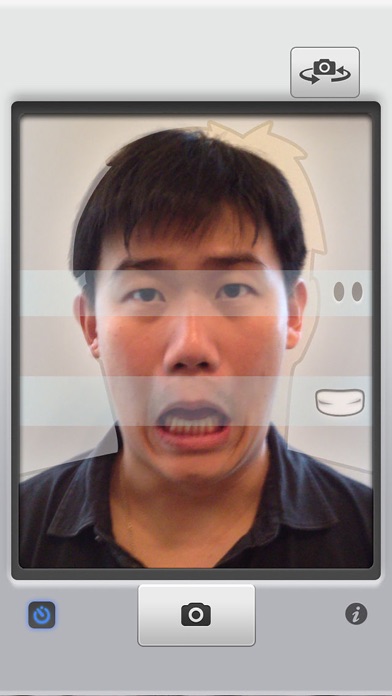
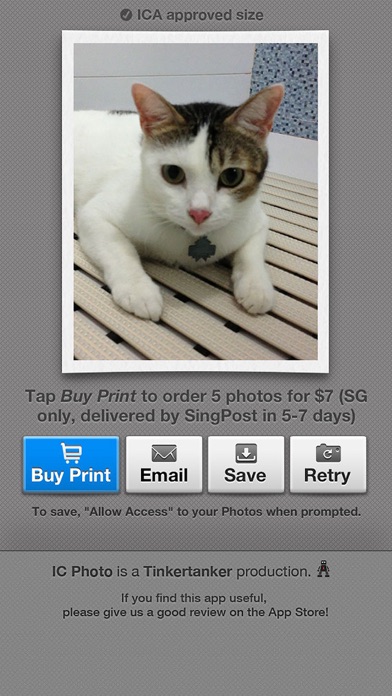
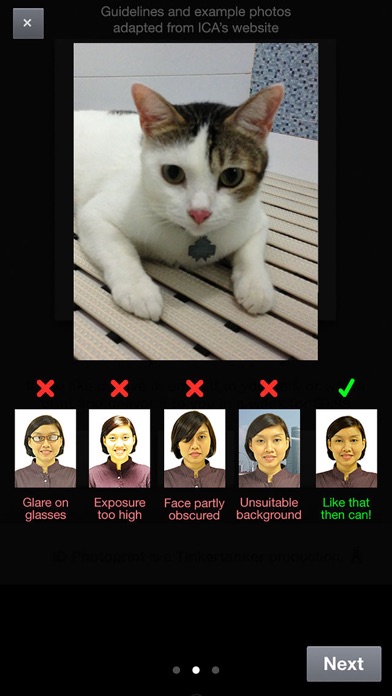
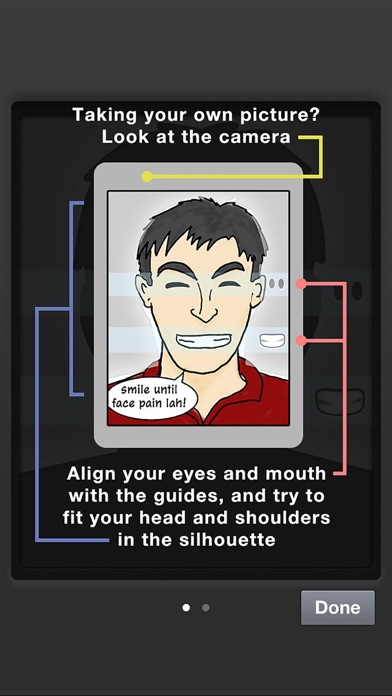
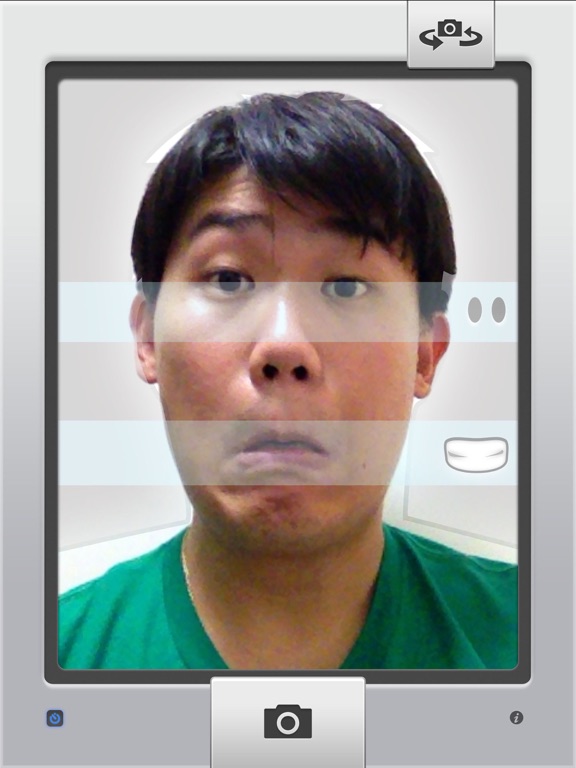
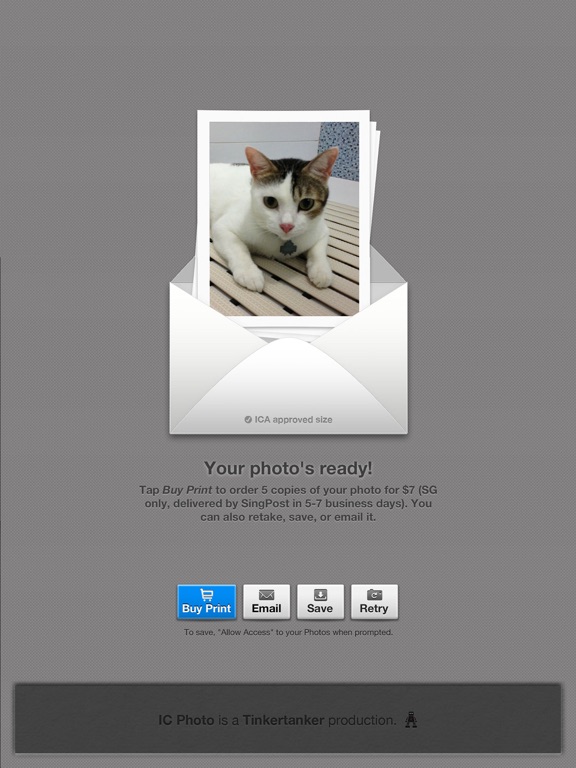
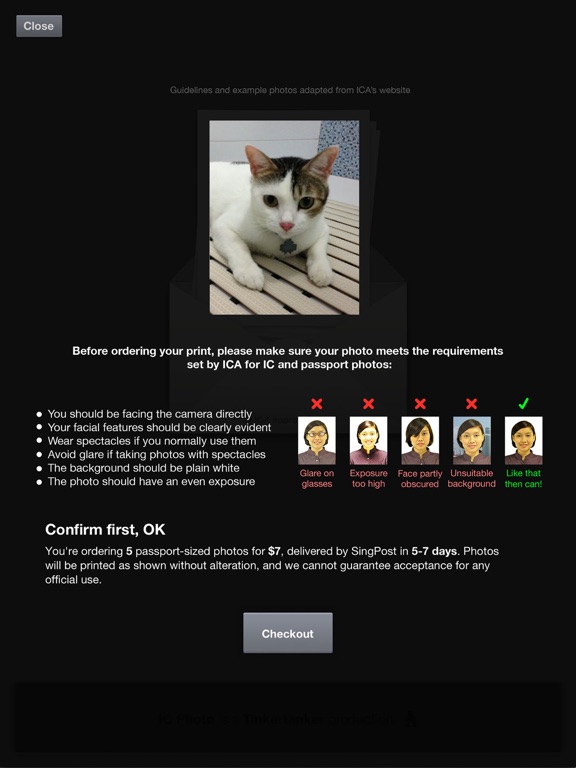
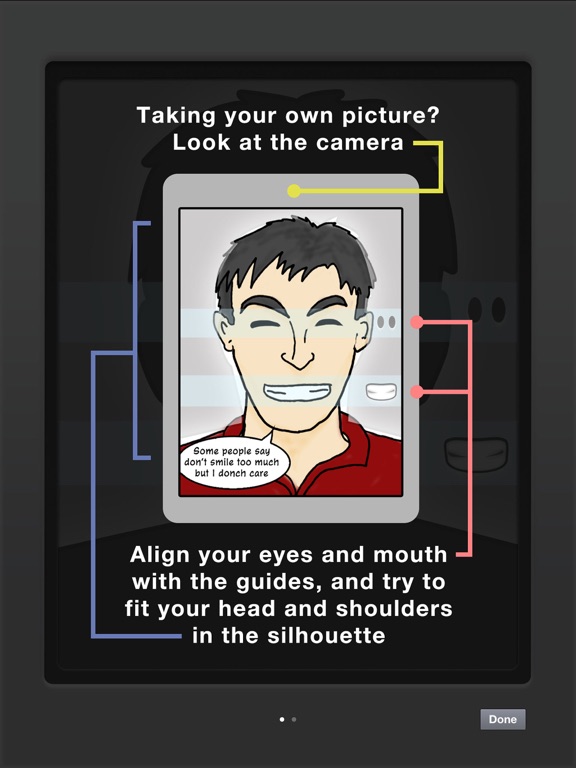
Need a photo to renew your Singapore NRIC or passport, or to apply for an employment pass? Don't spend $7 at a photo booth or 7 hours with your digital camera and photo editing tools — just use this app to take a perfectly cropped picture that you can submit online to ICA. If you need printed copies, you can order them from within the app! No need to leave the house — we'll send them to you in a few days. (Singapore only!) FEATURES • Works on iPad, iPhone, and iPod touch with camera • It's super easy! Just line yourself up with the guides to make sure you’re framed correctly • Take your own picture (for devices with front-facing cameras), or have someone else take it for you • A countdown timer to help you prepare for the shot. You can disable this countdown timer to take photos of fast-moving objects like children, pets, and the cost of living in Singapore. • If you send a photo of your pet to ICA, please don't say we suggested it. • Take as many pictures as you want, to get that perfect shot for your NRIC/passport • Your photo is automatically cropped and resized for ICA's specifications for NRIC/passport photos (400 x 514px) • Email it to yourself, or save it to your Camera Roll, so you can finish your online application later • Free! • OR you can ask us to print it for you. That's not free. • With the guides, you won’t get a letter from ICA that telling you to "show more shoulder" in your photo. We’re not kidding, this actually happened to one of us • Share your ID photo to Twitter or Facebook after saving or emailing it! We don't know why you'd want to do this, but you can. • Did we mention it’s free? • Why are you still reading this, we’ve run out of features PRINTED PHOTOS • Order printed IC photos, mailed to you in a few days. • Cheaper and more convenient than photo booths, because you don't even need to leave the house. Unless you stay in a photo booth, in which case, umm, sure, you win. • Perfect for attaching to job application forms, and as gifts. Really, really terrible gifts. • Pay by PayPal or credit card. If you get an error that says "Saving failed with error: data unavailable", you have to allow IC Photo access to the Camera Roll. Do this: • Go to the iPhone or iPad's Settings • Tap on Privacy, then Photos. • Look for IC Photo, and make sure the toggle is "On" • We need access to your Camera Roll to save to it. Don't worry, we don't do anything with your photos. If you have questions or suggestions, please email icphoto@tinkertanker.com. Thanks!
Latest release
What’s New
This update from Apple will improve the functionality of this app. No new features are included. iOS 11 compatibility while we work on a new version. Coming soon! Promise!
Audience growth
Ratings growth
Baseline captured. Growth appears after the crawler observes a changed rating count.
Momentum comes from crawler snapshots for the tracked storefront. “Viral growth signal” means unusually fast recent rating gains; it is an indicator, not download data.
Price tracking
Price intelligence
First snapshot captured. The trend line starts after the next crawler price observation.
- First observed Aug 13, 2026 · 4:31 PM Free
Screenshots