About this app
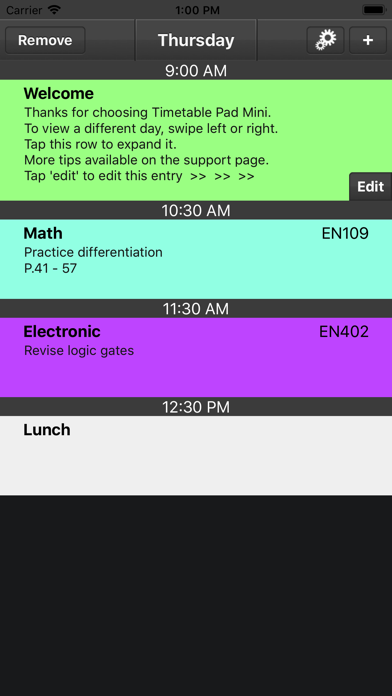
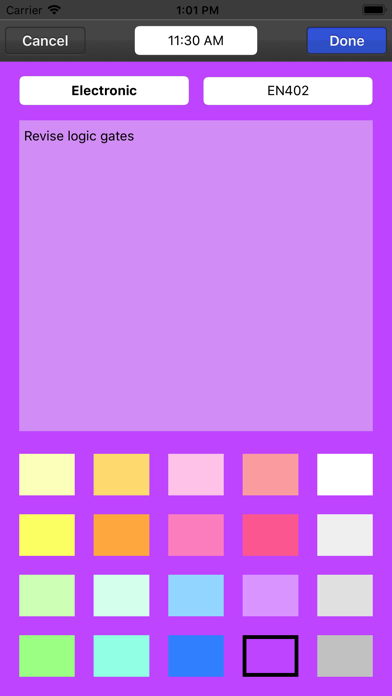
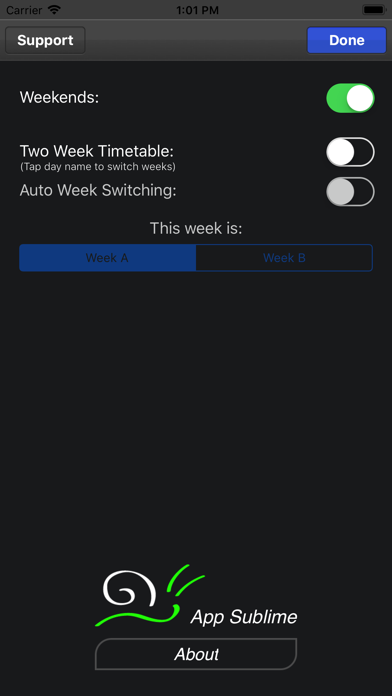
After easily entering in your schedule's details, Timetable Pad will become your 'go-to' guide for knowing when and where your studies take place. Designed for students with feedback from students. Features Include: - Notes: Jot down assignment details and other important tasks. - Text Suggestion: For quicker text entry (room No. & subject title). - Class highlighting: Easily identify subjects by colour. - Full seven day week (optional): For those poor souls that must study weekends. - Two week timetable, week A & B (optional): For those with an alternating schedules. Also available for iPad. Please Note: Timetable Pad was designed to be a quick reference for those with static and alternating timetables. It is not a yearly planner, calendar or diary app, in which you can schedule many different events over a long period of time.
Latest release
What’s New
- Support for iOS 11
Audience growth
Ratings growth
Baseline captured. Growth appears after the crawler observes a changed rating count.
Momentum comes from crawler snapshots for the tracked storefront. “Viral growth signal” means unusually fast recent rating gains; it is an indicator, not download data.
Price tracking
Price intelligence
First snapshot captured. The trend line starts after the next crawler price observation.
- First observed Aug 7, 2026 · 10:43 PM Free
Screenshots