About this app
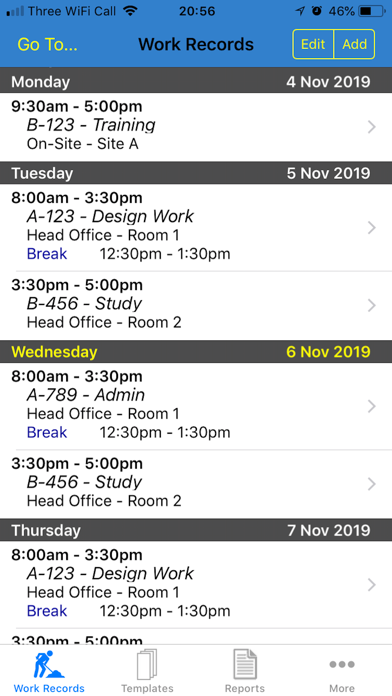
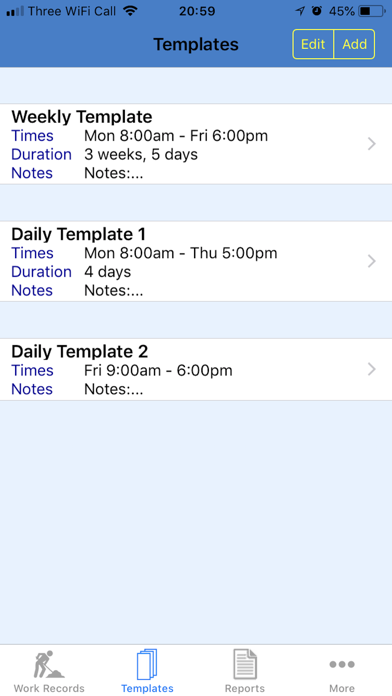
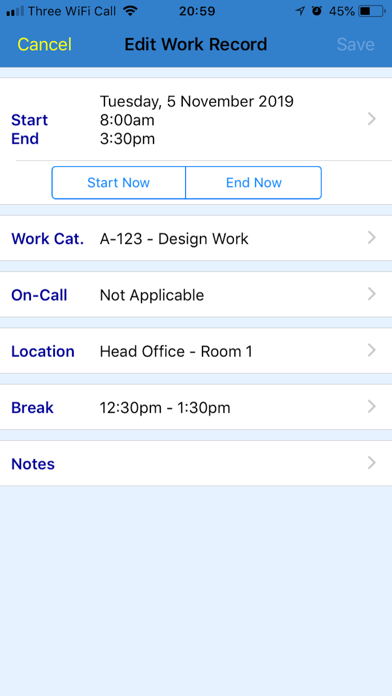
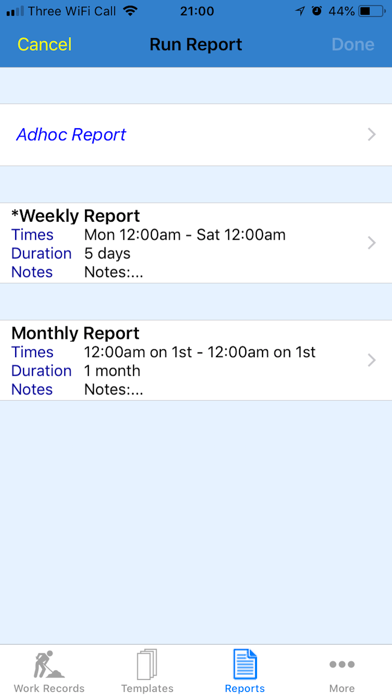
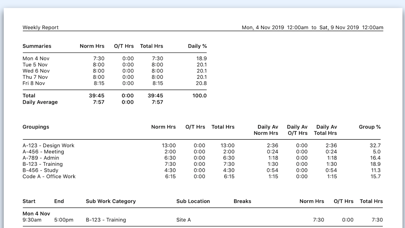
***** "An easy to use work diary is essential for my job planning. This one ticks all the right boxes!" - OIMDr ***** "Excellent app, easily configured and with comprehensive records & reports." - RobJ-UK Work Diary Pro is an amazing new App, ideal for logging, planning, and/or reporting your day-to-day work activities. It lets you spend more time doing your work, and less time on the admin. It is the advanced version of Work Diary - see details below. (If required, you can transfer your data from Work Diary). The key features of the app are: - Can be used as a diary, calendar, planner, tracker, time management tool and/or timesheet generator. - Is suitable for any type of work/business. - Caters for all conceivable working patterns, including shift work, overtime and on-call duty. - Includes powerful reporting features, producing a wide variety of printable and spreadsheet reports, detailing your work. You can email these wherever you want them to go. - Contains no Ads or In-App Purchases. As well as having all of the great features of Work Diary, it also has the following powerful features: - Templates: Enter details of your regular working patterns into a Template. The Template can then be used again and again to record your work activities in one simple step. A great time-saver! - Additional Work Data: - Overtime (premium) hours - On-Call work - Work Sessions (blocks of hours) - Advanced Reporting: - Report Definitions, each containing different report parameters. These can be used again and again. Another great time-saver! - Quick Report feature - Additional Report Data: - Daily and weekly averages and percentages - Filters - ie. only report on a specific Work Category or Location, for example - Groupings - summarises data for each Work Category and Location, for example - Work Categories list - Can use a Code to define each Work Category as well as a Name - There are Main Work Categories, each having a number of Sub Work Categories - Locations list - There are Main Locations, each having a number of Sub Locations
Latest release
What’s New
Various updates for latest version of iOS
Audience growth
Ratings growth
Baseline captured. Growth appears after the crawler observes a changed rating count.
Momentum comes from crawler snapshots for the tracked storefront. “Viral growth signal” means unusually fast recent rating gains; it is an indicator, not download data.
Price tracking
Price intelligence
- First observed Aug 10, 2026 · 1:28 PM $2.99
Screenshots