About this app
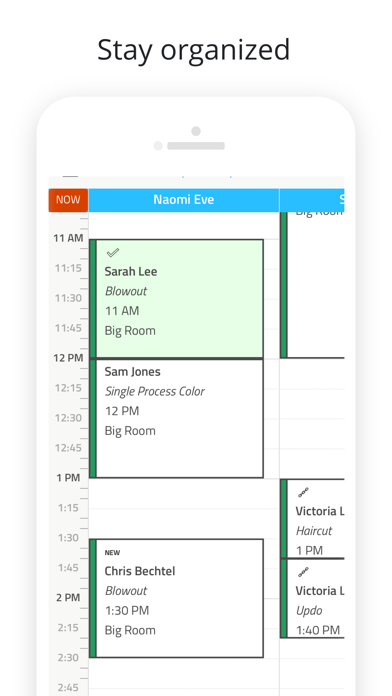
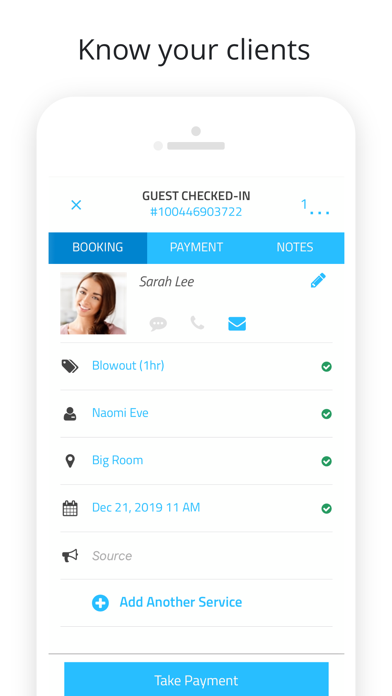
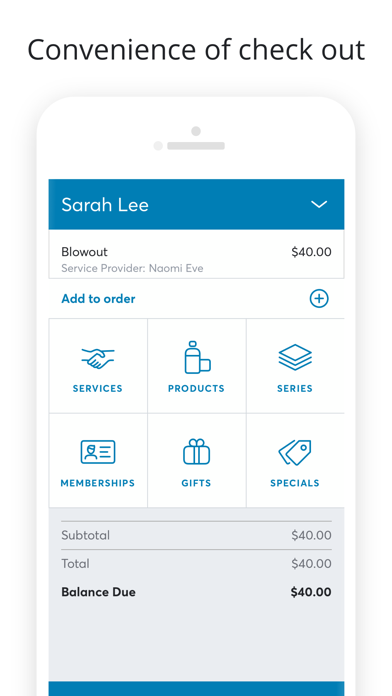
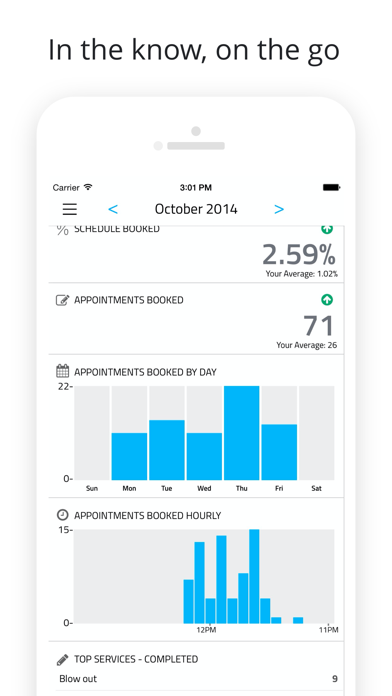
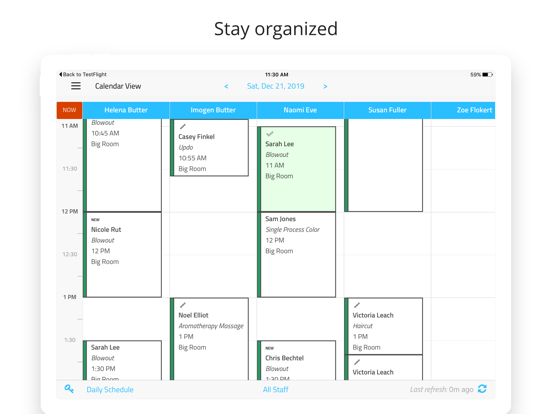
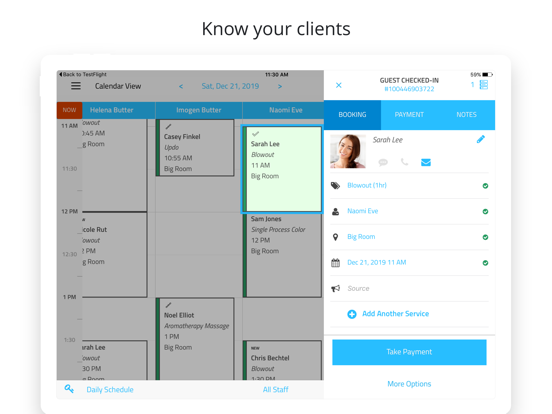
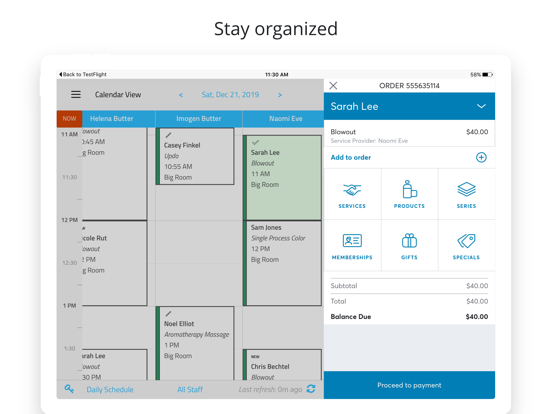
Manage your business anytime, anywhere with the Booker App! Our app makes it easy for appointment-based businesses to: • View and manage your calendar • Book, update, and cancel appointments • Sell series, gift cards, and products • Take cash, credit cards, checks, gift cards and gift certificates, series, memberships, Groupons, and credit account payments • Apply special discounts and override prices • View and edit customer profiles and notes • View a dashboard report to see how your business is performing • View, edit, and create Services, Employees, Hours of Operations, and work areas where services are performed • And more! Note: The Booker App is only available in English.
Latest release
What’s New
We're excited to bring you version 10.3.1 of Booker Mobile. This update adds manual single-use promo codes at checkout, more reliable text entry across the app, and fixes for calendar reliability and appointment booking notifications. What's New • Single-use promo codes: Staff can manually enter single-use special codes when ringing up an order, where this option is enabled for your location. • Smarter text entry: Search and data fields for names, emails, addresses, and amounts no longer autocorrect input where exact spelling matters. Bug Fixes • Fixed booking confirmation emails and text messages not being sent to customers when booking appointments from the app. • Fixed a crash that could occur when opening the calendar after a location change or when schedule access is limited. • Improved overall app performance and stability.
Audience growth
Ratings growth
Baseline captured. Growth appears after the crawler observes a changed rating count.
Momentum comes from crawler snapshots for the tracked storefront. “Viral growth signal” means unusually fast recent rating gains; it is an indicator, not download data.
Price tracking
Price intelligence
First snapshot captured. The trend line starts after the next crawler price observation.
- First observed Sep 4, 2026 · 7:16 AM Free
Screenshots