About this app
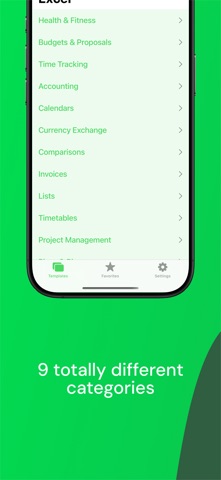
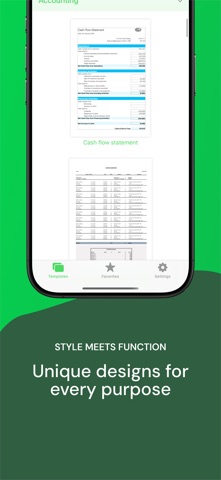
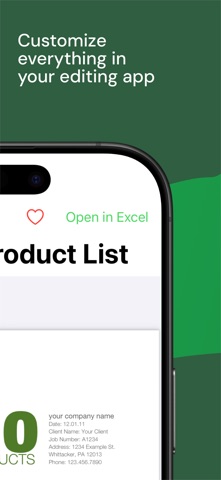
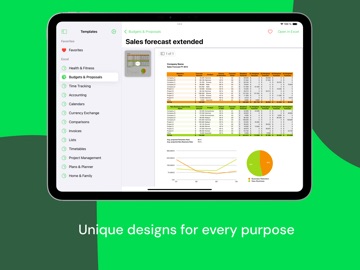
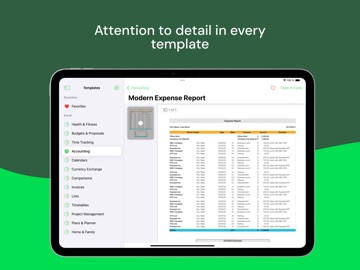
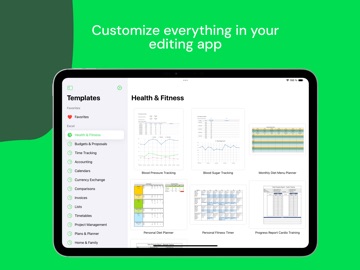
Templates for Excel Pro takes your spreadsheets to the next level with more than 115 powerful and efficient spreadsheet templates for your favorite mobile Office /Excel application on your iPhone and iPad. With a great variety of templates and an emphasize on design and functionality Templates for Excel Pro enhances your productivity significantly. TONS OF SPREADSHEETS 115 polished spreadsheets are waiting to get edited by you. Our templates range from accurate accounting sheets and proposals to casual menu and fitness planners to handy useful calendars and schedules. AUTOMAGICAL DOCUMENTS Many of our spreadsheets are already enriched with smart as well as convenient formulas and conditional formatting settings to save you time and calculate almost everything automagically! EASY TO USE AND CUSTOMIZE You can use every template right away, but it is also very easy to customize them the way you want: You can change almost everything: styles, fonts, colors, borders, formulas...find your own style. NEW TEMPLATES ON THE WAY We are ready for feedback and ideas for new templates and spreadsheets. Suggest new templates or vote for existing ideas on our website and we´ll add them within future updates for free. Note: These templates are designed and optimized only for mobile Excel applications only. If you are using Numbers, please consider our Templates for Numbers Pro application.
Latest release
What’s New
Templates for Excel Pro Gets a Big Refresh For iOS 26! Rebuilt from the ground up for professionals on the go, the latest version delivers more flexibility, speed, and polish than ever. Here’s what’s new: Fresh Templates & Theme Options Start with a fully pre-designed Excel spreadsheet or use a new theme layout to build your own with ease. Refined, User-Friendly Interface Enjoy a simpler, more intuitive experience when browsing, previewing, and choosing templates. Better iPad Multitasking Work across multiple spreadsheets in different windows, with smoother performance and improved Stage Manager support. We hope these improvements make it even easier to build standout spreadsheets—quickly and effortlessly.
Audience growth
Ratings growth
Baseline captured. Growth appears after the crawler observes a changed rating count.
Momentum comes from crawler snapshots for the tracked storefront. “Viral growth signal” means unusually fast recent rating gains; it is an indicator, not download data.
Price tracking
Price intelligence
First snapshot captured. The trend line starts after the next crawler price observation.
- First observed Aug 22, 2026 · 12:31 AM $4.99
Screenshots