About this app
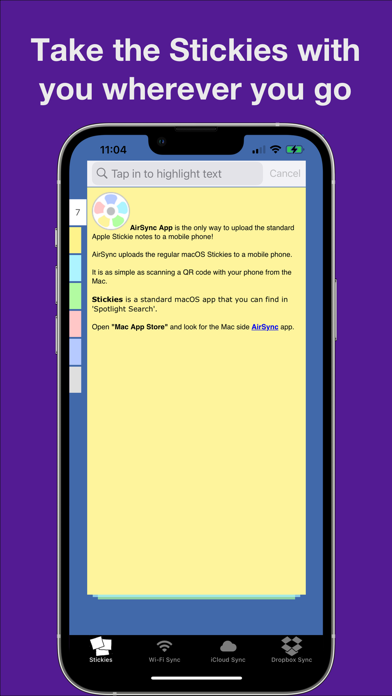
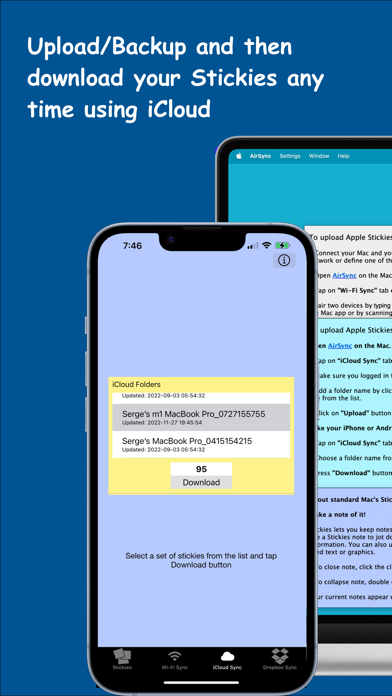
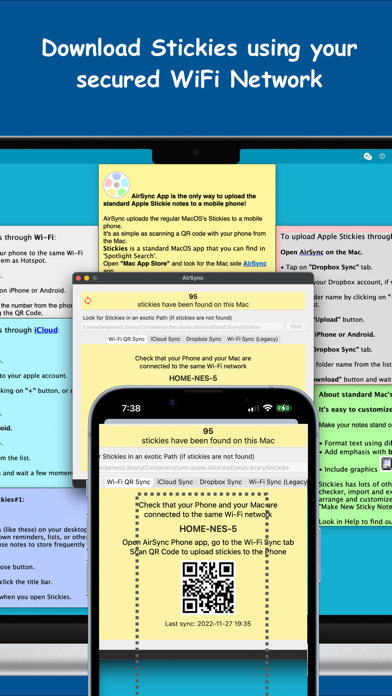
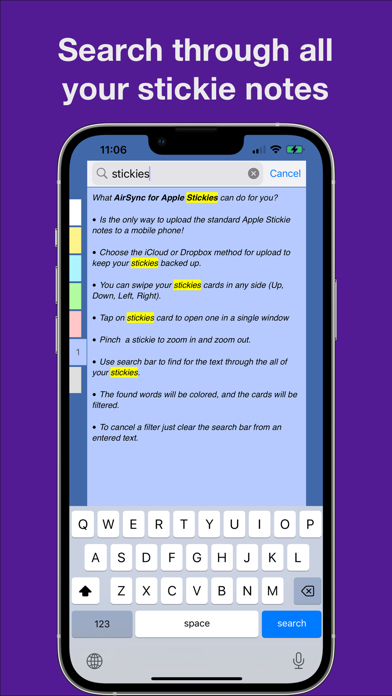
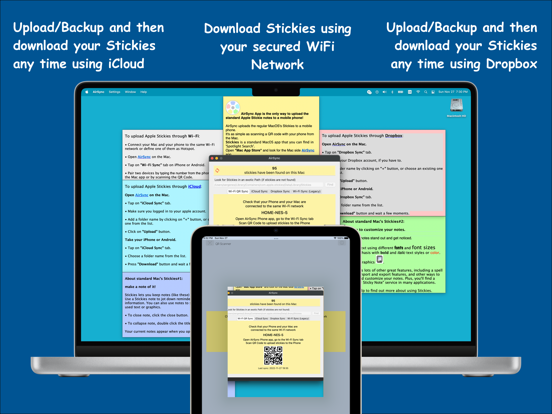
Take your stickie notes with you wherever you go. AirSync App is the only way to upload the standard Apple Stickie notes to a mobile phone. Choose the iCloud or Dropbox method for upload to keep your stickies backed up. AirSync – effortless upload/synchronization of Apple Stickies to/with your mobile phones. - Upload/Backup and then download your Stickies any time using iCloud. - Upload/Backup and then download your Stickies any time using Dropbox. - Download Stickies using your secured WiFi Network, it is as simple as scanning the QR Code. For WiFi, make sure both devices are on the same network! Look for the macOS companion Application (AirSync for Stickies) in the "Mac App Store". Have a question, suggestion, or issue? Please email us at feedback@answersolutions.net
Latest release
What’s New
We update the AirSync App as often as possible to make it better. In this version (4.2), we made a major update: - we added a way to share a selected stickie note. Now you can copy a note to the clipboard or send it by email. - also, we added better support for the Dark Mode; In the previous version (4.1): - we recreated from scratch the WiFi Sync (Legacy) and created a new WiFi QR Sync options; - with the latest Mac version(4.0.2), you can download stickies by scanning QR Code. Have a question, suggestion, or issue? Please email us at feedback.nes@gmail.com or feedback@answersolutions.net
Audience growth
Ratings growth
Baseline captured. Growth appears after the crawler observes a changed rating count.
Momentum comes from crawler snapshots for the tracked storefront. “Viral growth signal” means unusually fast recent rating gains; it is an indicator, not download data.
Price tracking
Price intelligence
First snapshot captured. The trend line starts after the next crawler price observation.
- First observed Aug 16, 2026 · 8:53 PM Free
Screenshots