About this app
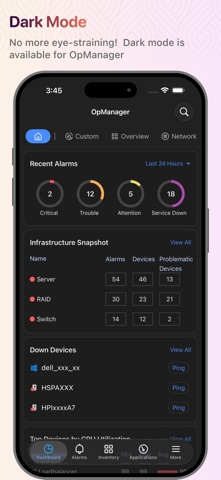
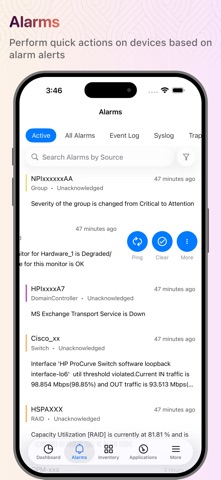
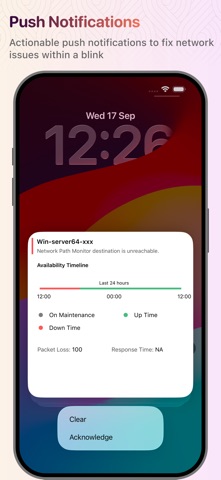
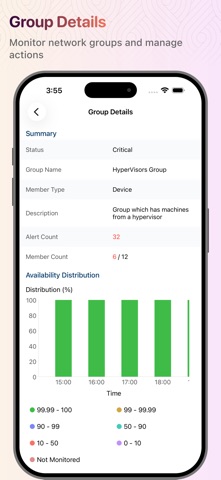
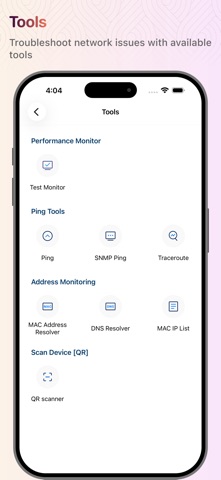
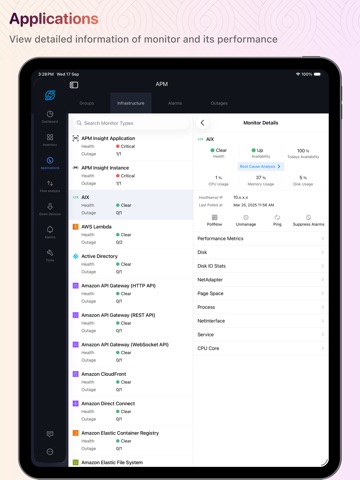
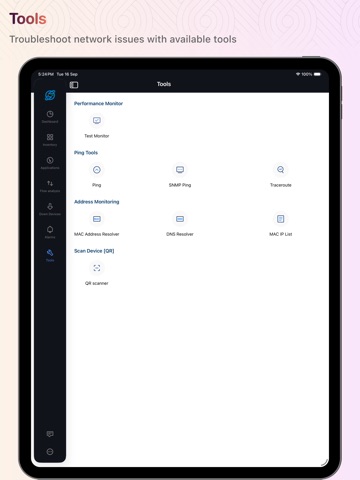
You need to run ManageEngine OpManager server to work with this app. OpManager is complete, end-to-end network monitoring software that offers advanced fault and performance management functionalities across critical IT resources such as routers, WAN links, switches, firewalls, VoIP call paths, physical servers, virtual servers, domain controllers, and other IT infrastructure devices. You are only able to access your machine setup using this app if you're already running OpManager on-premises, and you can use this app to access the machine setup from your Apple device (iPad and iPhone). This app helps data center administrators stay connected to their IT and access it from anywhere, anytime. It offers quick access to the OpManager on-premises tool to view the performance of devices and troubleshoot faults instantly. This app is not stand-alone. Features Lists all the devices in your network based on category, groups, business view, type, vendor, apps, protocol, severity. Lists alarm and their causes based on the time and severity (Critical, Attention, Trouble, Service Down) Lists all the down devices and their corresponding alarms in your network Search for a particular device in your network and know its detail and status Perform Test Monitor, Ping, Traceroute, and Workflow actions on devices Perform actions such as Clear Alarm, Acknowledge Alarm, Delete Alarm, Suppress Alarms, and Add Notes on alarms Push notifications for getting timely notifications on events that are generated in the OpManager server With the help of Siri Shortcuts, execute actions to show a list of down devices, and filter alarms based on severity, category, time, acknowledged/unacknowledged Home screen widgets to have a quick overview of alarms, down devices. Applications Manager Plugin support Ping Tools and Address Monitoring Tools Support for Https AD and SAML authentication support. Compatible with OpManager and OpManager plus versions 12400 and later. Want to try OpManager on-premises? https://www.manageengine.com/network-monitoring/download.html?appstore
Latest release
What’s New
We're excited to share the latest updates to our app! What's New: Extra Large Widgets for iOS 27 Get more at a glance — right from your Home Screen — with the new Extra Large widget size built for iOS 27. Recent Alarms Widget • See more recent alarms at once — double the previous widget capacity — without opening the app. • Take action directly from the widget: Acknowledge, Unacknowledge, or Clear an alarm with a single tap. • Customize the quick action per widget — choose Acknowledge/Unacknowledge, Clear, Ping, Add Note or Traceroute from Edit Widget. Down Devices Widget • Monitor up to 8 down devices in a single view, so you can spot and respond to outages faster. As always, we're committed to providing you with the best experience possible.
Audience growth
Ratings growth
Baseline captured. Growth appears after the crawler observes a changed rating count.
Momentum comes from crawler snapshots for the tracked storefront. “Viral growth signal” means unusually fast recent rating gains; it is an indicator, not download data.
Price tracking
Price intelligence
- First observed Sep 20, 2026 · 4:31 AM Free
Screenshots