About this app
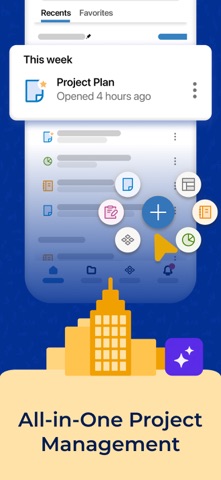
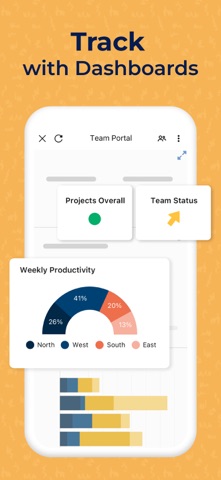
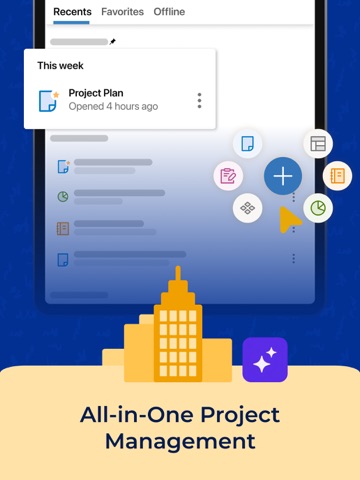
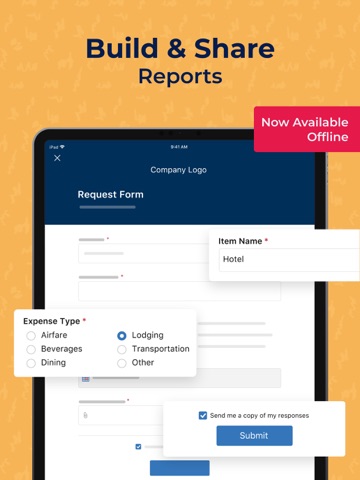
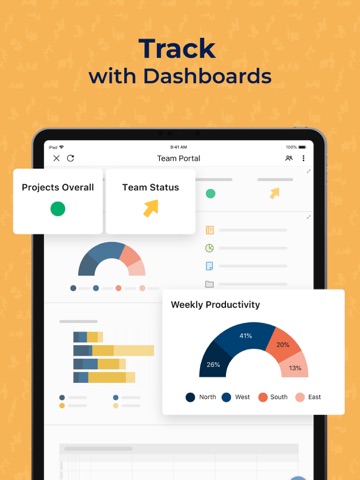
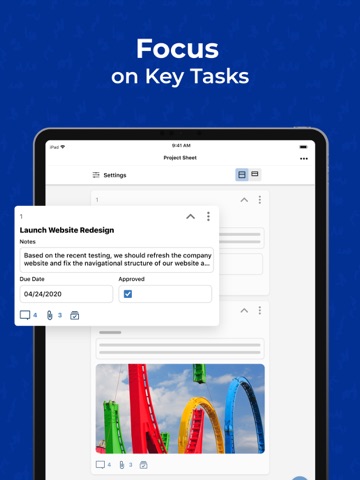
Smartsheet is an AI-powered project and work management app that helps teams in IT, marketing, operations, PMO, and beyond plan projects, track tasks, automate workflows, and collect data from your iPhone, iPad, or Mac. Smartsheet is trusted in 190 countries, including over 90% of Fortune 100 companies and over 80% of Fortune 500 companies. WHAT CAN I DO WITH SMARTSHEET ON MOBILE? • Manage projects and tasks with assignees, due dates, checklists, predecessors, and file attachments so nothing falls through the cracks • Switch between grid, card (kanban), Gantt, and calendar views of the same data to see work the way your team plans it • Get push notifications for the projects and tasks you follow so you can act on changes as they happen • Update sheets, approve requests, and review documents from anywhere HOW DOES SMARTSHEET HELP ME MANAGE PROJECTS AND TASKS? Use sheets to plan projects, assign tasks, and track progress against deadlines. Add dependencies and predecessors for accurate schedules, visualize timelines in Gantt view, and run agile work on kanban boards. Dashboards with live charts and key metrics keep stakeholders informed of project status in real time. CAN SMARTSHEET AUTOMATE MY WORKFLOWS? Yes. Build no-code automated workflows in minutes: send alerts and reminders, request updates and approvals, and automatically assign work or move, copy, and lock rows based on sheet changes or preset times. Automation cuts manual follow-up and status meetings so your team spends more time on the work itself. CAN I COLLECT DATA WITH FORMS? Create forms that automatically map to the columns in your sheets, and use conditional logic to ask the right people the right questions. Capture photos, scan barcodes, and collect error-free, consistent data from the field or from internal and external stakeholders, then act on it immediately. DOES SMARTSHEET WORK WITH MY OTHER APPS? Smartsheet integrates with Google Workspace, Microsoft 365, Salesforce, Slack, Microsoft Teams, Jira, DocuSign, Gmail, Box, Google Drive, OneDrive, and Dropbox. Real-time synchronization keeps tasks, data, and conversations connected in one place. IS SMARTSHEET SECURE ENOUGH FOR ENTERPRISE? Yes. Smartsheet gives business teams no-code tools they love, backed by the security, governance, and admin controls IT requires, which is why it is used by companies of all sizes, from small teams to the world's largest enterprises. WHO IS SMARTSHEET BEST FOR? • Project managers and PMO teams planning and tracking cross-functional projects • Marketing teams managing campaigns, content calendars, and creative requests • IT and operations teams automating intake, approvals, and recurring processes • Field teams collecting data with mobile forms, photos, and barcode scanning • Any team replacing scattered spreadsheets with one collaborative work management platform GETTING STARTED Sign in with your existing Smartsheet account, or enter your email to start a free 30-day trial. Join millions of users worldwide and upgrade to a paid plan anytime.
Latest release
What’s New
We regularly update the Smartsheet app to provide the best user experience possible. In this release, we've made a few bug fixes to improve the experience. Love Smartsheet? Leave us a review. Your ongoing feedback helps us improve our app!
Audience growth
Ratings growth
Momentum comes from crawler snapshots for the tracked storefront. “Viral growth signal” means unusually fast recent rating gains; it is an indicator, not download data.
Price tracking
Price intelligence
- First observed Aug 1, 2026 · 1:25 PM Free
Screenshots
16 screenshots · scroll for more