About this app
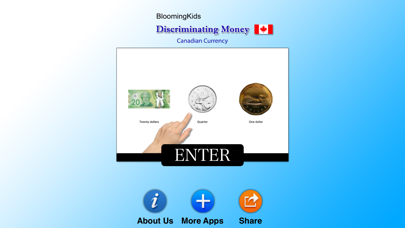
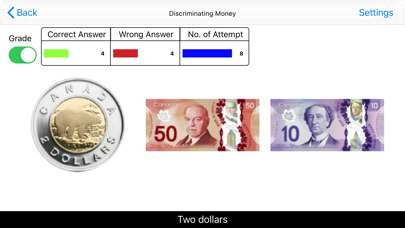
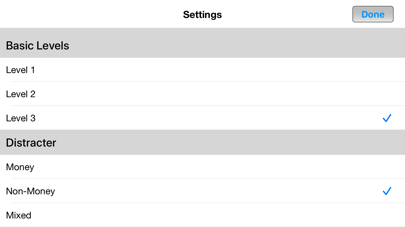
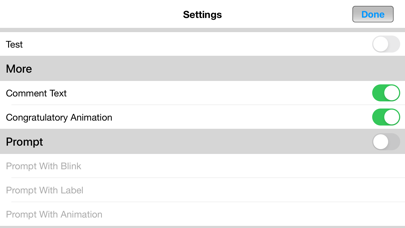
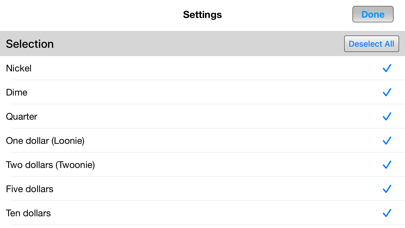
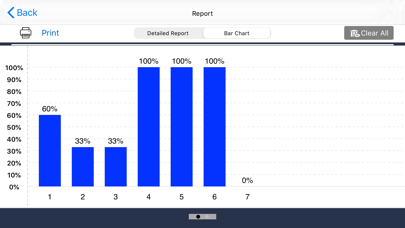
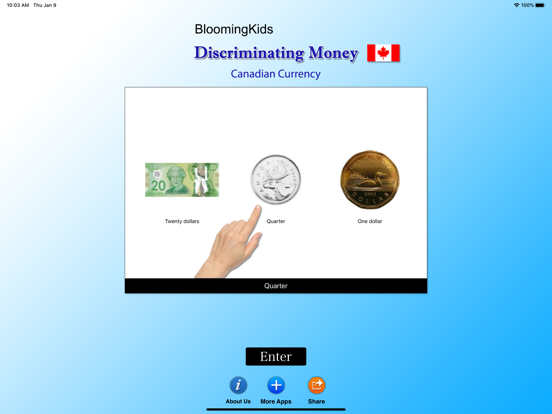
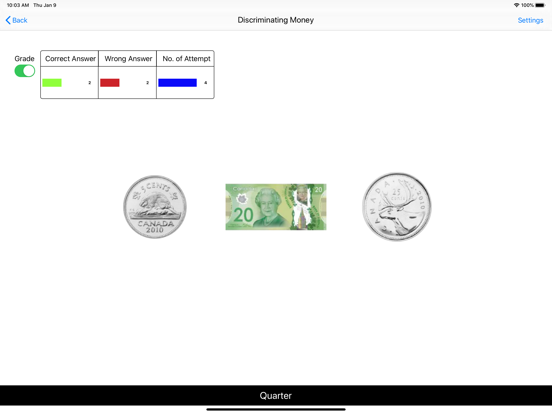
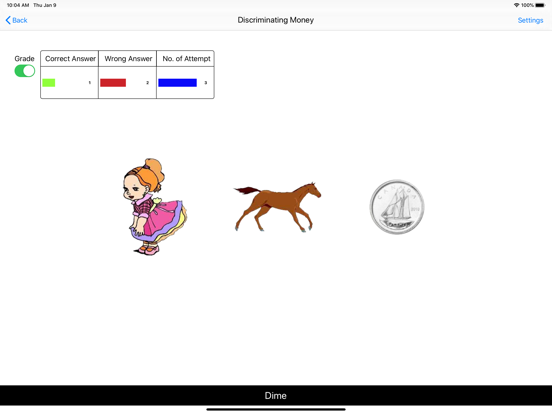
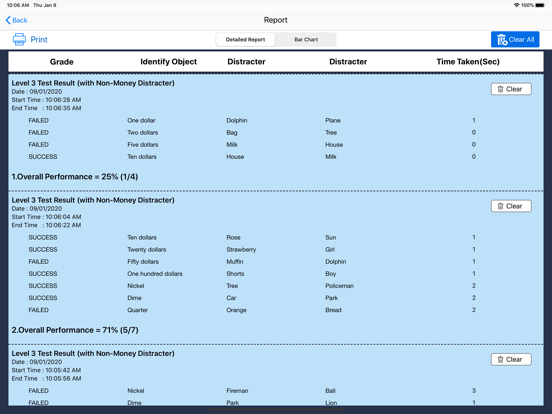
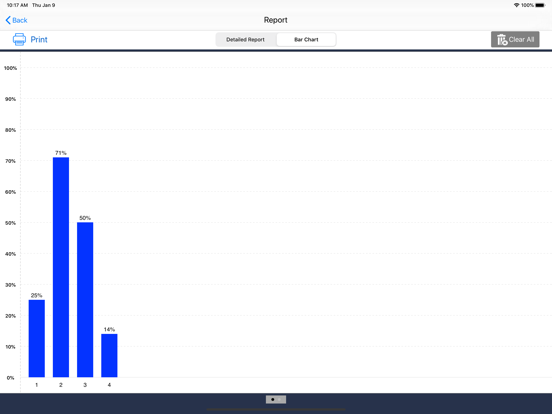
In Discriminating Money, students are shown a coin or bill and must select the correct item from a set of similar coins or bills. This strengthens visual discrimination, identification accuracy, and confidence when working with real-world money. This app include extensive Settings that allow educators or parents to tailor the experience: • Choose Levels 1–3 with customizable distracters (money, non-money, mixed). • Enable/disable Command Text, Labels, Blinking Prompts, or Animations. • Select Training or Test Mode depending on learning goals. • Use “Select All” or choose specific coins and bills to practice. The Report System offers detailed tracking for Test Mode. Users can view grade percentages, correct/incorrect answers, distracters used, and time spent. A Bar Chart view shows progress visually, and “Overall” displays averaged performance over the past ten days. All previous test records can be viewed, printed, or deleted as needed. Designed for simplicity and accessibility, these programs help students build essential recognition, listening, and matching skills. Whether developing early math readiness or strengthening independent-living skills, this app provides a structured, engaging way to practice identifying money correctly.
Latest release
What’s New
We improved button clarity, screen layout, and visual alignment to ensure smoother navigation for students, including early learners and special-education users.
Audience growth
Ratings growth
Baseline captured. Growth appears after the crawler observes a changed rating count.
Momentum comes from crawler snapshots for the tracked storefront. “Viral growth signal” means unusually fast recent rating gains; it is an indicator, not download data.
Price tracking
Price intelligence
First snapshot captured. The trend line starts after the next crawler price observation.
- First observed Aug 27, 2026 · 9:14 AM Free
Screenshots