About this app
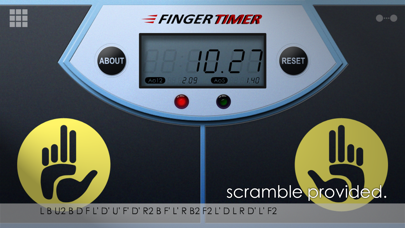
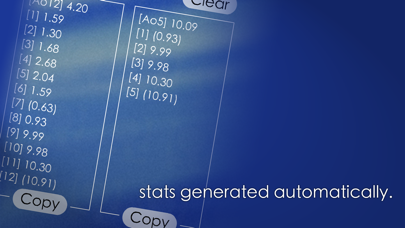
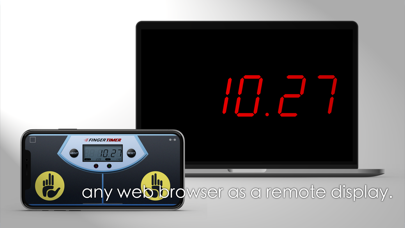
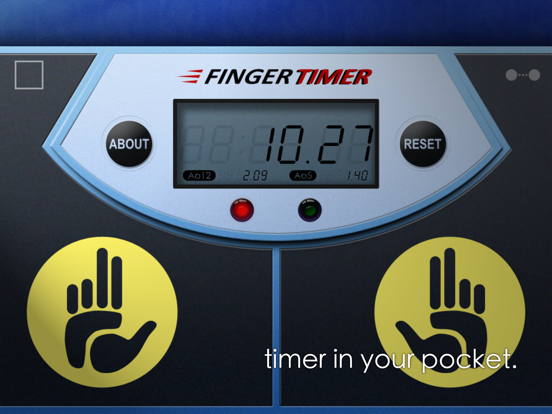
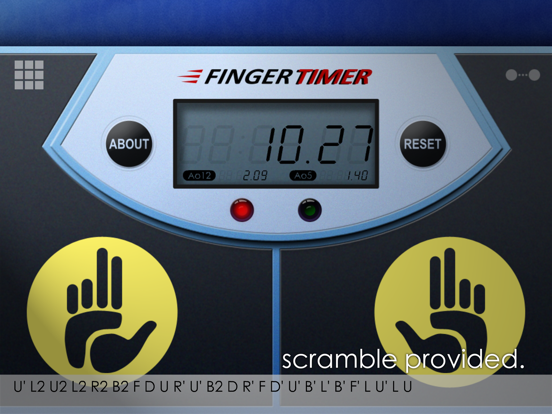
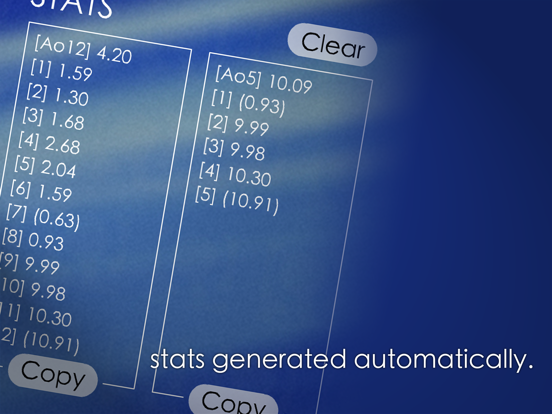
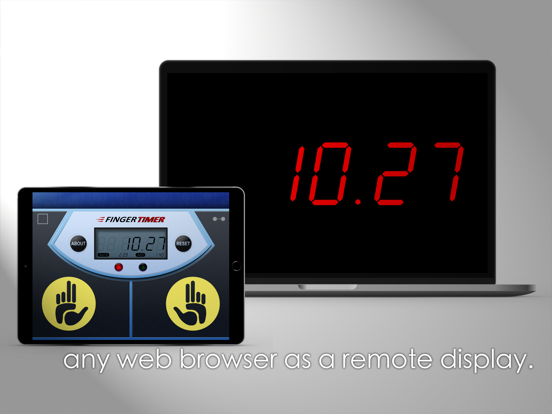
Finger Timer is a speedcubing/speedstacking timer in your pocket! It's a simple and elegant timer app that you must have! [HOW TO USE] 1. Put your fingers on the left and right pads, and hold. 2. When the red and green lights are both on, the timer is ready, and then you can release your fingers to start the timer. 3. When you want to stop the timer, put your fingers back on the left and right pads. 4. If you want to restart the timer, press "RESET" and do the steps 1 to 3. [DISPLAY CONNECTION] 1. Connect your Timer device (with this app) and Display device (any computer or mobile device with a web browser) to the same Wi-Fi network. (Sometimes Internet also works.) 2. In Timer device, tap the top-right icon, and check "Allow display connection" checkbox. 3. In Display device, enter the Timer address into the address bar of your browser, and then press "START". 4. Enjoy it! [Stats] When you using the timer, stats are generated automatically. The average time, Ao5 and Ao12 (full version only), are displaying the summary in the LED panel, and you can also get the details in About page. In About page, you can clear the stats or copy them to show off! Full version: > The maximum time is 60 minutes. > Display connection. (max 60 mins) > Scramble for cube 2x2x2, 3x3x3, 4x4x4, and 5x5x5. > Showing both Ao5 (average of 5) and Ao12 (average of 12). > No ads, no distractions! Subscribe our YouTube channel to watch the latest cubing videos: https://youtube.com/omgcrafts Like us on Facebook for the latest news: https://facebook.com/omegastudiopage
Latest release
What’s New
Improved timer precision with an extra decimal place Updated to high-resolution graphics Fixed Display Connection reconnection issue Minor bug fixes
Audience growth
Ratings growth
Baseline captured. Growth appears after the crawler observes a changed rating count.
Momentum comes from crawler snapshots for the tracked storefront. “Viral growth signal” means unusually fast recent rating gains; it is an indicator, not download data.
Price tracking
Price intelligence
First snapshot captured. The trend line starts after the next crawler price observation.
- First observed Aug 23, 2026 · 2:13 PM $0.99
Screenshots