About this app
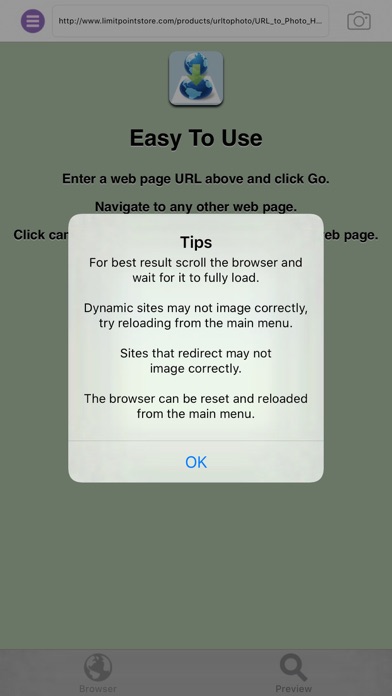
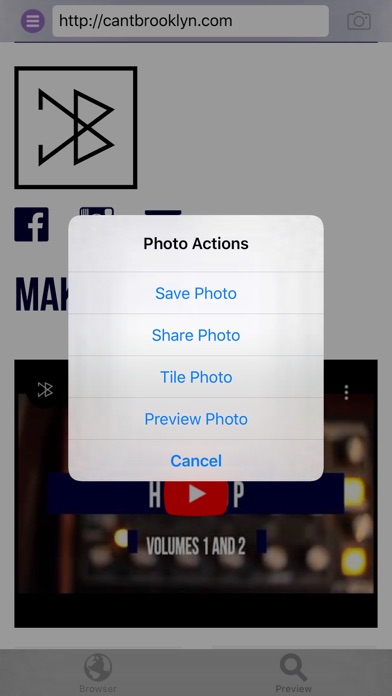
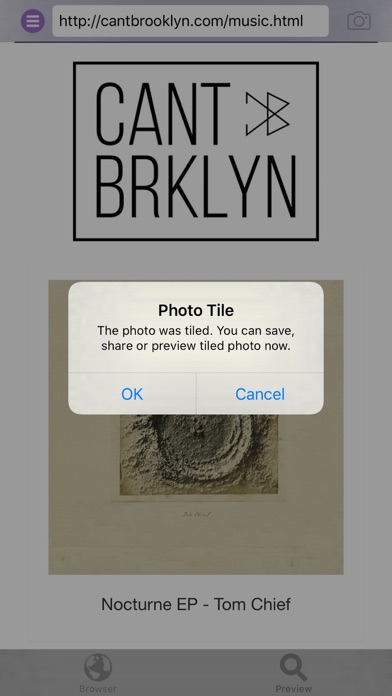
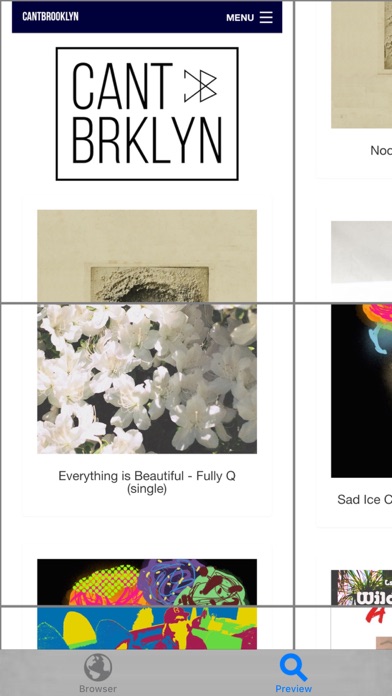
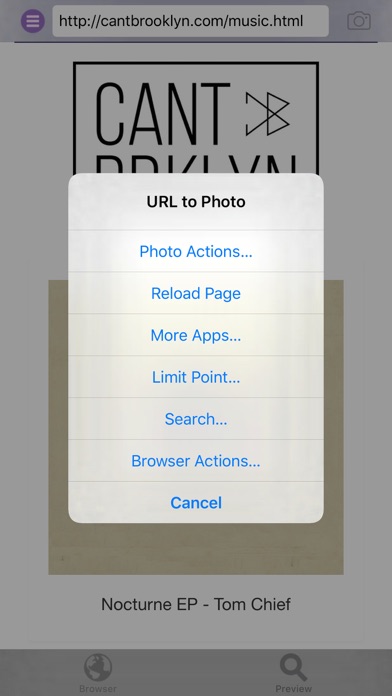
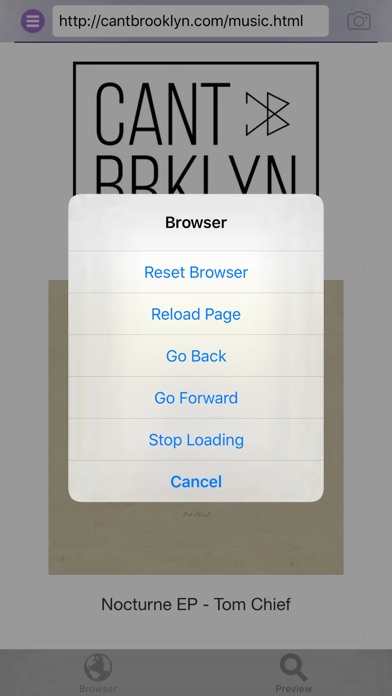
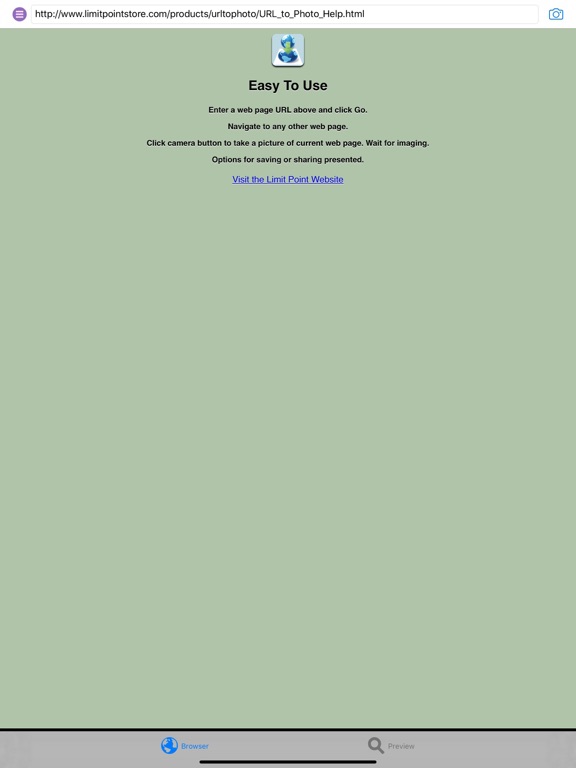
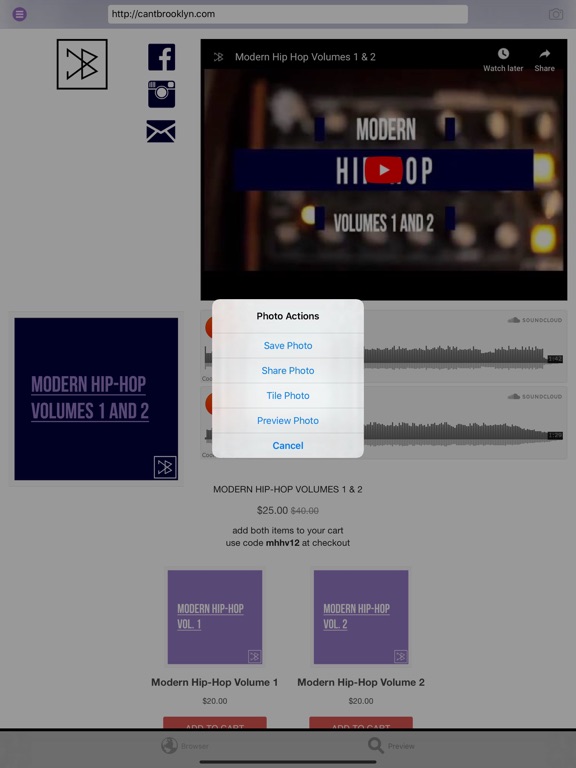
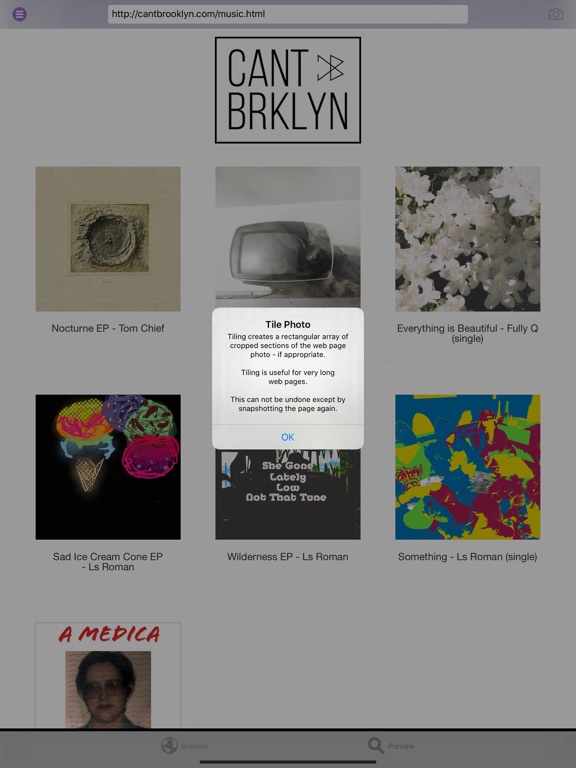
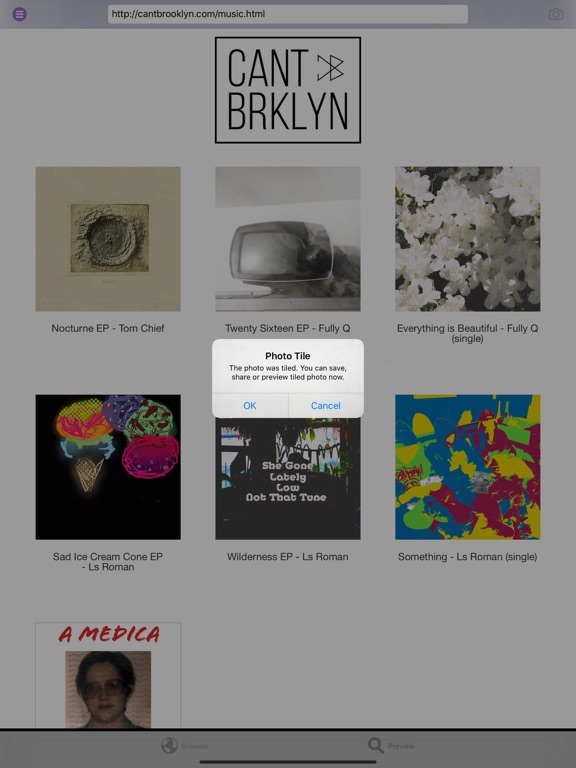
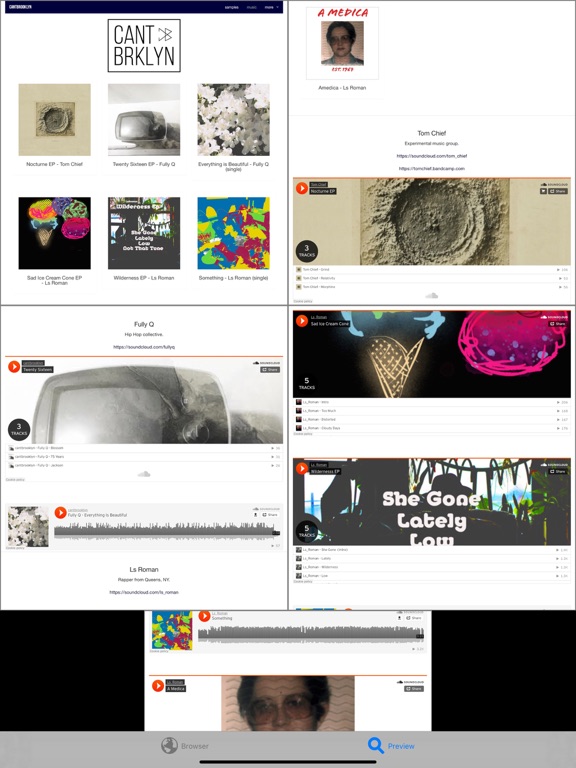
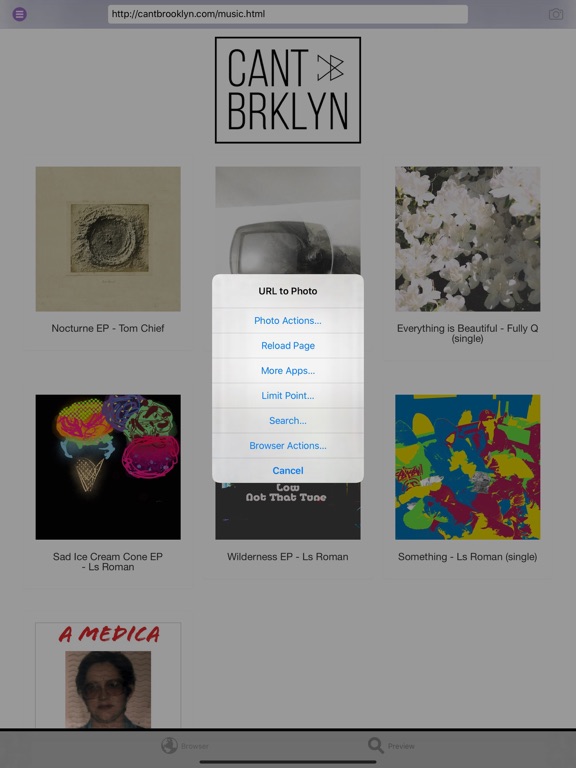
URL to Photo takes full-page snapshots of web pages. Use the built in mini web browser to enter the URL of the web page for which you want to take a full page snapshot. The browser supports navigation and search. The photo of the web page includes even those parts of the page that may not be displayed in the browser because it is too wide or long. To snapshot the page tap the camera button or select ‘Snapshot’ from the main menu. After the picture is taken you have the option to save, share, tile and preview it. Web pages that are very long will have snapshot images that are very long also. In this case you can tile the photo from the main menu 'Photo Actions' submenu. Choose 'Tile Photo' and the snapshot image will be cropped into image segments that will then be arranged in a rectangular array. Note: This app works best on web pages that fully load. Web pages that are dynamic or continue to update while being viewed may not yield the expected image.
Latest release
What’s New
Maintenance update.
Audience growth
Ratings growth
Baseline captured. Growth appears after the crawler observes a changed rating count.
Momentum comes from crawler snapshots for the tracked storefront. “Viral growth signal” means unusually fast recent rating gains; it is an indicator, not download data.
Price tracking
Price intelligence
First snapshot captured. The trend line starts after the next crawler price observation.
- First observed Aug 30, 2026 · 3:51 AM Free
Screenshots