About this app
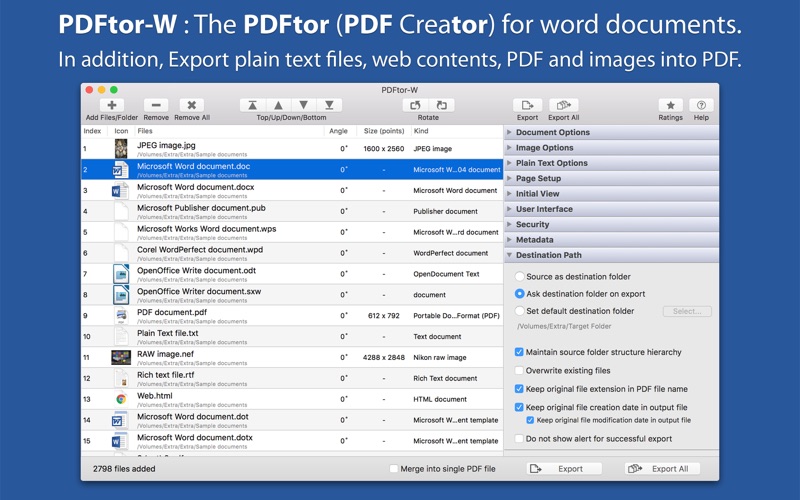
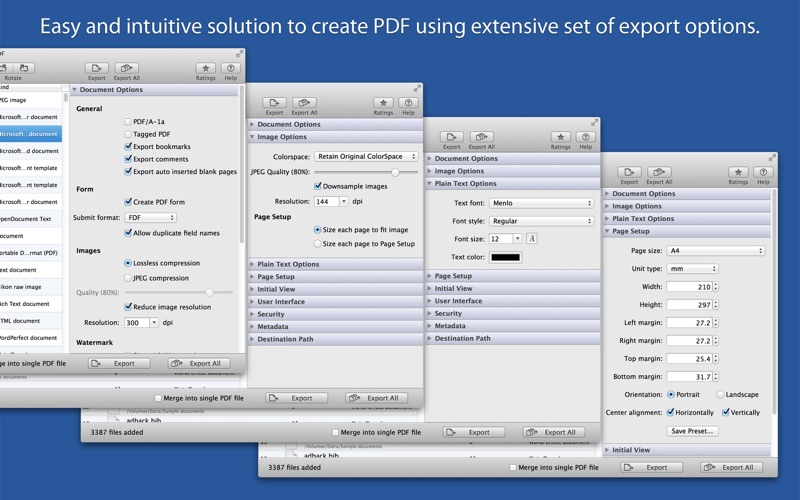
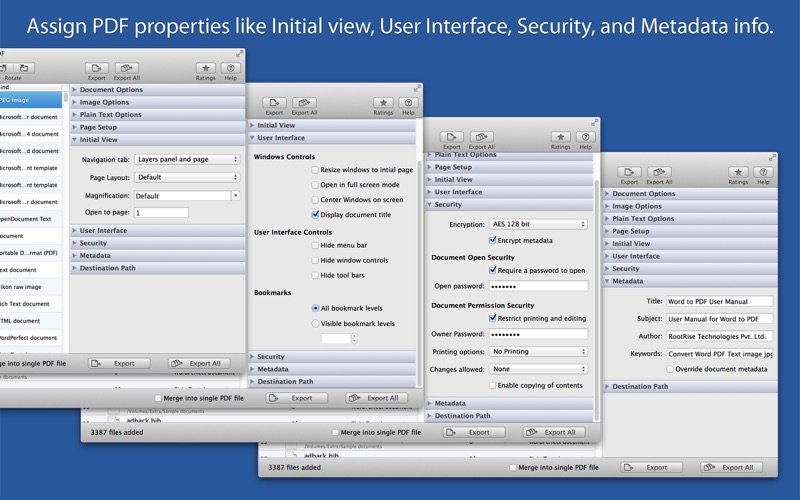
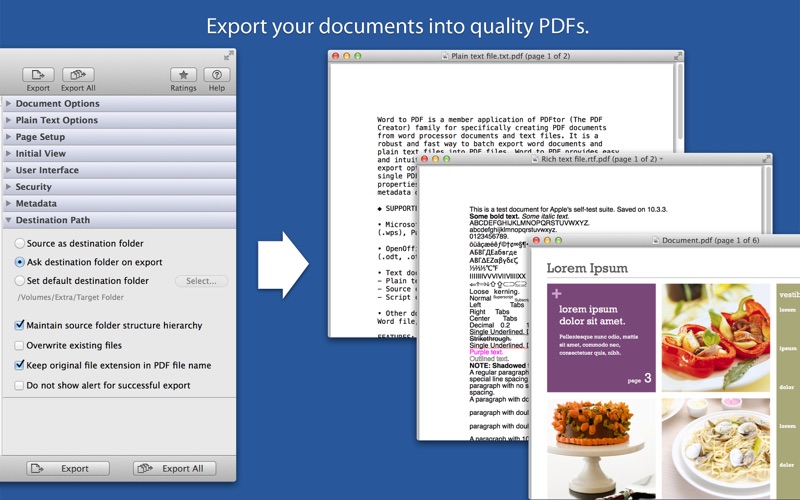
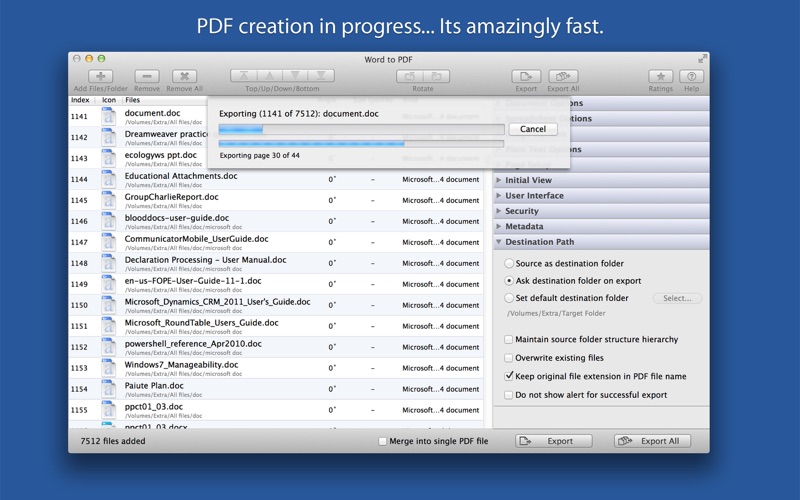
PDFtor-W is a robust and fast way to batch create PDF documents from word processor documents, text files, web contents, images and PDF documents. PDFtor-W provides easy and intuitive solution to create PDF using extensive set of export options. You can also merge multiple files into single PDF. In addition, it provides options to set PDF properties like security, initial view, user interface and metadata description. ◆ SUPPORTED FILE TYPES • Microsoft Word documents (.doc, .docx, .dot, .dotx, to name a few) and Works Word (.wps). • OpenOffice Writer documents (.odt, .ott, .fodt, .sxw, .stw, .sxg) • Text documents like - Plain text files (.txt, .text, .log, .xml and more) - Source code files (.m, .mm, .c, .cpp, .h, .java and more) - Script code text files (.sh, csh, .py, .php and more) • Image files - Digital image types JPEG, JPEG 2000, PSD, PNG, TIFF, BMP, GIF and all other Mac OS supported image formats. - RAW image formats (.crw, .cr2, .nef, .nrw, .srf, .sr2, .dcr, .kdc, .raw, .rw2, .srw, to name a few) • Other documents like PDF, RTF, RTFD, HTML, WordPerfect 1-11 (.wpd, .wp), Lotus Word and AbiWord document and many more… FEATURES: ◆ Batch export at once. Create separate PDF files or merge them into single PDF. ◆ Document options to use for exporting word documents, rtf and text files into PDF. - Option to export as PDF/A-1a and tagged PDF. - Specify to export document bookmarks, comments and auto inserted pages into PDF. - Specify to create PDF form with submit format FDF, PDF, HTML and XML. - Specify image quality and down-sample resolution. - Apply text watermark to export as personalise PDF. ◆ Image export options are used while creating PDF from digital images. Allows you to provide image color space model, quality, down sampling resolution and output PDF page size for each exported images. ◆ Export plain text documents by applying font, size and color text attributes. ◆ Define output PDF page layout by specifying page size, margins, page orientation and content alignment. Specified page setup can be only used while exporting images and plain text files. ◆ Define an initial view options to set magnification level, page, and page layout. ◆ Define an user interface controls which parts of PDF reader own user interface should be hidden when this document is displayed. It includes Window Controls, User Interface Options, Bookmarks and Transitions. ◆ Set security options to encrypt output PDF by setting open document password and permission password with file restriction controls. Define encryption level and key size for document encryption. ◆ Assign Title, Author, Subject and Keywords metadata info to PDF. ◆ Sort and shuffle files in list. Very useful while merging multiple files into single PDF. ◆ Rotate document pages. ◆ Option to export PDF beside source file location. Maintain exact source folder's storage hierarchy at destination and other flexible option for easy conversion. Note: PDFtor-W is a standalone application running natively to export documents into PDF securely right on your computer, you don’t have to install any third party application or plugin to convert a file to PDF and you don’t even have to open the authoring application to convert a file to PDF.
Latest release
What’s New
- Bug fixes and UI improvements to streamline with latest macOS. We are thankful to all users for their valuable feedback :)
Audience growth
Ratings growth
Baseline captured. Growth appears after the crawler observes a changed rating count.
Momentum comes from crawler snapshots for the tracked storefront. “Viral growth signal” means unusually fast recent rating gains; it is an indicator, not download data.
Price tracking
Price intelligence
First snapshot captured. The trend line starts after the next crawler price observation.
- First observed Aug 14, 2026 · 12:53 AM $12.99
Screenshots