About this app
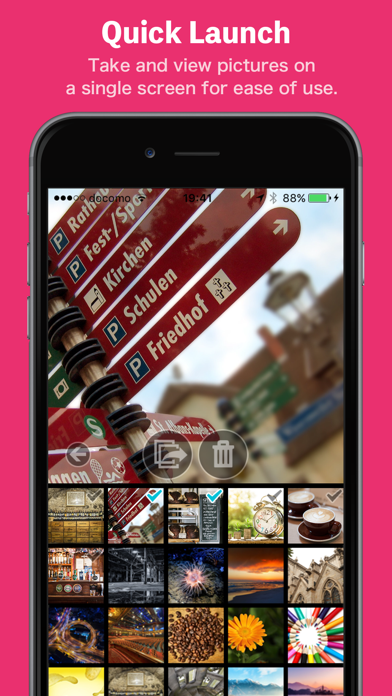
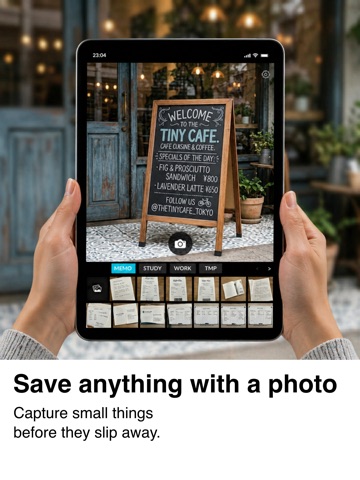
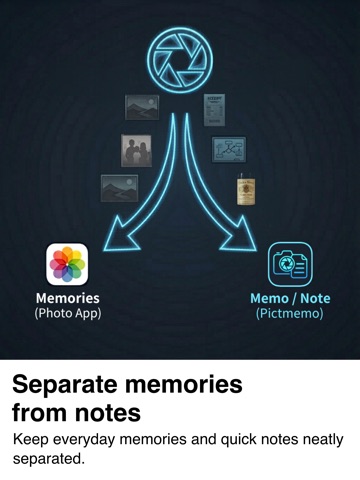
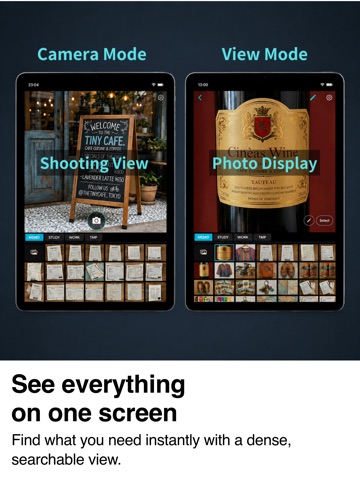
Pictmemo is a dedicated camera app for quick photo memos. Receipts, signs, timetables, whiteboards, business cards, product tags, and anything else you may want to check later can be captured quickly as a photo memo. The camera area and thumbnail list are on the same screen, so you can launch, capture, find, and delete memos smoothly. Photos are saved inside the app, so your iOS photo library does not get filled with memo images. [Main Features] - Camera and thumbnail list on one screen - Tap to focus, pinch to zoom - High-quality capture mode - Capture in 1:1 or original aspect ratio - Import from the photo library - Adjustable thumbnail count - Quickly select, delete, and share from the list - Batch save to the photo library - Add text with Draw editing - Organize with folders - Export as PDF or ZIP [Ways to Use] - Save receipts, invoices, warranties, and bills as quick memos - Record wine labels, drink labels, coffee bean labels, and food labels - Keep temporary copies of business cards, shop cards, membership cards, and medical cards - Save timetables, route maps, parking information, floor guides, and signs - Capture whiteboards, blackboards, handouts, meeting notes, and class notes - Record model numbers, product codes, barcodes, QR codes, size charts, and price tags - Save travel maps, opening hours, hotel information, and event notices - Review documents and task images later in one organized list You can get started for free. Try a lightweight photo workflow designed specifically for memos. * If you delete the app, images saved inside the app will also be deleted. Please export any important images before deleting the app.
Latest release
What’s New
v3.0.1 I fixed some minor bugs. - The camera button position is now remembered after moving it. v3.0.0 Pictmemo has been updated with major improvements. - Added folder organization. - Added zoom support while capturing photos. - Added high-quality capture mode. - Added support for saving in the original aspect ratio in addition to 1:1. - Added import from the photo library. - Added adjustable thumbnail count. - Added text annotations. - Added batch saving to the photo library. - Added batch export as ZIP files. - Added iPad support. - Updated the app icon. - Improved stability. - Added a Pro plan.
Audience growth
Ratings growth
Baseline captured. Growth appears after the crawler observes a changed rating count.
Momentum comes from crawler snapshots for the tracked storefront. “Viral growth signal” means unusually fast recent rating gains; it is an indicator, not download data.
Price tracking
Price intelligence
First snapshot captured. The trend line starts after the next crawler price observation.
- First observed Aug 19, 2026 · 11:28 AM Free
Screenshots