About this app
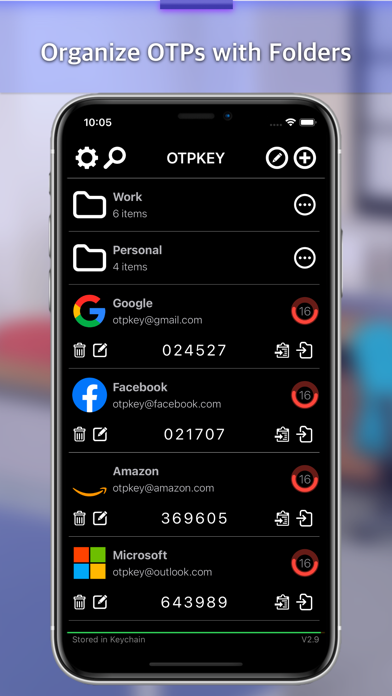
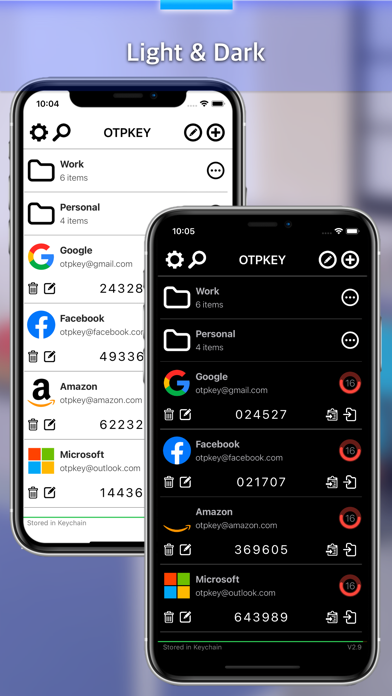
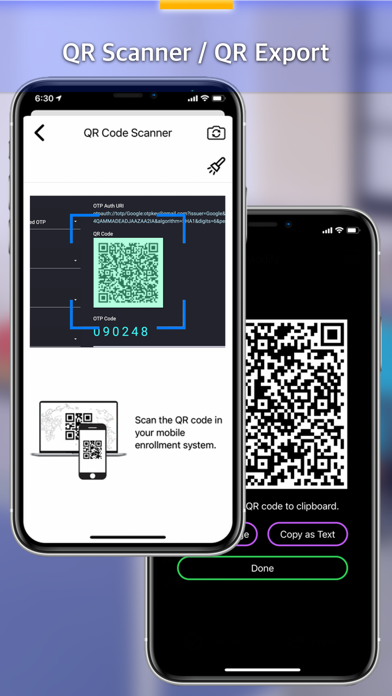
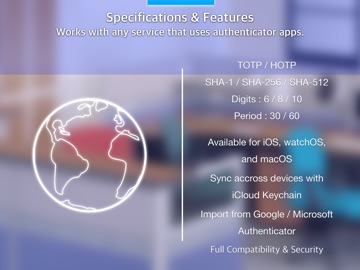
Otpkey Authenticator generates one-time passwords for two-factor authentication on iPhone, iPad, Mac and Apple Watch, and keeps them in sync through iCloud Keychain. It works completely offline. No account, no server: your secrets stay in the system Keychain on your devices, protected by your passcode, Face ID or Touch ID. Otpkey Authenticator works with every service that supports standard TOTP or HOTP codes, including Google, Microsoft, Amazon, GitHub, Facebook, X, Dropbox, Discord, PayPal, AWS, Synology and many more. Switching from Google Authenticator? Scan its "Export accounts" QR code and all of your accounts are imported at once. Features ======= - Available for iPhone, iPad, Mac and Apple Watch, synced through iCloud Keychain - Folders and search to organize many accounts - Scan QR codes to add accounts - Import all accounts from a Google Authenticator export QR code - Export any account as a QR code - Encrypted, password-protected backup and restore (PEM file format) - Face ID / Touch ID lock - Hide codes on screen, copy with one tap - Custom account icons - iOS: Home Screen widgets (small, medium and large) - iOS: Apple Watch app with complication - macOS: Lives in the menu bar, always one click away - macOS: Scan QR codes straight from the screen - macOS: Launch at login, auto hide - macOS: Drag and drop Specifications =========== - Type: Time-based (TOTP), Counter-based (HOTP) - Algorithm: SHA-1, SHA-256, SHA-512 - Digits: 6, 8, 10 - Period: 30, 60 seconds Standards ======= TOTP - Time-based One-Time Password Algorithm (RFC 6238) HOTP - HMAC-Based One-Time Password Algorithm (RFC 4226)
Latest release
What’s New
Folders - Organize your accounts into folders. Create, rename, delete and move accounts between them. - Search within the current folder or across all accounts. - A single + button to add an account or a folder. Accounts added inside a folder go straight into it. Import from Google Authenticator - Scan the "Export accounts" QR code from Google Authenticator and import all of your accounts at once. Backup - Encrypted backups now include your folder structure. - Backup files remain compatible with earlier versions of Otpkey Authenticator. - Password entry is easier: an Enter button, and the password is accepted as soon as you move on. Security - Secrets are now kept only in the system Keychain. The old plain-text copy used for widgets has been removed. iPad - Responsive layout for Split View and Slide Over. Widgets - Updated for the latest iOS widget style. macOS - Edit mode in the list for moving and deleting accounts. - New app icon that renders correctly on macOS 26. - Popover now follows the menu bar icon and matches forced Light/Dark appearance. Fixes - Trash button did not respond in some cases. - Folder data could be lost when saving to the Keychain right after a change. - Duplicate separator lines in folder rows on macOS.
Audience growth
Ratings growth
Baseline captured. Growth appears after the crawler observes a changed rating count.
Momentum comes from crawler snapshots for the tracked storefront. “Viral growth signal” means unusually fast recent rating gains; it is an indicator, not download data.
Price tracking
Price intelligence
First snapshot captured. The trend line starts after the next crawler price observation.
- First observed Oct 12, 2026 · 1:45 PM Free
Screenshots