About this app
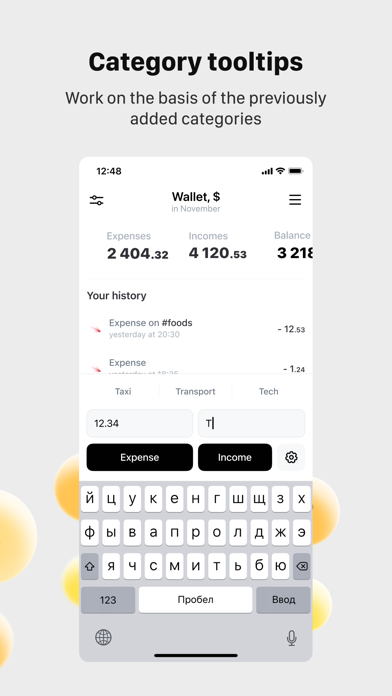
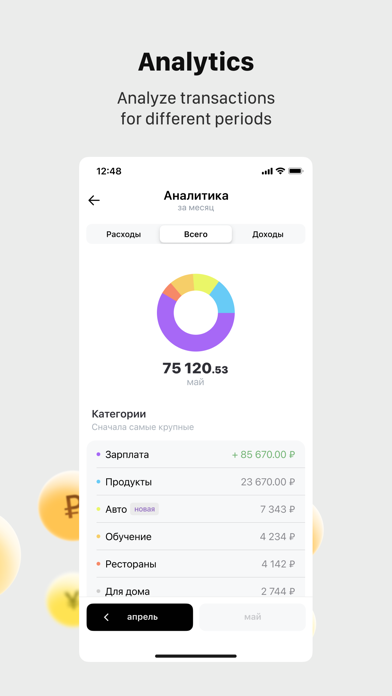
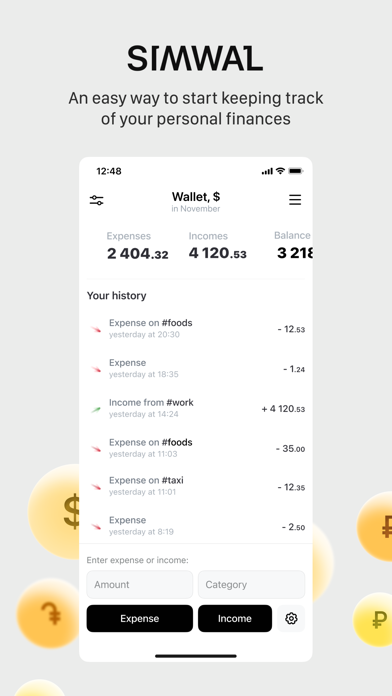
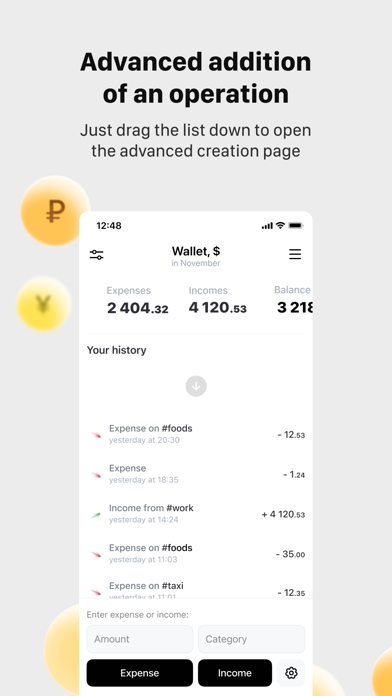
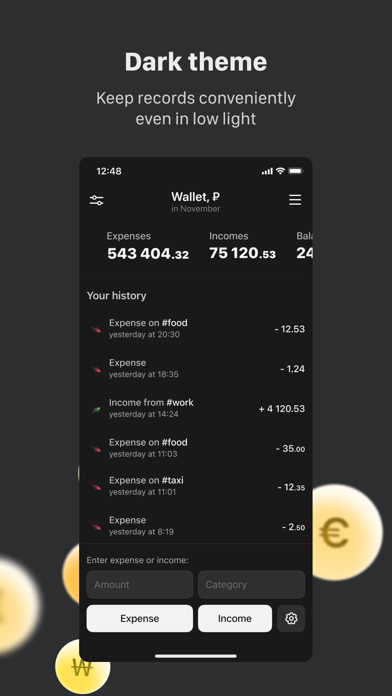
- Simple interface The application has a simple but functional interface. The emphasis is on quick addition of transactions and viewing the most basic indicators for the current month: balance, income, expenses. - Tracking the current balance Always be aware of the total amount of money available. To do this, add up all cash and non-cash funds and enter them in the appropriate field. The app will automatically keep track of the current balance based on the expense and income transactions you create. - Instant addition of expense and income transactions The app focuses on the speed of adding transactions; there are two ways to add a transaction: fast and advanced. The fast way is always available on the home screen at the bottom, so you can instantly add new transactions as soon as you open the app. The advanced way can be opened on the Home screen by swiping down on the list with the history of transactions. This method contains additional features that will increase over time. - Creating multiple accounts for accounting In the app, accounts are called "wallets" and you can create up to 10 wallets for different needs. You can choose a different currency for each wallet. Wallets are needed to keep your accounting more tightly delineated. Transactions in different wallets are independent of each other. Example of splitting accounting into several purses: personal, IE. - Reminders Set notifications for your convenience and the app will remind you every day to write down your expenses. - Appearance The app supports black and white themes that you can switch between right inside the app. We plan to actively grow and develop the app while keeping the interface light. Join in!
Latest release
What’s New
Balance accounting has been corrected. Made a few other small fixes.
Audience growth
Ratings growth
Baseline captured. Growth appears after the crawler observes a changed rating count.
Momentum comes from crawler snapshots for the tracked storefront. “Viral growth signal” means unusually fast recent rating gains; it is an indicator, not download data.
Price tracking
Price intelligence
First snapshot captured. The trend line starts after the next crawler price observation.
- First observed Aug 20, 2026 · 2:37 AM Free
Screenshots